Electric Scooter Not Charging: Common Causes and How to Fix Them
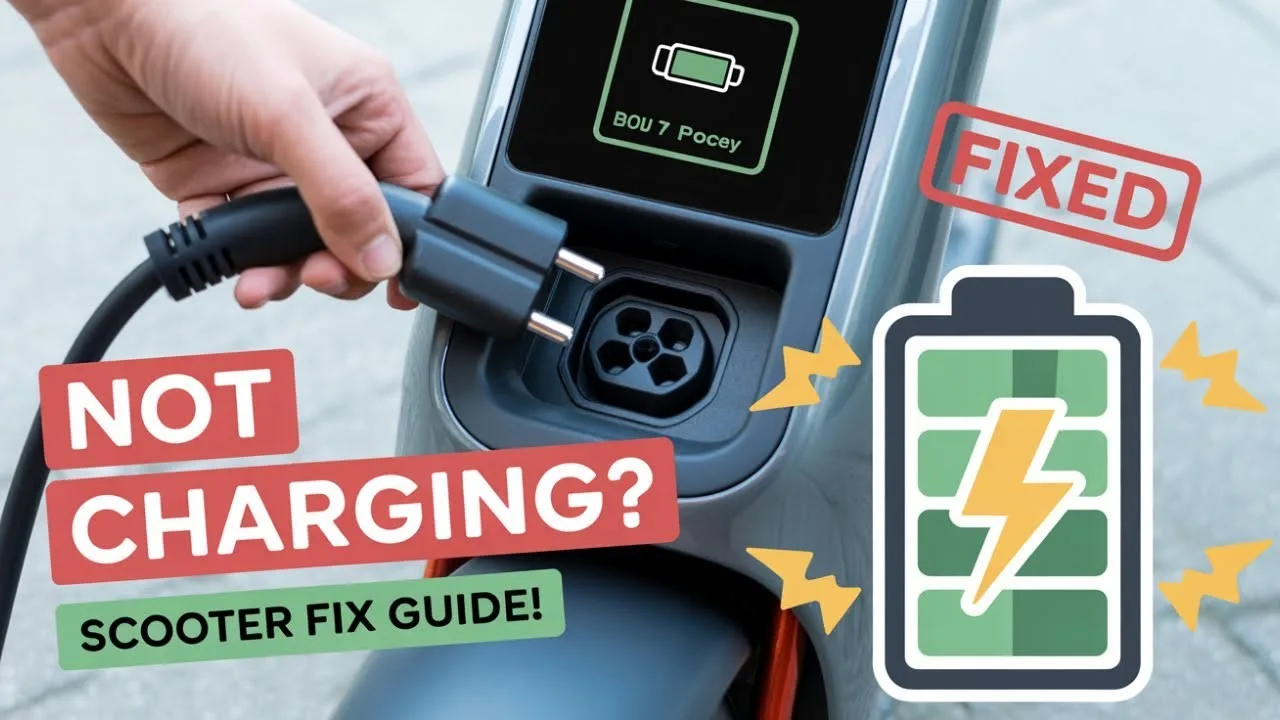
Electric scooters have revolutionized modern commuting — convenient, efficient, and eco-friendly. However, even the best scooters can face issues over time, and one of the most common is the battery not charging. Whether your scooter shows no light when plugged in or the charge drains unusually fast, understanding the root cause can help you get back on the road quickly.
If you own an iScooter electric scooter or plan to buy one, this guide will help you identify charging problems, their solutions, and preventive care to extend battery life.
- Check the Power Source
Before assuming the issue is with your scooter, always start with the basics. Ensure that the wall socket or extension cord is working properly by testing it with another device.
- Try a different outlet to confirm power flow.
- Avoid power strips or surge protectors — they sometimes limit voltage.
- Ensure the charger is properly plugged in on both ends.
If the outlet works fine, move on to inspecting the charger.
- Inspect the Charger
A faulty charger is one of the most common reasons for charging failure.
What to look for:
- Is the indicator light on the charger turning on?
- Do you notice any unusual smell, heat, or frayed wires?
- Does the connector fit tightly into the scooter’s charging port?
If the charger light remains off when connected to the scooter, it could be defective. Use a voltmeter to check output voltage. If readings differ from the standard value listed on your charger, it’s time for a replacement.
For best performance, always use genuine chargers recommended by iScooter to maintain safety and battery health.
- Examine the Charging Port
Dirt, dust, or moisture in the charging port can interrupt power transfer. Use a dry cloth or compressed air to gently clean the port. Avoid inserting metal objects, as this could damage internal components.
Also check for:
- Loose connections or bent pins inside the port.
- Corrosion, which can occur from water exposure.
If the port feels loose or damaged, a qualified technician should replace it.
- Evaluate the Battery Condition
Over time, lithium-ion batteries degrade naturally. If your scooter has been in use for over two years or hasn’t been charged for months, the battery might have entered a deep-discharge state, making it temporarily unresponsive.
Try these steps:
- Plug in and leave it charging for several hours — sometimes it takes time to reactivate.
- If no improvement, use a boost charge method (done by professionals only).
- If the scooter still won’t charge, the battery may need replacing.
High-quality models like those from iScooter use premium batteries with built-in protection systems to prevent overcharging or overheating, significantly reducing the risk of permanent failure.
- Check the Battery Management System (BMS)
The BMS controls the flow of electricity within your scooter’s battery pack. If it detects a fault — such as over-voltage or short-circuit — it may automatically cut power to prevent damage.
Resetting the scooter can sometimes fix this issue:
- Disconnect the charger.
- Turn off the scooter completely.
- Wait a few minutes and plug it back in.
If the scooter still doesn’t respond, the BMS may need professional servicing.
- Environmental and Usage Factors
Extreme temperatures can affect charging efficiency. Avoid charging your scooter:
- In very hot or cold environments.
- Immediately after riding when the battery is still warm.
Instead, let the scooter cool down to room temperature before connecting it to the charger.
Regular over-charging or completely draining the battery also shortens its lifespan, so try to keep charge levels between 20–80% for optimal longevity.
- When to Seek Professional Help
If you’ve checked the power source, charger, port, and battery without success, it’s best to contact an authorized repair center. Attempting DIY battery repairs can be risky and may void your warranty.
With iScooter, customers benefit from:
- UK-based service centers.
- Genuine replacement parts.
- Up to 24 months warranty for eligible models.
This ensures peace of mind and professional handling of all electrical components.
Conclusion
A scooter that’s not charging doesn’t necessarily mean a serious fault — in most cases, it’s a minor issue like a loose connection or damaged charger. By following the above troubleshooting steps, you can often identify and fix the problem yourself.
However, for advanced electrical repairs or battery replacements, rely on trusted professionals. Explore high-quality, durable scooters and accessories from iScooter — designed with smart battery protection and superior performance to keep your rides smooth and worry-free.
Frequently Asked Questions (FAQ)
- Why is my scooter charger light not turning on?
It may indicate a faulty charger, a damaged power cable, or no power from the outlet. Try a different socket or check with a voltmeter. - How do I know if my scooter battery is dead?
If it doesn’t hold charge even after several hours of charging, or the range drops significantly, the battery may need replacement. - Can cold weather affect scooter charging?
Yes. Extremely low temperatures reduce charging efficiency and may temporarily disable the battery’s charging circuit. - How long should I charge my electric scooter?
Most scooters need 4–6 hours for a full charge. Overcharging can reduce battery life. - Should I leave my scooter plugged in overnight?
It’s not recommended. Once the battery reaches 100%, unplug it to prevent unnecessary stress on the cells.