Create a Meaningful Tribute Video from Old Photos with AI
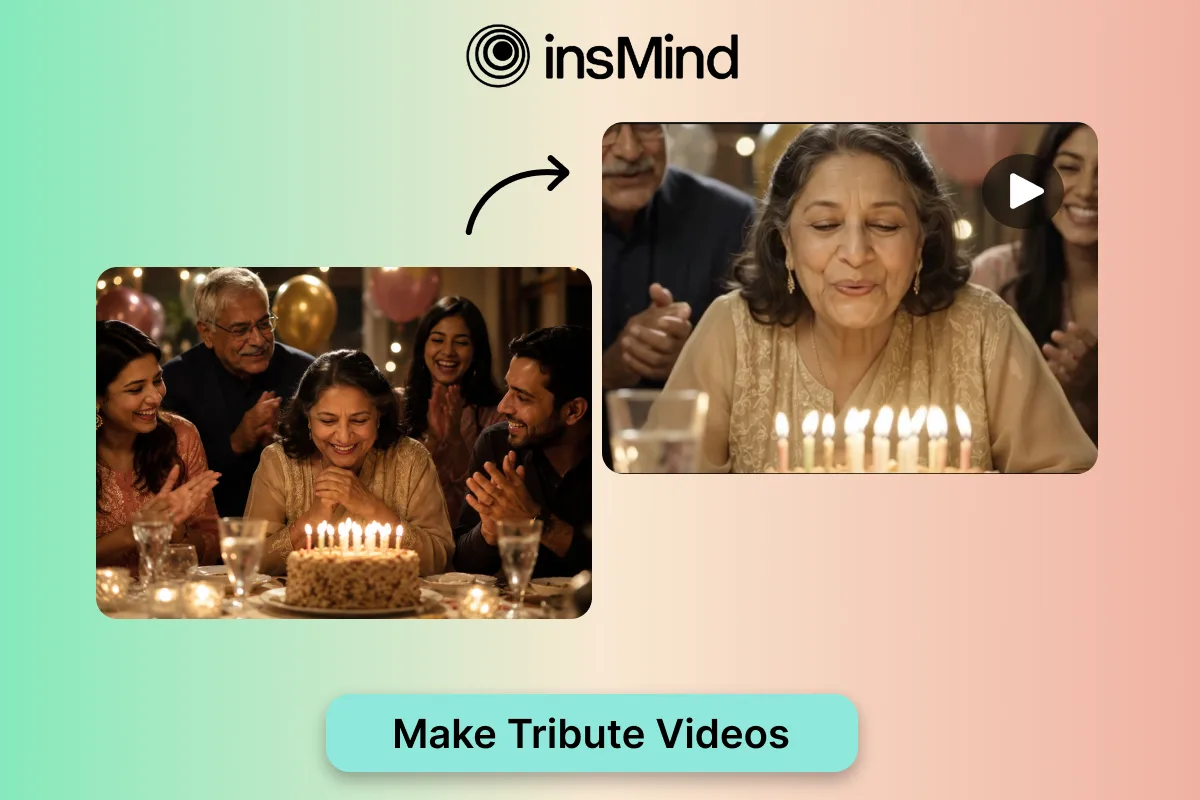
A single old photo can carry an entire story: a birthday table, a wedding portrait, a retirement moment, or a quiet family memory. An AI Tribute Video Maker helps turn that still image into a short, emotional video with natural movement and a polished finish.
Instead of arranging a slideshow frame by frame, you can describe the memory, choose the occasion, and let AI create gentle motion, warm lighting, and a scene that feels ready to share. That makes tribute videos easier for families, creators, event planners, and teams who want something personal without learning a full editing timeline.
This guide explains when tribute videos work best, how to make one with insMind, and how to write prompts that keep the person, mood, and memory at the center of the clip.
Why Old Photos Work So Well for Tribute Videos
Old photos already have emotional context. The people, clothing, setting, and occasion give AI a clear starting point. When the prompt adds a mood and camera direction, the result can feel more alive while still respecting the original memory.
If your goal is only to bring a vintage portrait to life, Animate Old Photos is a focused option. A tribute video goes a step further by shaping the clip around a birthday, wedding, retirement, memorial, or family milestone.
The best results usually come from restraint. A slow push-in, a subtle smile, candlelight, soft background movement, or a gentle pan often feels more sincere than dramatic transitions or heavy visual effects.
When to Create an AI Tribute Video
Use a tribute video when a photo deserves more emotional space than a static post. It can become a birthday greeting, event opener, wedding memory, retirement thank-you, memorial keepsake, graduation clip, or family reunion highlight.
For celebrations, a AI Birthday Video Generator can help shape the scene around candles, family smiles, or a heartfelt party mood. For romantic or family milestones, a AI wedding video maker can support anniversary clips, reception screens, or sentimental couple videos.
Even one image is enough if the subject is clear. A short prompt can explain who is in the scene, what the occasion means, and what emotion viewers should feel when the video plays.
How to Make a Tribute Video with AI Using insMind
The process stays simple: choose the memory, describe the feeling, generate the clip, then review the result before sharing it.
Step 1: Upload a Photo or Start with an Idea
Begin with the photo, portrait, group image, or memory you want to turn into a tribute. A clear face, visible setting, and recognizable subject give AI better context. If you do not have a photo ready, start with a short text idea that describes the person, occasion, and tone.
Step 2: Choose a Tribute Type and Add Your Prompt
Pick the tribute style that fits the moment, such as birthday, wedding, retirement, or memorial. Then write a prompt that explains the mood, camera movement, lighting, people, and emotional direction. Keep the instruction specific but gentle so the memory remains natural.
Step 3: Click Generate
Generate the first version and let AI build the motion from your prompt. For tribute clips, simple movement usually works best: a slow push-in, soft pan, subtle candle flicker, warm background motion, or calm expression change.
Step 4: Download and Share
Preview the full video before downloading. Check whether the face still looks recognizable, the motion feels respectful, and the tone matches the occasion. When it feels right, download the clip for social sharing, event playback, or a private family message.
Prompt Examples for Different Tribute Styles
A strong tribute prompt names the occasion, preserves the subject, and gives AI a clear emotional direction. Use these examples as starting points:
- Birthday: Create a warm birthday tribute from this family photo. Keep the main person recognizable, add candlelight, soft smiles, family clapping, slow camera movement, and a joyful but heartfelt mood.
- Wedding: Create a romantic wedding memory from this couple photo. Add golden lighting, a gentle push-in, subtle floral motion, and a nostalgic anniversary feeling while preserving the couple’s identity.
- Retirement: Create a respectful retirement tribute for a teacher or coworker. Use calm office or classroom lighting, slow camera movement, soft applause, and a grateful celebratory tone.
- Memorial: Create a peaceful memorial tribute from this old portrait. Use soft natural light, very gentle camera motion, and a reflective mood that honors the person without changing their identity.
- Family milestone: Create a heartfelt family milestone clip from this group photo. Add warm home lighting, natural smiles, a slow zoom, and a nostalgic but hopeful tone.
If you want a longer tribute made from several pictures, an image to video workflow can help you animate each photo first, then combine the clips into a complete memory video.
Tips for More Natural Tribute Videos
- Keep the person recognizable. Ask AI to preserve the face, age, clothing, pose, and natural expression.
- Name the occasion clearly. Birthday, wedding, retirement, memorial, and family milestone videos need different emotional tones.
- Use gentle camera language. Try slow push-in, soft pan, subtle zoom, warm background motion, or calm handheld movement.
- Avoid asking for too many changes at once. A tribute video should feel sincere, not overproduced.
- Preview before sharing. Look for face changes, awkward motion, lighting issues, or anything that feels different from the original memory.
FAQs About AI Tribute Videos
Can I make a tribute video from one old photo?
Yes. One clear, meaningful photo can become a short tribute video when the prompt explains the occasion, mood, movement, and person to preserve.
What photos work best?
Clear portraits, family group photos, birthday scenes, wedding images, retirement portraits, and milestone photos usually work well.
Can AI tribute videos be used for memorials?
Yes. Use a calm, respectful prompt with soft lighting, subtle motion, and clear instructions to preserve the person’s identity.
Do I need editing experience?
No. The workflow is prompt-based. Upload a photo or write an idea, choose settings, generate, preview, and download.
How do I make the result feel emotional but not dramatic?
Use restrained motion, natural lighting, and a clear tone. Avoid extreme effects unless the occasion specifically calls for them.
Final Thoughts
A meaningful tribute video does not need a large archive of footage. Often, one strong photo and a thoughtful prompt are enough to create a short clip that feels personal and easy to share.
Start with the memory that matters most, open the AI Tribute Video Maker, describe the occasion carefully, and keep the motion gentle. In a few minutes, an old photo can become a warm video keepsake for family, friends, or a special event.