Check Writing Software for Mac: What Mac Users Should Verify Before Choosing
Disclosure: This article was published as part of a paid partnership with OnlineCheckWriter.com, a Zil Money platform. The author is an independent contributor.
Good check writing software for Mac should let a Mac user create and print checks without forcing the business into an unnecessary Windows-only workflow.
But operating-system compatibility is only the first requirement.
Businesses should also consider check stock, MICR, bank accounts, accounting connections, templates, approvals, and whether the software is installed locally or accessed through a browser.
Native Mac Software and Cloud Software Are Different
Traditional check software may install directly onto macOS.
VersaCheck, for example, maintains documentation for a Mac version of its product. Its Mac guide describes installing the application, setting up bank accounts and checkbooks, and printing checks.
Cloud-based software uses another model.
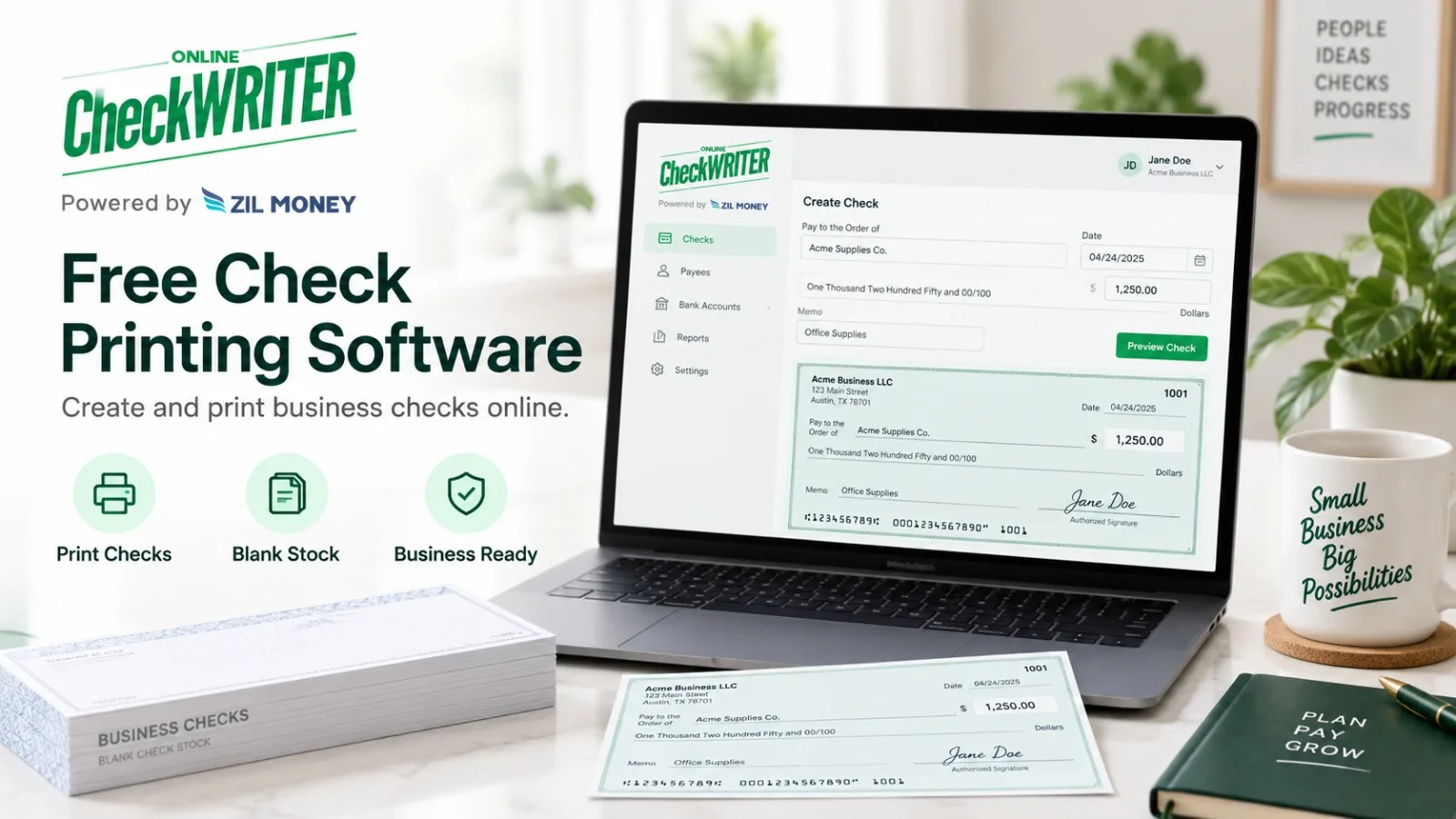
OnlineCheckWriter.com describes its check-creation tools as compatible with Mac and Windows users and provides cloud-based check creation and printing.
Instead of choosing purely between brand names, decide whether the business wants a local application or browser-based access.
Make Sure the Printer Works With the Mac
The check-writing software can prepare the document, but macOS still needs to work correctly with the physical printer.
Before using a new check setup, verify the printer driver, paper size, scaling, orientation, and alignment.
A template that looks correct on the screen can still print incorrectly if the printer settings resize the page.
Run a test before issuing an important check or batch.
Understand MICR Requirements
Mac compatibility does not change check-processing standards.
The Federal Reserve says that when the payer prints the MICR line of an original check, that line should be printed with magnetic ink.
If the stock already has a pre-printed MICR line, the rest of the check information can be printed using regular ink.
That means the business may need MICR-compatible supplies regardless of whether it uses macOS, Windows, or a browser.
Consider Multiple Bank Accounts
Small businesses often manage more than one account.
Check-writing software should make the funding account clear before printing.
OnlineCheckWriter.com’s current software supports connecting multiple financial accounts and creating checks based on the selected account.
Users should still verify the routing number, account information, and check sequence before each new printing setup.
What About QuickBooks?
Mac users may also want accounting connectivity.
VersaCheck’s support documentation includes a QuickBooks-related Mac printing workflow.
OnlineCheckWriter.com promotes QuickBooks and other accounting integrations in its cloud platform.
The important question is which QuickBooks product and workflow the company uses.
Do not assume that “QuickBooks support” means every Desktop, Online, and Mac scenario behaves the same way.
Check Whether Remote Access Matters
A locally installed Mac application works well when one machine is the center of the check process.
A cloud system may be more practical when a business owner, accountant, or approver needs to work from different computers or locations.
That convenience should still be controlled by user permissions and company policy.
Cloud access should not become unrestricted payment access.
Do Not Choose Based Only on “Free”
Mac users may encounter many free or low-cost check-writing tools.
Price is only one part of the decision.
Consider check stock, toner, MICR, user access, accounting integration, mailing, support, and payment records.
For OnlineCheckWriter.com specifically, the current website uses both free-check-printing language and paid pricing references, so businesses should review live pricing before assuming the complete product is free.
The right check writing software for Mac is the one that works with the company’s macOS environment and supports a controlled, accurate check process.
Test one real workflow before moving the entire check operation.
OnlineCheckWriter.com – powered by Zil Money, is a financial technology company, not a bank. Banking and money movement services are provided through partner financial institutions and licensed service providers. FDIC insurance coverage applies only to eligible deposit products and accounts, and is subject to applicable terms, conditions, limitations, and requirements. Additional information regarding partner institutions, products, and services is available in the applicable terms and agreements.