Posted on

Check Approval Workflow for Issuing Business Checks: Separate the Critical Steps

Disclosure: This article was published as part of a paid partnership with OnlineCheckWriter.com, a Zil Money platform. The author is an independent contributor.

A check approval workflow for issuing business checks should answer a basic question:

Who is allowed to prepare, approve, print, and reconcile the payment?

In a very small business, one owner may perform several of those tasks.

As the organization grows, separating some responsibilities can create clearer controls around company funds.

The goal is not to make check payments complicated.

It is to make authority visible.

Step 1: Payment Preparation

The first step is creating the payment.

An employee may enter the vendor, amount, invoice reference, funding account, check date, and other necessary information.

Preparing the check should not automatically mean that the employee has final authority to release the money.

That distinction becomes more important as payment amounts or staff numbers increase.

Step 2: Review the Supporting Information

The approver should understand what is being paid.

Before approval, review the vendor, amount, invoice or expense, bank account, due date, check number, and any unusual changes.

A payment requested by a familiar vendor can still require extra review if the mailing address or other payment information suddenly changes.

The purpose of approval is not simply clicking an “Approve” button.

It is confirming that the payment makes sense

Step 3: Apply Approval Rules

Different businesses need different approval policies.

A small company might require owner approval for every check.

Another business may allow routine payments below an internal amount while requiring management review for larger checks.

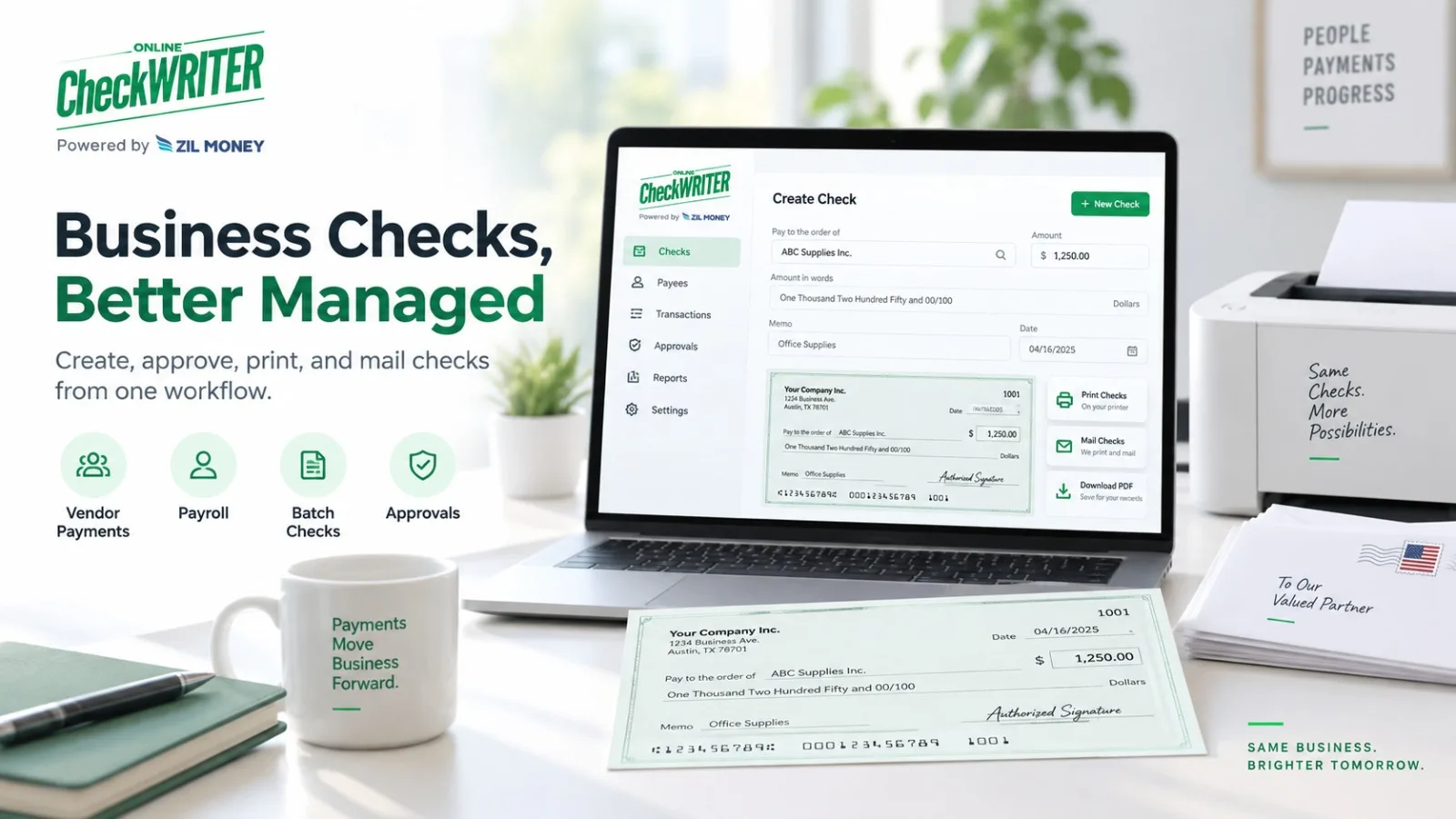
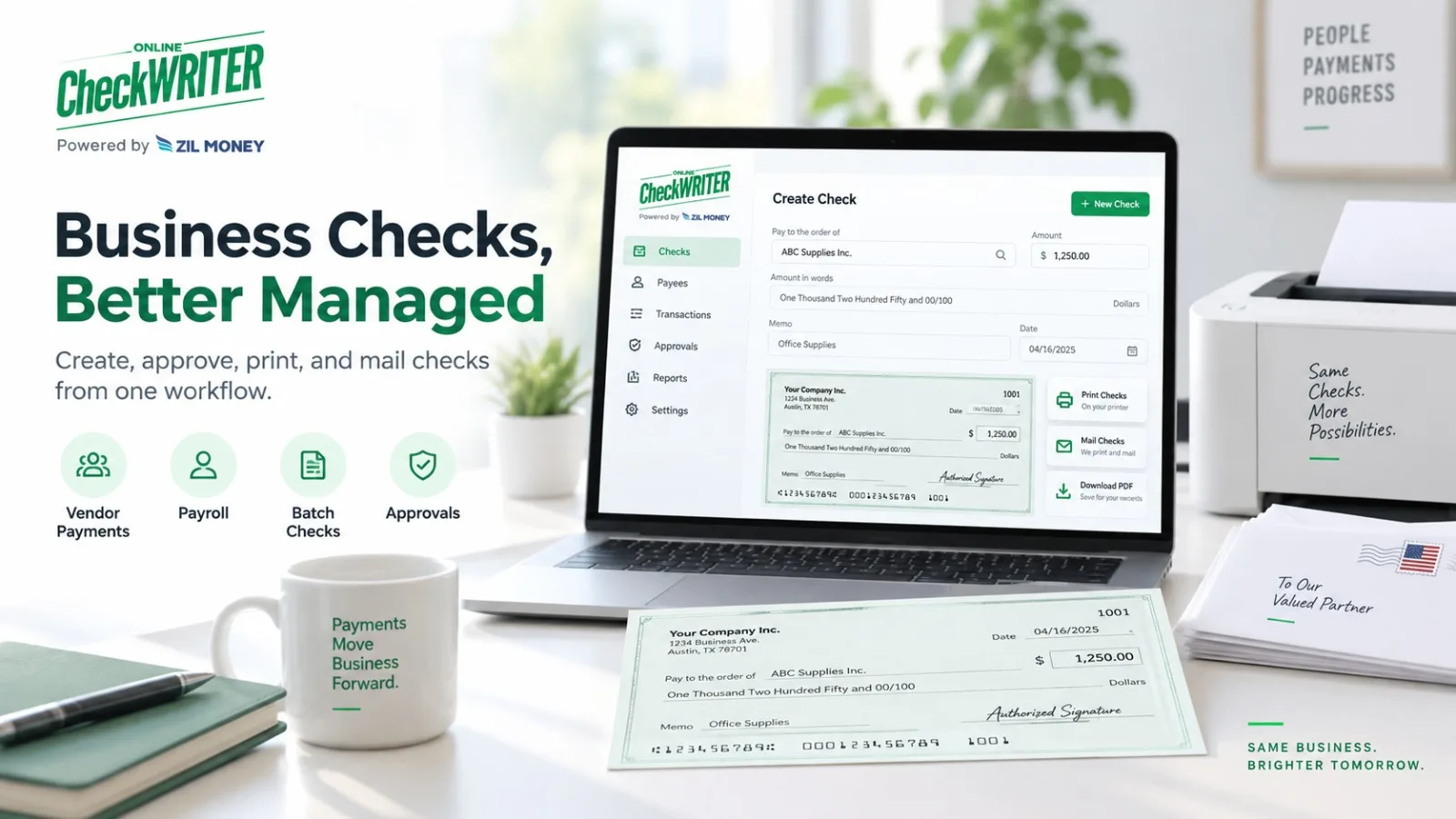
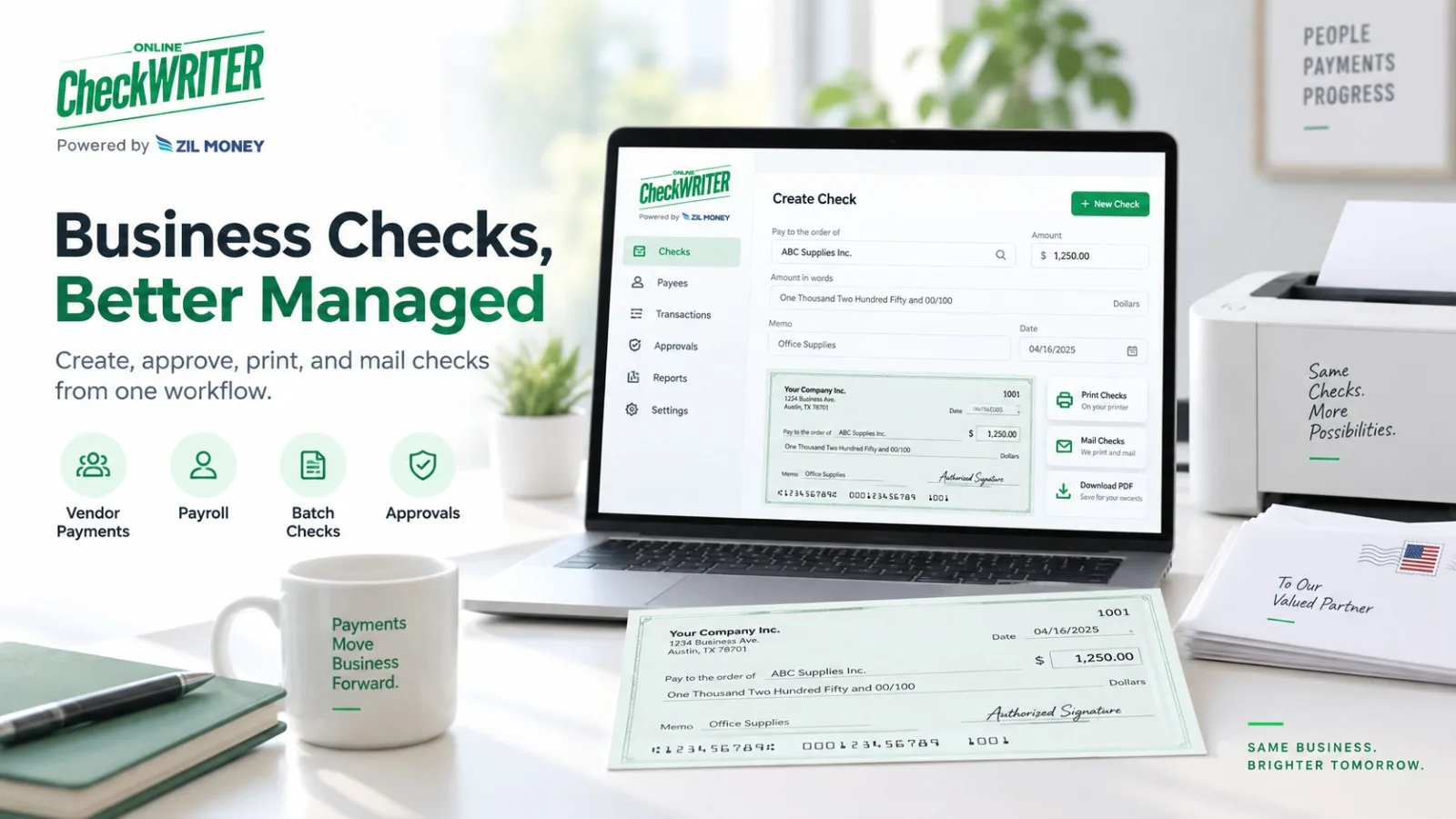
OnlineCheckWriter.com’s current Business Checks page supports user roles and approval settings that can require selected checks to be reviewed before they are printed or mailed.

Its support documentation also describes customizable user permissions, including approval thresholds and restrictions to specific bank accounts.

The business should configure those controls to match its internal policy.

Step 4: Control Signatures and Bank Accounts

Not every user needs access to every checking account or authorized signature.

Limit access according to job responsibility.

For example, a staff member responsible for one business entity may not need access to accounts belonging to another entity.

The same principle applies to stored signatures.

A signature feature is useful only when access to it reflects actual authority.

Step 5: Print or Mail Only After Approval

Once the payment is approved, it can move to issuance.

OnlineCheckWriter.com supports local printing or available check-mailing workflows.

At this point, confirm that the final printed check still matches the approved payment.

A change made after approval should normally trigger whatever additional review the business policy requires.

Step 6: Reconcile Independently When Practical

Approval does not end when the check leaves the office.

Later, someone should confirm that the bank transaction matches the authorized check.

Review the cleared check number, amount, and payee.

If a check is outstanding for an unusual period, voided, replaced, or disputed, investigate and update the accounting records.

For larger organizations, having a person other than the check preparer perform reconciliation can create an additional control.

Keep an Audit Trail

The business should be able to determine:

who created the check, who approved it, when it was issued, which account funded it, and what happened afterward.

OnlineCheckWriter.com’s support resources describe activity-history and permission features that can support this type of recordkeeping.

This does not guarantee that fraud or errors can never occur.

It gives the business clearer information when reviewing a transaction.

Build the Workflow Around the Business

A 10-person company and a 500-person organization do not need identical approval structures.

The important questions remain the same:

Who prepares the check? Who verifies it? Who approves it? Who can use the signature? Who releases it? Who reconciles it later?

A check approval workflow for issuing business checks should answer those questions before the payment is created.

Software such as OnlineCheckWriter.com can support the process through roles and approval controls, but the company itself still decides who has authority to spend its money.

OnlineCheckWriter.com – powered by Zil Money, is a financial technology company, not a bank. Banking and money movement services are provided through partner financial institutions and licensed service providers. FDIC insurance coverage applies only to eligible deposit products and accounts, and is subject to applicable terms, conditions, limitations, and requirements. Additional information regarding partner institutions, products, and services is available in the applicable terms and agreements.

Posted on

Business Check Printing for QuickBooks Users: Keep the Check and Accounting Record Aligned

Disclosure: This article was published as part of a paid partnership with OnlineCheckWriter.com, a Zil Money platform. The author is an independent contributor.

Business check printing for QuickBooks users works best when the printed payment and the accounting record stay connected.

QuickBooks can record and print checks directly. Intuit’s current QuickBooks Online documentation says users first record a check, place it in the print queue, select the check type, and then print one or more checks.

Some businesses, however, want additional printing, blank-stock, mailing, or multi-account options.

That is where an external check-printing platform may fit.

Start With the Accounting Record

Before printing anything, make sure the check represents a valid transaction in the accounting process.

The payee, amount, bank account, expense or bill, and check number should match the business’s records.

Intuit says printing a check through QuickBooks can update the accounting record as part of the same workflow.

If another platform is used for printing, the business should make sure that connection is preserved.

OnlineCheckWriter.com Supports QuickBooks Imports

OnlineCheckWriter.com’s current support documentation says QuickBooks Online users can connect their company and import checks into OnlineCheckWriter.com.

Its support documentation also describes importing checks or bills and, for applicable QuickBooks workflows, sending check information back to QuickBooks.

QuickBooks Desktop uses a separate software connector workflow.

The exact fields and synchronization behavior should still be tested before a business relies on the integration for a large check run.

Why Use Another Printing Workflow?

QuickBooks itself can print checks.

Therefore, an external platform should solve a specific problem rather than duplicate the same step for no reason.

A business might want:

blank-stock printing, multiple layouts, batch check handling, mailing services, additional user approval workflows, or access to several payment methods from the same platform.

OnlineCheckWriter.com’s Business Checks page supports individual and batch checks, accounting imports, approval settings, and check mailing.

If the company does not need those functions, the built-in QuickBooks printing workflow may already be sufficient.

Keep Check Numbers Synchronized

The check number is important for reconciliation.

If a check is recorded in QuickBooks with one number and printed through another system with another number, the finance team can create unnecessary confusion.

Before printing, confirm the number shown in both systems.

If the check is voided, deleted, or reissued, update the records appropriately.

Do not let two systems tell different stories about the same payment.

Review the Bank Account

Businesses using multiple checking accounts should confirm that the account selected in QuickBooks matches the account selected in the printing platform.

This matters for routing information, check numbering, and reconciliation.

A check that looks correct but draws on the wrong account is not a minor formatting error.

Test Before a Large Batch

Before importing hundreds of payments, test a few representative checks.

Confirm:

payee, amount, account, check number, memo, accounting categorization, print layout, and the behavior of any synchronization back to QuickBooks.

This makes it easier to identify a mapping or workflow problem before it affects an entire check run.

Printing Is Only One Part of Reconciliation

After the check is issued, the business still needs to match cleared transactions to the accounting record.

If a check never arrives, is voided, or is replaced, both systems should reflect the correct outcome.

The goal of business check printing for QuickBooks users is therefore not just to make a check look professional.

It is to preserve accurate accounting while giving the business the printing and delivery options it actually needs.

QuickBooks remains the accounting system. OnlineCheckWriter.com can be evaluated as an additional printing and payment workflow where its current integration and check-management features solve a specific operational requirement.

OnlineCheckWriter.com – powered by Zil Money, is a financial technology company, not a bank. Banking and money movement services are provided through partner financial institutions and licensed service providers. FDIC insurance coverage applies only to eligible deposit products and accounts, and is subject to applicable terms, conditions, limitations, and requirements. Additional information regarding partner institutions, products, and services is available in the applicable terms and agreements.

Posted on

Print Business Checks vs Ordering Pre-Printed Checks: Which Fits Your Workflow?

Disclosure: This article was published as part of a paid partnership with OnlineCheckWriter.com, a Zil Money platform. The author is an independent contributor.

The decision to print business checks vs ordering pre-printed checks depends on how many accounts the company manages, how frequently it writes checks, how stable its account information is, and how much control it wants over check creation.

Both methods can work.

The goal is to choose the process that fits the company’s actual check volume and internal controls.

Pre-Printed Checks Are Account-Specific

A traditional business check order normally arrives with company and banking information already printed.

This can be convenient for a company using one stable checking account.

The team keeps a supply on hand, enters or prints the payee and amount, and issues the check.

The disadvantage is inventory.

If the business uses several accounts, each account may require its own supply.

If the company name, address, bank account, or check format changes, some existing stock can become outdated.

On-Demand Printing Adds the Account Information Later

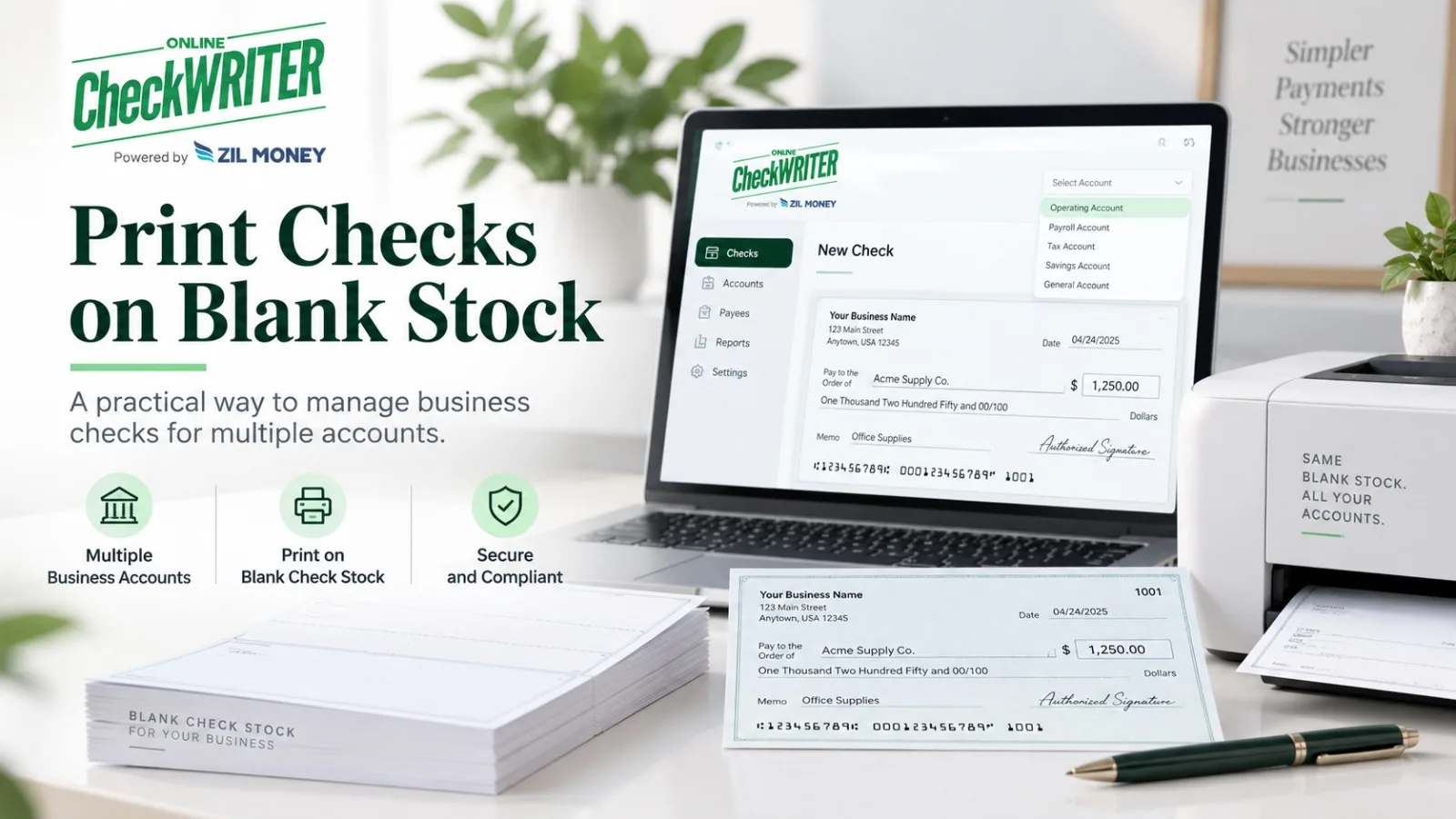
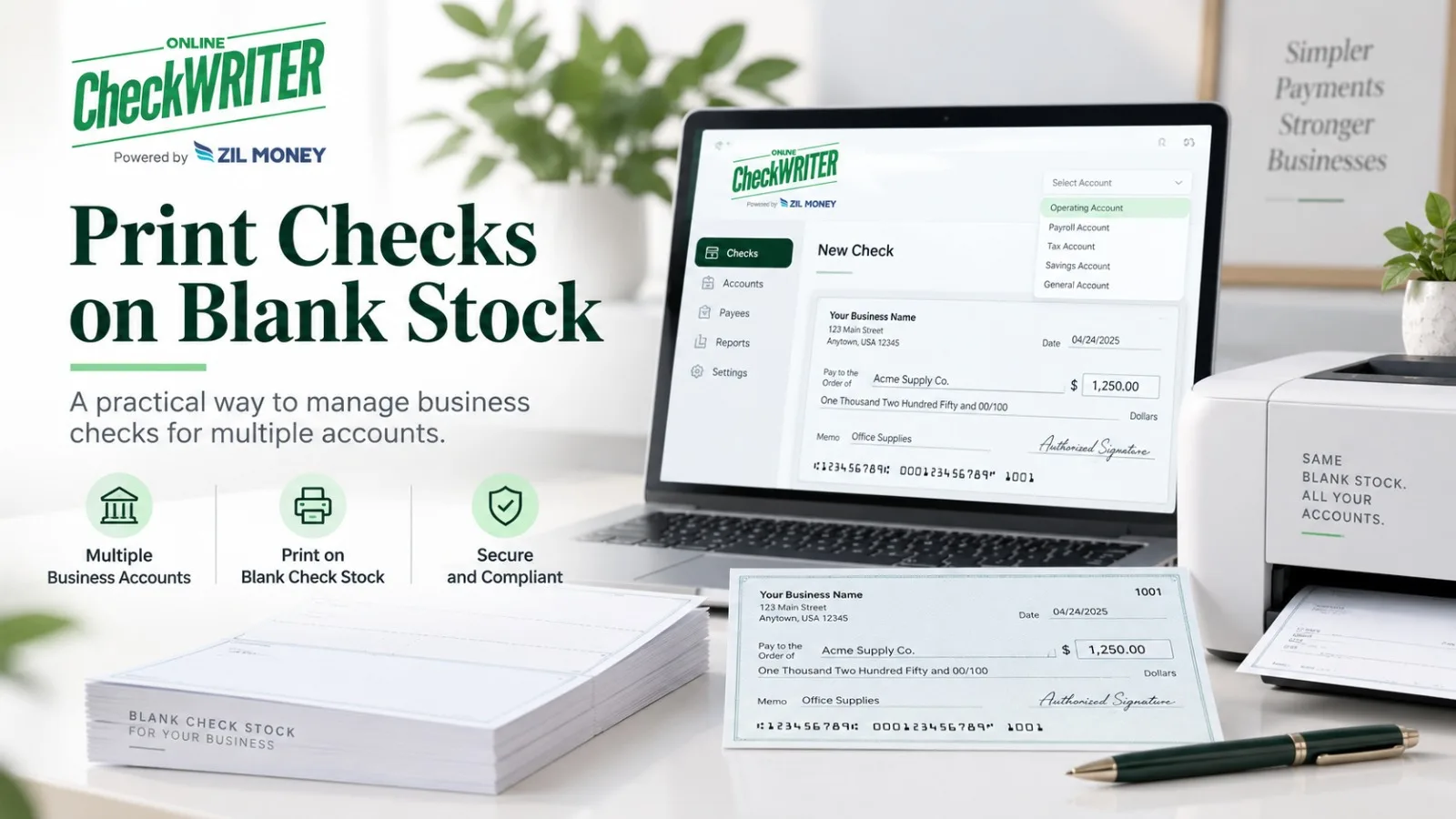
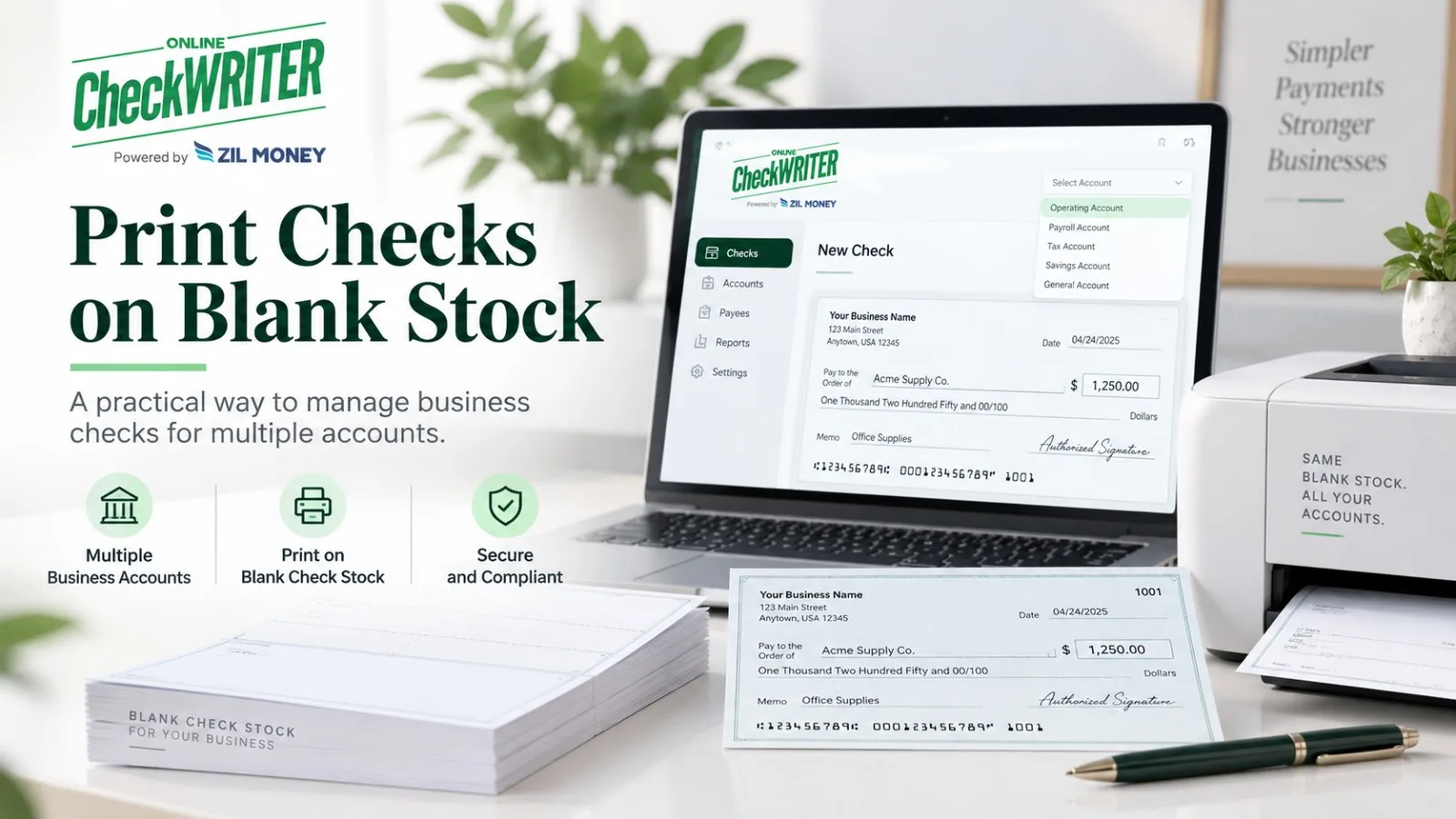
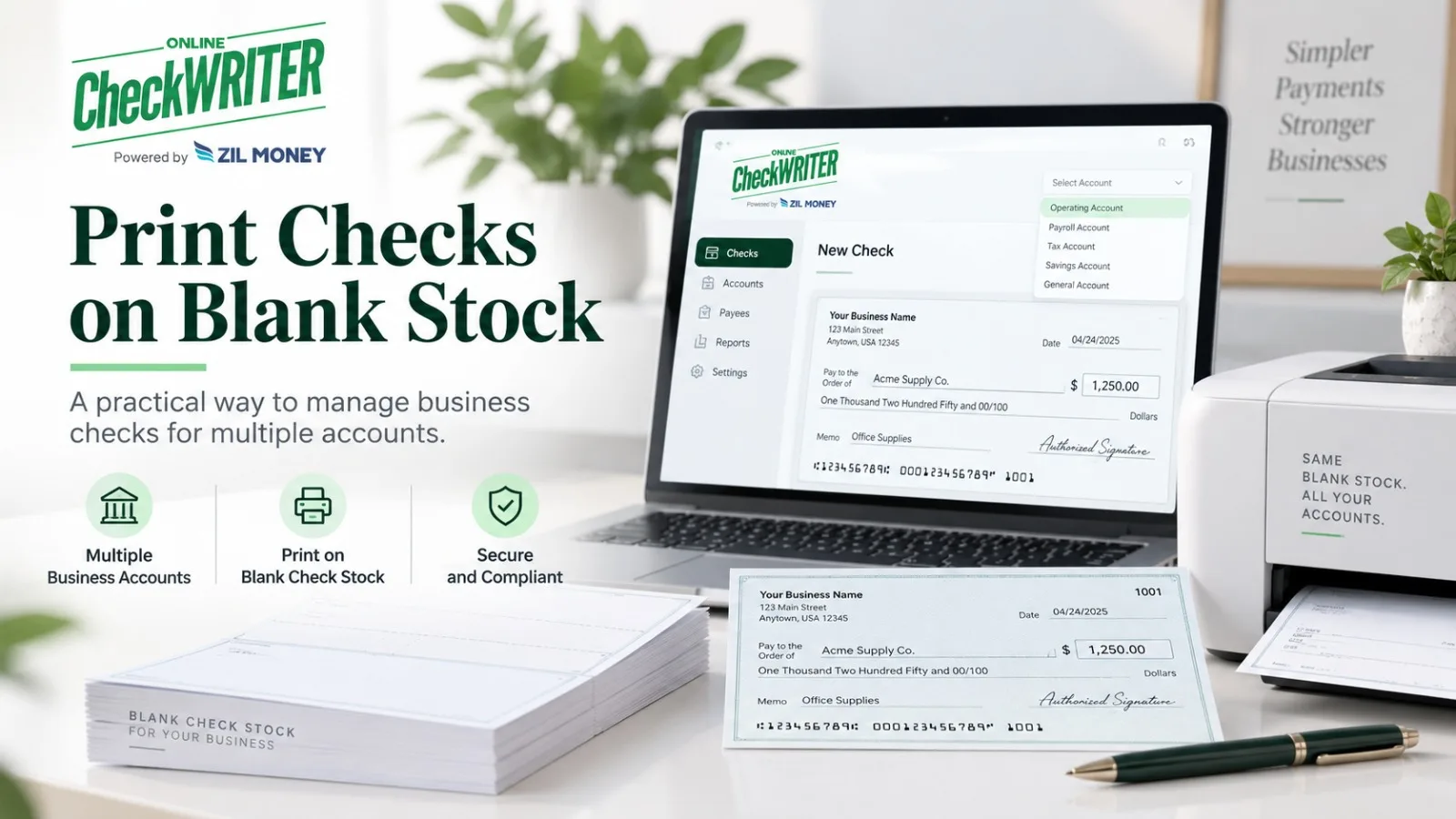
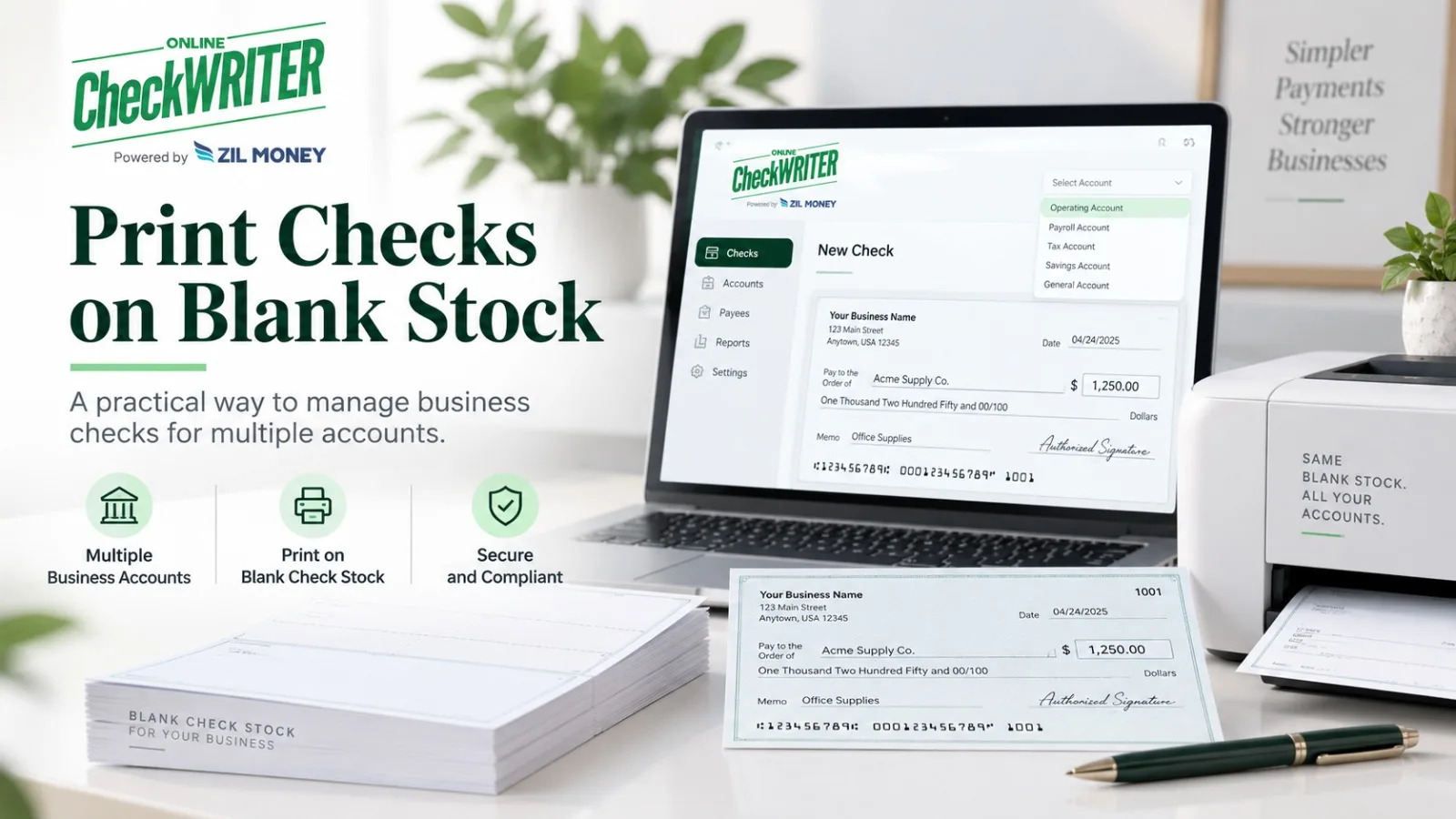
OnlineCheckWriter.com’s current Business Checks page allows a business to select an authorized account when a payment is prepared, enter or import the payment information, review the check, and print it on blank check stock.

For a multi-account company, this can reduce the need to maintain a separate box of pre-printed checks for each bank account.

The tradeoff is that the printing setup must be managed correctly.

Users need to select the correct account and verify the check before printing.

Compare MICR Requirements

The MICR line can affect the printing workflow.

If the line is already printed on the check stock, the remaining information can be printed with normal ink.

If the business prints the MICR line itself, Federal Reserve guidance says that line should use magnetic ink.

A business should consider whether it wants to manage that technical requirement internally.

Pre-printed checks may reduce the amount of MICR work required at printing time.

Think About Approvals

Paper choice is only one part of the business-payment process.

If several employees participate in a check run, approval control may matter more.

OnlineCheckWriter.com’s Business Checks product supports user roles and approval steps before selected checks are printed or mailed.

A business using boxes of pre-printed checks can still maintain strong controls, but those controls may depend more heavily on internal procedures and access to physical check stock.

Consider Batch Payments

A company printing many vendor, payroll, refund, or reimbursement checks may want to import payment data and produce checks in batches.

OnlineCheckWriter.com currently supports batch check preparation through supported file and integration workflows.

This can reduce repeated data entry.

But every imported payment should still be reviewed before printing.

Batch processing can multiply mistakes as quickly as it multiplies correct payments.

Compare Storage and Access

Pre-printed checks contain account information even before a payment is entered.

That means unused inventory should be controlled.

Blank check stock does not contain the complete live check information until printing, but the stock and printing system still deserve appropriate access controls.

Neither method removes the need for responsible check management.

Calculate Cost Using Real Usage

Compare:

check order cost, shipping, blank stock, software, printer supplies, MICR requirements, staff time, mailing, and unused inventory.

Do not rely on a fixed “save 80%” claim unless the business has verified that result for its own process.

Which Option Fits Better?

Ordering pre-printed checks may fit a company with one account, predictable check volume, and a stable workflow.

On-demand printing may fit a business with several accounts, variable check needs, batch payments, or a desire to create checks only after approval.

The answer to print business checks vs ordering pre-printed checks is therefore operational, not universal.

Choose the method that keeps the correct account information, approvals, printing requirements, and payment records under control.

OnlineCheckWriter.com – powered by Zil Money, is a financial technology company, not a bank. Banking and money movement services are provided through partner financial institutions and licensed service providers. FDIC insurance coverage applies only to eligible deposit products and accounts, and is subject to applicable terms, conditions, limitations, and requirements. Additional information regarding partner institutions, products, and services is available in the applicable terms and agreements.

Posted on

Business Check Printing Cost: Count More Than the Price of Check Stock

Disclosure: This article was published as part of a paid partnership with OnlineCheckWriter.com, a Zil Money platform. The author is an independent contributor.

Business check printing cost is not one universal number.

The total can include software, check stock, printer supplies, MICR requirements, staff time, approvals, envelopes, postage, tracking, accounting work, and exception handling.

A business comparing internal printing with pre-printed checks or a print-and-mail service should calculate the complete workflow.

Start With Software Pricing

Business check-printing platforms can use subscriptions, transaction pricing, credits, or custom volume arrangements.

OnlineCheckWriter.com publishes plan and transaction information through its pricing resources.

However, its current support pages contain different check-price references depending on the plan, transaction type, and support article.

For evergreen PR content, I would not hard-code one OnlineCheckWriter.com check-printing rate until the current pricing schedule is confirmed internally.

Instead, direct businesses to the live pricing page.

Add Check Stock

The paper matters.

A business may use blank check stock or pre-printed checks.

Blank stock can reduce the need to store separate account-specific check supplies, while pre-printed checks already contain bank and account information.

The price depends on quantity, supplier, check format, and security features.

Use the company’s actual purchasing cost rather than an industry estimate.

Include Toner and MICR Requirements

If the business prints the MICR line, Federal Reserve guidance says the line should use magnetic ink.

That can affect the printer and toner cost.

If the stock already contains a pre-printed MICR line, other information can use normal ink or toner.

This distinction can materially change the cost of an internal printing setup.

Staff Time Is Part of the Cost

Someone has to create or import the payment.

Another person may need to review or approve it.

Staff may also print checks, prepare envelopes, resolve errors, reconcile the bank account, or respond when a vendor reports a missing payment.

A company should measure its own workflow rather than use a generic claim such as “automation saves 80%.”

The correct cost depends on actual staff involvement.

Printing and Mailing Are Different Expenses

A printed check still has to reach the recipient.

If the company handles mailing internally, add:

envelopes, postage, tracking where used, carrier services, and staff time.

OnlineCheckWriter.com also offers check-mailing services through USPS and FedEx.

Those services can have separate plan, postage, carrier, and tracking charges.

The business should compare the full delivered-check cost, not just printing.

Include Reprints and Exceptions

Not every check run goes perfectly.

An incorrect address may result in returned mail.

A payment may need to be voided and replaced.

A printer alignment problem can waste stock.

A vendor may say the payment did not arrive.

These exceptions create staff work and sometimes additional material or carrier costs.

A realistic business check printing cost includes them.

Compare With Pre-Printed Checks

Pre-printed checks have their own expenses:

purchase quantity, customization, shipping, reorder time, and unused inventory if the account or company information changes.

For a business with one stable bank account, pre-printed checks may be convenient.

For a business with several accounts, on-demand printing can reduce the need for multiple inventories.

Neither method is universally less expensive.

Build the Calculation Around Real Volume

Take one typical month and count:

the number of checks, users involved, printing supplies, approval time, mailing services, and exceptions.

Then compare that with the current cost of alternative workflows.

The most useful business check printing cost is the total cost of issuing a valid payment and keeping the accounting record accurate.

That gives management a real basis for deciding whether to print internally, order pre-printed checks, use OnlineCheckWriter.com, or move certain vendors to another payment method.

OnlineCheckWriter.com – powered by Zil Money, is a financial technology company, not a bank. Banking and money movement services are provided through partner financial institutions and licensed service providers. FDIC insurance coverage applies only to eligible deposit products and accounts, and is subject to applicable terms, conditions, limitations, and requirements. Additional information regarding partner institutions, products, and services is available in the applicable terms and agreements.

Posted on

How to Print Business Checks: A Control-Focused Five-Step Process

Disclosure: This article was published as part of a paid partnership with OnlineCheckWriter.com, a Zil Money platform. The author is an independent contributor.

Knowing how to print business checks involves more than selecting a template and pressing Print.

Business checks can pay vendors, employees, contractors, refunds, rent, or other company expenses. That means account selection, approvals, check numbering, records, and printing requirements all matter.

OnlineCheckWriter.com’s current Business Checks page supports individual checks, batch payments, accounting imports, user roles, approvals, local printing, and check mailing.

A good business process should use those tools without removing internal controls.

Step 1: Select the Correct Business Account

Start with the account the payment will draw from.

Review the company name, routing number, account number, and check-number sequence.

A business with several checking accounts should make account selection obvious to the person preparing the check.

Do not assume a saved template automatically means the correct funding account has been selected.

Step 2: Enter or Import the Payment

For one check, enter the payee, amount, issue date, memo, and other necessary information.

For a larger payment run, OnlineCheckWriter.com supports importing multiple payments through supported CSV and accounting-integration workflows.

Imported data still needs review.

Automation can reduce repeated entry, but it can also repeat a bad address or incorrect amount across many payments if the source file is wrong.

Step 3: Review and Approve

Before printing, confirm:

the payee, amount, bank account, check number, issue date, signature status, and mailing address where applicable.

OnlineCheckWriter.com’s current Business Checks page supports approval settings that can require a selected check to be reviewed before it is printed or mailed.

This allows a business to separate payment preparation from final authorization when its internal process requires it.

Step 4: Confirm the Print Setup

Business checks can use blank check stock or another supported format.

The MICR line requires particular attention.

The Federal Reserve says that when a payer prints the MICR line on an original check, that line should be printed using magnetic ink.

If the MICR line is already pre-printed, the remaining check information can use normal ink.

The financial institution may also have its own requirements.

Test a new printer, template, or stock before using it for a major payment batch.

Step 5: Print or Mail the Check

Once approved, the business can print locally or choose an available mailing workflow.

OnlineCheckWriter.com currently supports USPS and FedEx mailing options in addition to local printing. Charges, submission times, carrier fees, tracking availability, and delivery estimates depend on the selected service.

Do not describe a mailed check as delivered simply because it has been printed or submitted to the carrier.

Keep the Check Record

After issuance, retain the check number, payee, amount, bank account, issue date, and payment status.

If the check is voided, stopped, or replaced, make sure the records reflect that change.

This becomes especially important during reconciliation.

The check that clears the bank should match the payment the business actually approved.

Business Check Printing Should Support the Policy

Software should not decide who is authorized to spend company funds.

That is a management decision.

A smaller business may have one owner preparing and approving checks.

A larger company may require separate preparers, approvers, and accounting reviewers.

The value of a business check platform is that it can support the chosen process.

The practical answer to how to print business checks is therefore:

select the right account, enter or import the payment, review and approve it, confirm the printing setup, issue the check, and keep the record.

That creates a stronger workflow than treating business check printing as only a document-generation task.

OnlineCheckWriter.com – powered by Zil Money, is a financial technology company, not a bank. Banking and money movement services are provided through partner financial institutions and licensed service providers. FDIC insurance coverage applies only to eligible deposit products and accounts, and is subject to applicable terms, conditions, limitations, and requirements. Additional information regarding partner institutions, products, and services is available in the applicable terms and agreements.

Posted on

Check 21 Act and Check Printing: What the Law Actually Changed

Disclosure: This article was published as part of a paid partnership with OnlineCheckWriter.com, a Zil Money platform. The author is an independent contributor.

Searches for Check 21 Act check printing often lead to one misleading statement:

“Check 21 made it legal to print your own checks on any printer.”

That is not an accurate description of the law.

The Check Clearing for the 21st Century Act, commonly called Check 21, primarily changed how banks can process checks after an original check has been issued.

It did not create a universal printer rule, remove MICR standards, or guarantee that every financial institution will accept every self-printed check.

Why Was Check 21 Created?

The Federal Reserve explains that Check 21 was designed to make check processing more efficient by reducing legal barriers to check truncation.

Before widespread electronic processing, original paper checks often had to move physically between financial institutions.

Check 21 allowed banks to capture check information electronically and created a paper instrument called a substitute check for situations where paper was still required.

The law became effective on October 28, 2004.

What Is a Substitute Check?

A substitute check is not simply any check someone prints at home.

Federal Reserve guidance describes it as a paper reproduction of an original check that satisfies specific requirements.

A qualifying substitute check accurately represents the original, contains required information and wording, and is handled within the banking process.

When those requirements are met, it can be the legal equivalent of the original check.

This is a specialized Check 21 concept.

It should not be confused with an account holder printing a new original check for a vendor payment.

Does Check 21 Say You Can Use Any Printer?

No.

The law does not provide a universal guarantee that every printer, toner, paper type, or self-created check format will be accepted.

In fact, the Federal Reserve’s Check 21 FAQ separately discusses magnetic ink requirements for original checks.

It says generally applicable industry standards have long required the original check’s MICR line to be printed using magnetic ink.

Did Check 21 Create the MICR Requirement?

No.

The Federal Reserve explicitly says that the need for magnetic ink on the MICR line is not the result of the Check 21 Act.

The standard existed earlier.

This is one of the most important corrections to make in SEO content because many older check-printing pages incorrectly connect the two.

What If the MICR Line Is Already Pre-Printed?

Federal Reserve guidance says that if the check stock already has a pre-printed MICR line, the remaining information on the check does not need to be printed in magnetic ink.

The payer can print details such as the date, payee, and amount using regular non-magnetic ink.

If the payer is generating the MICR line as well, magnetic ink should be used for that line.

Where Does OnlineCheckWriter.com Fit?

OnlineCheckWriter.com provides software for creating and printing original checks from authorized accounts.

Its Blank Checks page describes printing checks on blank stock and advises users to meet the requirements of the connected bank.

The platform can help organize the check layout and payment information.

It does not turn an ordinary home-printed check into a “substitute check” under Check 21 simply because software generated it.

That distinction should remain clear in external PR content.

What Did Check 21 Change for Businesses?

Its biggest effect was behind the scenes.

Banks became able to exchange and process checks more electronically rather than physically transporting every original paper item.

That made modern image-based check processing much more practical.

For a business printing its own original checks, the important issues remain accuracy, authorization, MICR setup, bank requirements, check stock, and recipient acceptance.

The Correct Takeaway

The Check 21 Act and check printing are related because the law changed the broader check-processing environment.

But Check 21 did not create a blanket promise that any self-printed check on any printer is automatically compliant or accepted.

OnlineCheckWriter.com – powered by Zil Money, is a financial technology company, not a bank. Banking and money movement services are provided through partner financial institutions and licensed service providers. FDIC insurance coverage applies only to eligible deposit products and accounts, and is subject to applicable terms, conditions, limitations, and requirements. Additional information regarding partner institutions, products, and services is available in the applicable terms and agreements.

Posted on

How Long Does an ACH Transfer Take? Network Timing and Provider Timing Are Different

Disclosure: This article was published as part of a paid partnership with OnlineCheckWriter.com, a Zil Money platform. The author is an independent contributor.

How long does an ACH transfer take? The answer depends on whether the payment uses standard ACH or Same Day ACH, when it is submitted, and how the bank or payment provider handles the transaction before and after ACH settlement.

The old blanket statement that all ACH payments take three to five days no longer describes the modern ACH Network accurately.

ACH Network Settlement Can Be Fast

Nacha states that ACH payments can be processed within hours on the same business day or scheduled for the following banking day. ACH credits can also be scheduled farther ahead when the sender chooses.

Nacha has also reported that the significant majority of ACH Network volume settles within one banking day or less.

That refers to network settlement.

It does not mean every customer using every payment platform sees a completed transaction within exactly one day.

Standard ACH and Same Day ACH Are Different

Standard ACH follows regular ACH processing schedules.

Same Day ACH uses additional processing windows that can settle eligible transactions during the current banking day.

The Federal Reserve’s current FedACH schedule contains three same-day forward-item windows, with settlement later the same day.

The customer’s bank or payment provider may use earlier submission deadlines.

That means a transaction started late in the day may miss the provider’s same-day window even though Same Day ACH exists.

Weekends and Holidays Affect the Calendar

ACH works around banking days.

Nacha says its payment system is open for processing most of each business day, while Federal Reserve settlement is closed on federal holidays and weekends.

If a business counts “days” without separating calendar days from banking days, its payment estimate can be wrong.

A payment submitted around a three-day holiday weekend is a good example.

Provider Processing Can Add Time

Before an ACH transaction reaches the network, a payment provider may validate the account, review documentation, verify funding, or apply fraud controls.

After network settlement, the receiving institution can also determine how the transaction appears to its customer.

This is why users can see provider estimates that are longer than ACH Network settlement itself.

OnlineCheckWriter.com’s current support documentation, for example, lists standard ACH with a customer-facing estimate of 2–5 business days and separately lists Same Day ACH.

That provider-level estimate does not contradict Nacha’s network settlement information. It describes a broader customer workflow.

Do Not Promise a Fixed Arrival Date

An external article should avoid statements such as:

“ACH always arrives the next day.”

“ACH always takes five days.”

“Same Day ACH means the recipient sees the money immediately.”

All three are too broad.

A more accurate approach is to identify the specific provider, payment type, submission time, banking day, and any verification requirements.

The Current Same Day ACH Limit

In 2026, the Same Day ACH per-payment limit remains $1 million.

Nacha has approved an increase to $10 million, but it does not take effect until September 17, 2027.

Businesses should not accidentally use the future limit when planning a current payment.

Plan Around the Due Date

The best way to manage ACH timing is to work backward from when the recipient needs the payment.

For a routine vendor invoice, submit standard ACH early enough to accommodate the provider’s stated processing window.

If an eligible transaction needs faster handling, review Same Day ACH and its cutoff.

If the deadline or payment requirements point toward another rail, compare a wire or another supported option.

OnlineCheckWriter.com provides both standard and faster payment options, but the business should rely on current transaction details rather than a generic promise.

The clearest answer to how long does an ACH transfer take is:

ACH Network settlement can occur within the same banking day or a following banking day, while the complete customer experience can take longer depending on the payment provider and financial institutions involved.

OnlineCheckWriter.com – powered by Zil Money, is a financial technology company, not a bank. Banking and money movement services are provided through partner financial institutions and licensed service providers. FDIC insurance coverage applies only to eligible deposit products and accounts, and is subject to applicable terms, conditions, limitations, and requirements. Additional information regarding partner institutions, products, and services is available in the applicable terms and agreements.

Posted on

Do I Need MICR Toner to Print Checks? It Depends on the MICR Line

Disclosure: This article was published as part of a paid partnership with OnlineCheckWriter.com, a Zil Money platform. The author is an independent contributor.

The answer to do I need MICR toner to print checks depends on one specific question:

Are you printing the MICR line yourself, or is the MICR line already pre-printed on the check stock?

Federal Reserve guidance makes this distinction clear.

If you are printing the MICR line as part of the original check, it should be printed using magnetic ink.

If the MICR line is already pre-printed, the other information on the check can be printed using regular non-magnetic ink.

What Is the MICR Line?

MICR stands for Magnetic Ink Character Recognition.

The MICR line is the row of numbers near the bottom of a check that carries key processing information.

The Federal Reserve explains that it includes information such as the bank routing number, account number, and check serial number.

Bank check-sorting equipment has historically used the magnetic characteristics and numeric information in this line to process checks.

When Do You Need MICR Toner?

If your blank stock has no pre-printed MICR line and your printer will create that line, use the appropriate magnetic-ink or MICR-toner setup.

Federal Reserve guidance says that when a payer prints the MICR line, the line should be printed in magnetic ink.

For a laser printer, this may mean MICR toner designed for the printer model.

The exact equipment should be selected based on the business’s printer, check stock, and financial-institution requirements.

When Is Regular Ink Enough?

If the check stock already has the MICR line printed in magnetic ink, the rest of the check does not need magnetic ink.

The date, payee, amount, memo, and other information can be printed using regular ink or toner according to Federal Reserve guidance.

This is why an article that simply says “all checks require MICR toner” is inaccurate.

It depends on what is being printed.

What About Modern Image-Based Check Processing?

Banks now process most checks electronically after image capture.

Check 21 helped accelerate that transition by allowing electronic processing and substitute checks.

However, the Federal Reserve still states that generally applicable industry standards for original checks have long required magnetic ink for the MICR line.

The growth of image-based processing does not justify saying MICR requirements no longer matter.

Do Not Confuse Check 21 With MICR Requirements

This is another common error.

The Federal Reserve specifically says that the need for magnetic ink on original-check MICR lines is not the result of Check 21.

The standards existed before the law.

Check 21 addressed check truncation and substitute checks rather than creating MICR requirements.

How Does OnlineCheckWriter.com Handle Blank Checks?

OnlineCheckWriter.com allows users to create check layouts and print from authorized bank accounts on blank check stock.

Its current Blank Checks page acknowledges that printing requirements can differ and advises users to meet their bank’s check-printing requirements.

That wording is preferable to claiming a standard printer with ordinary toner is guaranteed to work for every bank.

Ask Your Bank When Setting Up a New Process

If your business is printing checks for the first time, confirm how your stock and printer will produce the MICR line.

For important or high-volume check runs, ask the connected financial institution whether it has specific check-printing guidance.

This is particularly useful before buying specialized toner or printing a large batch.

The Short Answer

If the MICR line is already pre-printed, you generally do not need MICR toner for the remaining check information.

If you are printing the MICR line yourself, Federal Reserve guidance says the line should be printed in magnetic ink.

That is the most accurate answer to do I need MICR toner to print checks, and it avoids both extremes: claiming MICR toner is always necessary or claiming it never matters.

OnlineCheckWriter.com – powered by Zil Money, is a financial technology company, not a bank. Banking and money movement services are provided through partner financial institutions and licensed service providers. FDIC insurance coverage applies only to eligible deposit products and accounts, and is subject to applicable terms, conditions, limitations, and requirements. Additional information regarding partner institutions, products, and services is available in the applicable terms and agreements.

Posted on

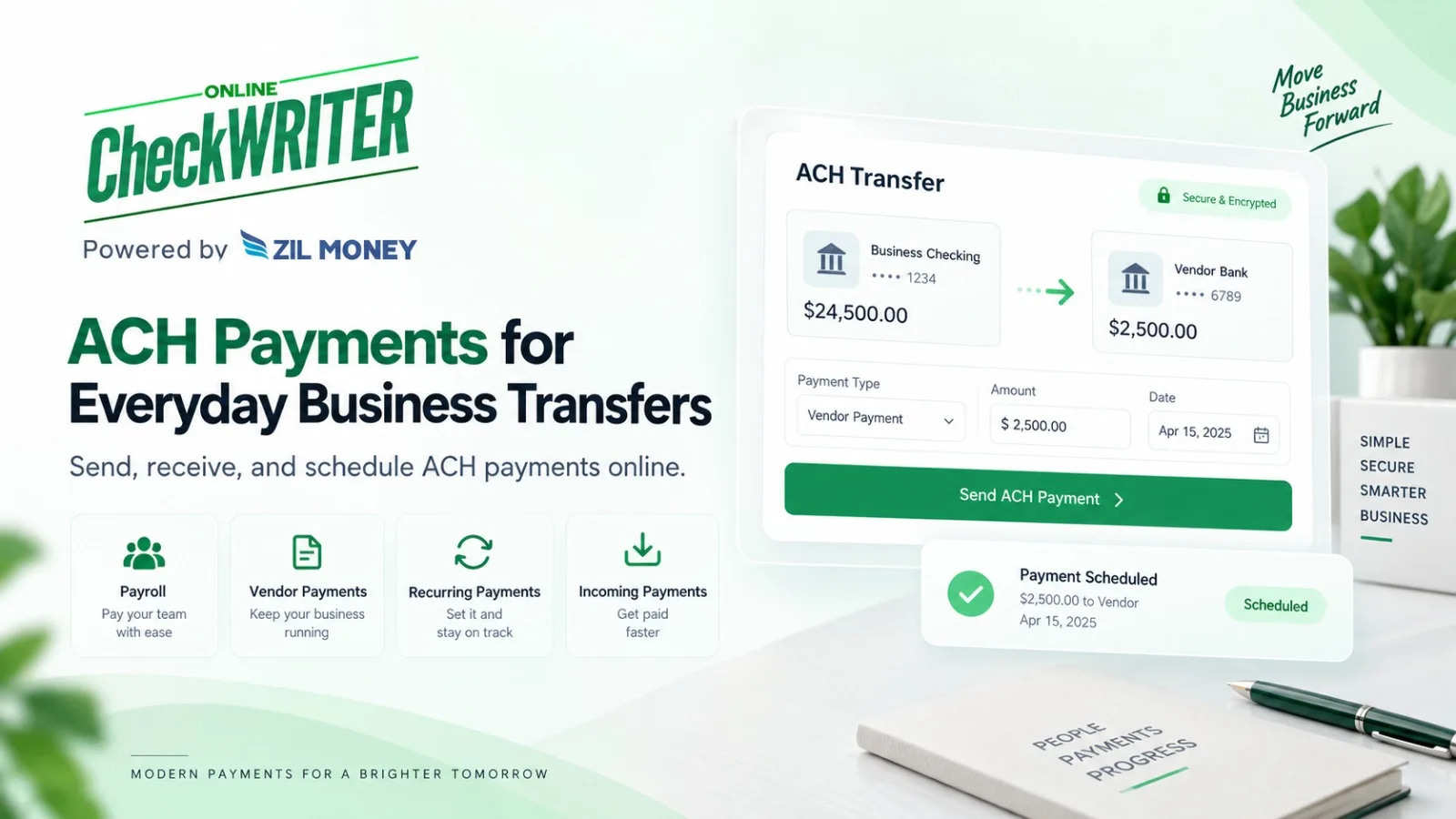
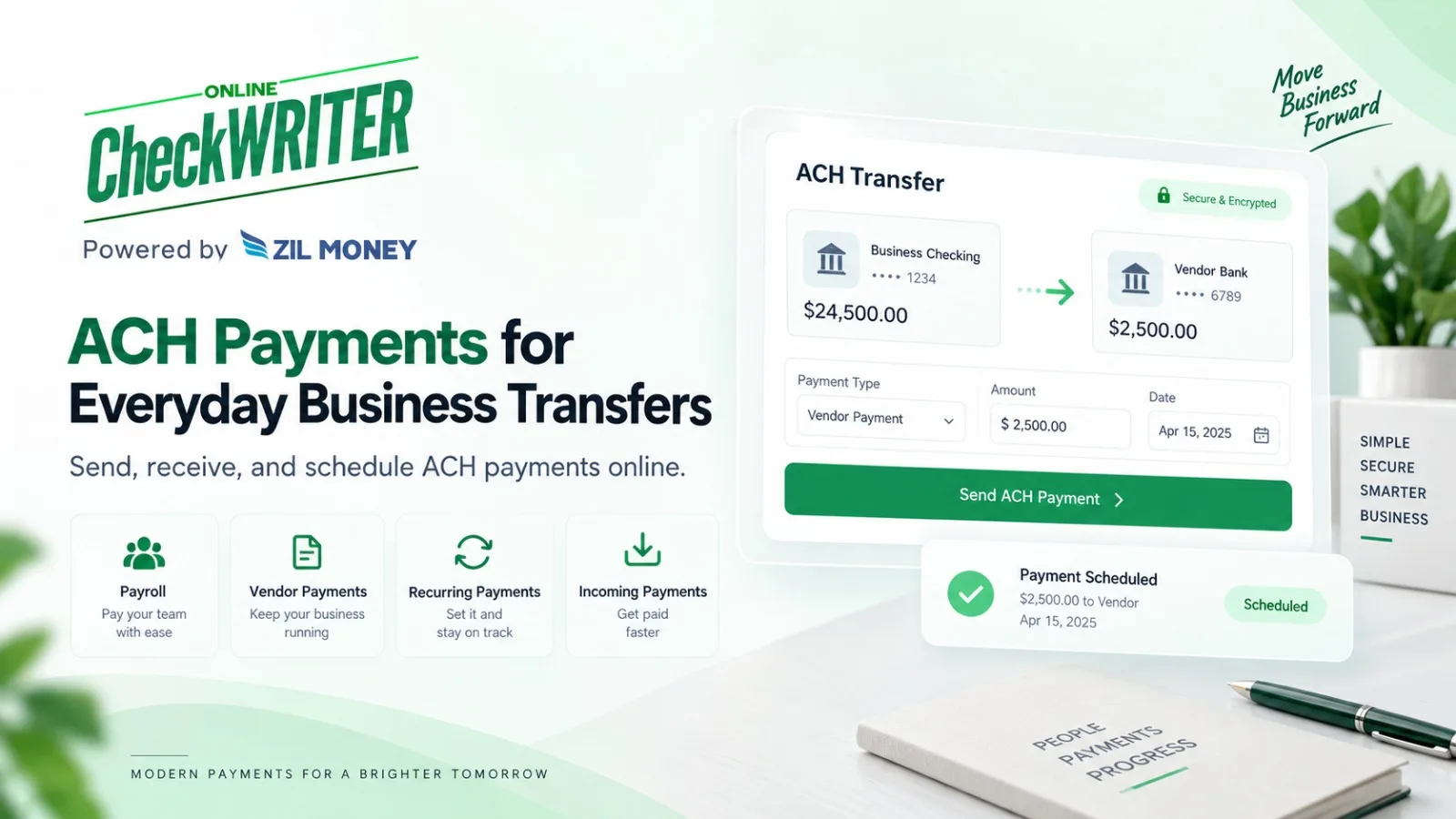
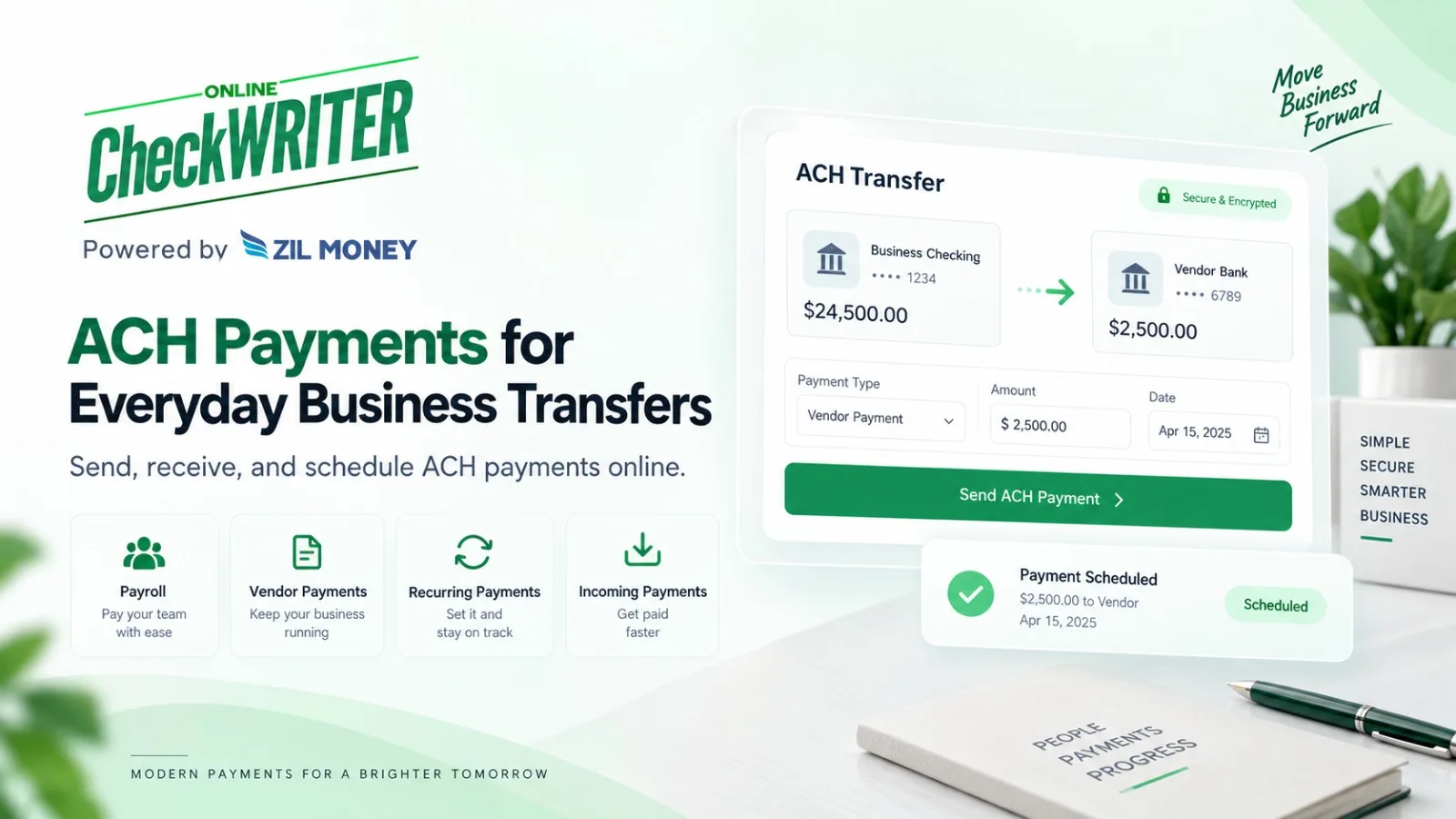
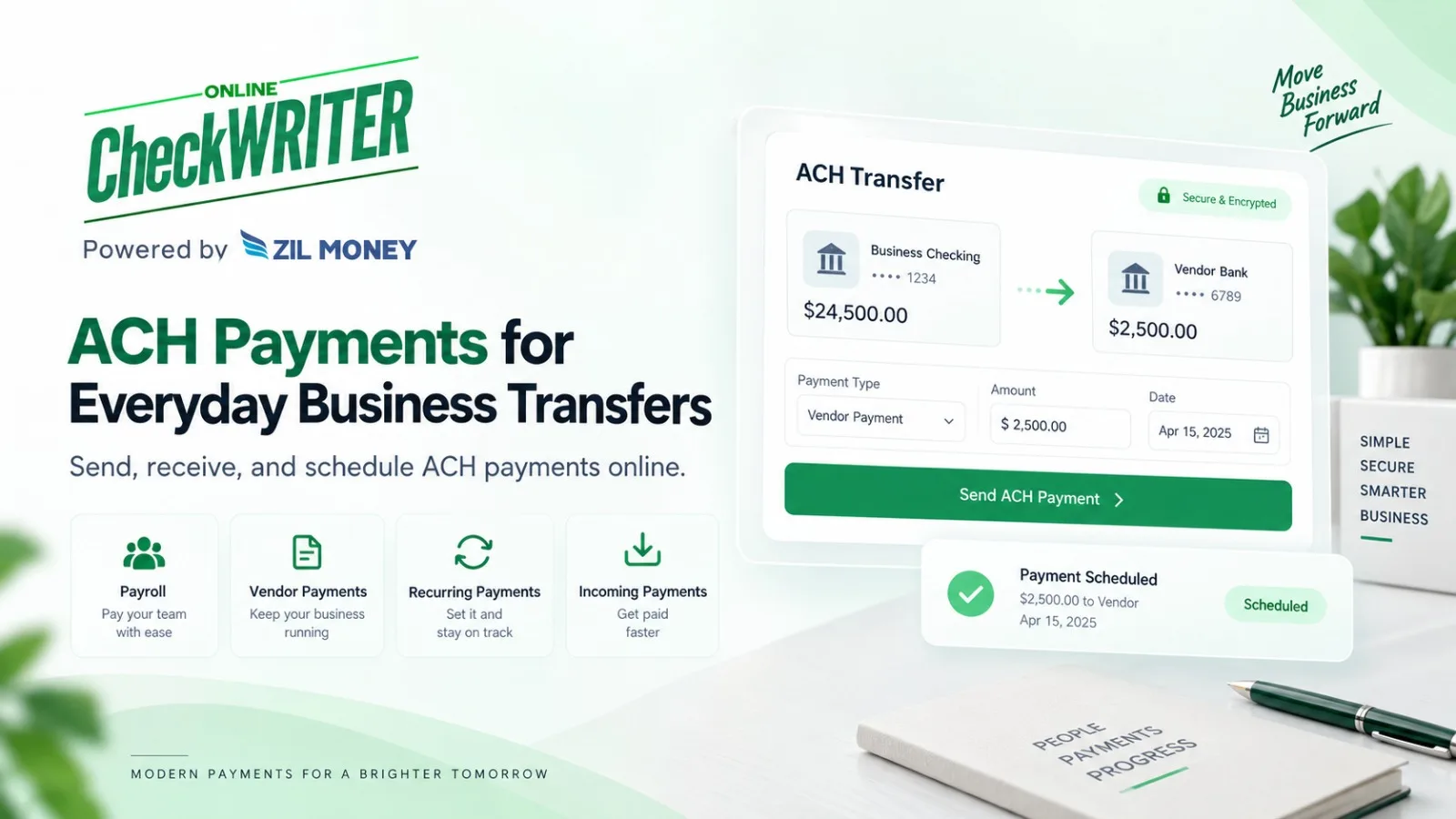
ACH Payment Fees for Small Business: What to Check Before You Send

Published for OnlineCheckWriter.com

Disclosure: This article was published as part of a paid partnership with OnlineCheckWriter.com, a Zil Money platform. The author is an independent contributor.

Small businesses evaluating ACH payment fees should look beyond a single advertised transaction price.

The actual cost can depend on the account plan, payment source, transaction type, processing speed, and other applicable conditions.

OnlineCheckWriter.com combines its core check-creation and check-mailing workflows with additional business payment options, including ACH and wire transfers. That can be useful for a company that still pays some vendors by check but wants an electronic option for others.

What Is an ACH Payment?

ACH is an electronic bank-to-bank payment that moves through the Automated Clearing House Network.

Businesses commonly use ACH for recurring vendor payments, payroll, account transfers, and other scheduled transactions.

Nacha, which governs the ACH Network, explains that ACH supports both credit and debit payments and is widely used for business-to-business payments and recurring transactions.

The important distinction for a business is that ACH is a separate payment rail from checks, wires, and card payments.

What Affects ACH Payment Fees?

There is no responsible universal ACH fee that applies to every small business or every OnlineCheckWriter.com transaction.

The amount a business pays may depend on the plan, payment source, transaction type, whether faster processing is selected, and the current pricing terms associated with the account.

OnlineCheckWriter.com currently publishes several pricing structures and transaction-based fee references across its pricing resources. Because the applicable amount can depend on the specific workflow, businesses should check the current pricing information and the fee displayed for the transaction before submitting payment.

This is more reliable than using an old article or assuming one ACH price applies permanently.

How Fast Does ACH Settle?

ACH timing also affects how a business evaluates the payment method.

According to Nacha’s current ACH Payments Fact Sheet, ACH payments can be processed on the same business day or scheduled for a later permitted banking day, depending on the payment type and timing selected. Same Day ACH is available for eligible transactions submitted within applicable processing windows.

Businesses should still distinguish network settlement from the complete customer experience.

Provider cutoffs, account verification, recipient-bank processing, weekends, federal holidays, and transaction eligibility can affect when a payment is available.

For that reason, “same day” should not be interpreted as a universal guarantee for every transaction.

Where OnlineCheckWriter.com Fits

OnlineCheckWriter.com supports ACH as one payment option within a broader business-payment platform.

Its current ACH page describes one-time payments, recurring payments, Same Day ACH for eligible transactions, incoming ACH payments, and batch workflows.

For businesses that still use paper checks, OnlineCheckWriter.com also supports check creation, printing, and mailing.

This matters because a small business may not want every vendor to use the same payment method.

One supplier may provide bank details for ACH. Another may still request a physical check. A different payment may require a wire.

A platform that supports several methods can allow the finance team to choose based on the recipient and the transaction.

Keep eChecks Separate From ACH

OnlineCheckWriter.com also offers eChecks, but an eCheck should not be described as an ACH transfer.

In the OnlineCheckWriter.com workflow, an eCheck is a digital check delivered electronically to the payee as a PDF. The recipient can print the check and follow the deposit process accepted by the receiving financial institution.

That is different from an ACH payment moving electronically through the ACH Network.

Using the correct terminology helps the business understand what it is sending and what the recipient will actually receive.

How Should a Small Business Compare ACH Cost?

Start with the company’s real payment activity.

How many ACH payments are sent each month? Are they recurring or occasional? Does the business need Same Day ACH? Are some vendors still paid by physical check? Does the company also use wires?

Then compare the current charges associated with that actual workflow.

The right question is not simply, “What is the cheapest ACH payment?”

It is, “What will our total payment workflow cost based on how our business actually pays vendors and employees?”

OnlineCheckWriter.com can be evaluated by businesses that want ACH alongside check printing, check mailing, wires, and other supported payment workflows within the same platform.

Pricing, eligibility, processing conditions, and transaction fees can change. Businesses should review current OnlineCheckWriter.com pricing and the fee displayed for the specific transaction before submitting payment.

OnlineCheckWriter.com – powered by Zil Money, is a financial technology company, not a bank. Banking and money movement services are provided through partner financial institutions and licensed service providers. FDIC insurance coverage applies only to eligible deposit products and accounts, and is subject to applicable terms, conditions, limitations, and requirements. Additional information regarding partner institutions, products, and services is available in the applicable terms and agreements.

[1]: https://support.onlinecheckwriter.com/portal/en/kb/articles/what-are-the-charges-for-ocw “What are the charges for Online Check Writer?”

[2]: https://onlinecheckwriter.com/ach-payment/ “Send ACH Payments Online | Same-Day ACH for Small Business”

[3]: https://www.nacha.org/content/ach-payments-fact-sheet “ACH Payments Fact Sheet | Nacha”

[4]: https://onlinecheckwriter.com/eCheck/ “Send eChecks Online | Email Digital Checks”

Posted on

Is It Legal to Print Your Own Checks? What Check 21 Does and Does Not Say

Disclosure: This article was published as part of a paid partnership with OnlineCheckWriter.com, a Zil Money platform. The author is an independent contributor.

Is it legal to print your own checks? For a legitimate payment drawn on an account you are authorized to use, businesses and account holders can create their own original check documents instead of buying only bank-issued pre-printed checkbooks.

But a common explanation for this practice is wrong:

Check 21 did not create a general right to print checks at home or in the office.

Understanding that distinction helps businesses avoid misleading claims.

What Is a Check Legally?

Under Uniform Commercial Code Article 3, a check is generally a draft payable on demand and drawn on a bank. The legal definition focuses on the payment instrument and obligation, not on whether the physical check came from a particular commercial check printer.

State law, account agreements, fraud laws, bank rules, and check-processing standards can still matter.

Printing a legitimate check drawn on your own authorized account is very different from creating a check on an account you do not control or altering someone else’s payment.

The latter can involve fraud and other legal violations.

What Did Check 21 Actually Do?

The Check Clearing for the 21st Century Act became effective in 2004.

The Federal Reserve explains that its main purpose was to reduce legal barriers to electronic check processing.

The law allowed banks to truncate original paper checks, exchange check information electronically, and create a new paper instrument called a substitute check when paper was still needed.

A qualifying substitute check can be the legal equivalent of the original.

That is what Check 21 addresses.

Check 21 Is Not a Home-Printing Permission Rule

A common marketing claim says, “The Check 21 Act makes it legal to print your own checks.”

That is an oversimplification.

The Federal Reserve’s own Check 21 FAQ discusses people printing checks at home, but it does so while explaining MICR requirements.

It also specifically states that the magnetic-ink requirement for original MICR lines is not the result of the Check 21 Act.

Therefore, the better explanation is that Check 21 modernized bank check processing. It did not create the underlying ability of an account holder to issue an original check.

The MICR Line Still Matters

If you print the entire check, including the MICR line, Federal Reserve guidance says the MICR line should be printed in magnetic ink.

If the check stock already has a pre-printed MICR line, other information such as the payee, date, and amount can be printed using normal ink.

This technical requirement should not be hidden behind a broad statement that any printer or paper will work in every situation.

Will Every Bank Accept Every Self-Printed Check?

That is a separate question.

A check can be legitimate without every financial institution or deposit method treating every format identically.

Bank processing systems, mobile-deposit policies, merchant policies, print quality, MICR setup, and account agreements can affect acceptance.

OnlineCheckWriter.com’s current Blank Checks page recommends printing using a setup that meets the bank’s check-printing requirements and checking with the bank if uncertain.

That is the safer advice.

How Does OnlineCheckWriter.com Fit?

OnlineCheckWriter.com allows authorized users to create and print checks from existing bank accounts on blank stock.

The software handles check layout and account information based on the account selected by the user.

It should not be described as a bank, and using check-printing software does not override a financial institution’s requirements.

The Practical Answer

So, is it legal to print your own checks?

For legitimate checks drawn on an account you are authorized to use, self-printing is a recognized check-issuance practice.

But do not use Check 21 as a blanket legal justification, do not assume universal acceptance, and do not ignore MICR and bank requirements.

This article provides general information about check printing and is not legal advice.

OnlineCheckWriter.com – powered by Zil Money, is a financial technology company, not a bank. Banking and money movement services are provided through partner financial institutions and licensed service providers. FDIC insurance coverage applies only to eligible deposit products and accounts, and is subject to applicable terms, conditions, limitations, and requirements. Additional information regarding partner institutions, products, and services is available in the applicable terms and agreements.

Posted on

Same Day ACH: Same Banking Day Does Not Mean Anytime, Any Day

Disclosure: This article was published as part of a paid partnership with OnlineCheckWriter.com, a Zil Money platform. The author is an independent contributor.

Same Day ACH allows eligible ACH transactions to settle during the same banking day, but the name can create unrealistic expectations.

It does not mean an ACH transaction can be submitted at any hour on any calendar day and still settle immediately.

Same Day ACH operates through defined processing windows and banking-day schedules.

Understanding those limits helps businesses choose it for the right payments.

How Same Day ACH Works

The ACH Network normally processes transactions in batches.

Same Day ACH adds settlement opportunities during the current banking day for eligible payments.

Nacha says Same Day ACH can settle eligible payments in as little as a few hours and currently permits payments of up to $1 million per transaction.

That current $1 million limit remains relevant in 2026.

Nacha has approved an increase to $10 million, but that change does not take effect until September 17, 2027.

External content should not present the future $10 million limit as though it already applies.

There Are Specific Processing Windows

The Federal Reserve’s FedACH schedule currently provides three same-day forward-item transmission deadlines.

Those windows lead to same-day settlement schedules later in the banking day.

That does not mean every small business can submit directly until those exact Federal Reserve deadlines.

Banks and payment platforms may set earlier customer cutoffs so they have enough time to validate and transmit transactions.

The user should rely on the cutoff shown by the provider being used.

Weekends and Federal Holidays Matter

The ACH Network is a banking-day system.

Nacha explains that ACH settlement occurs when the Federal Reserve settlement service is open, and settlement is not handled in the ordinary way on weekends and federal holidays.

A payment submitted late Friday should therefore not automatically be expected to behave like one submitted Tuesday morning.

Businesses managing a hard deadline should check the date and provider cutoff before relying on Same Day ACH.

Same-Day Settlement Is Not the Same as Instant Payment

This distinction matters for AEO and compliance.

Same Day ACH is a faster ACH option.

It is not the same payment system as instant-payment services such as FedNow or RTP.

A transaction can settle within the same banking day without being processed continuously in real time.

That is why terms such as “instant ACH” should be avoided unless the provider is describing a different, verified payment product.

Not Every Transaction Automatically Qualifies

The ACH rules determine Same Day ACH eligibility, and the payment provider may apply its own product requirements.

Businesses should confirm the transaction type, amount, account status, funding, submission time, and any provider review requirements.

Do not promise that every ACH transaction can simply be upgraded to Same Day ACH.

How OnlineCheckWriter.com Fits

OnlineCheckWriter.com’s current support documentation lists both standard ACH and Same Day ACH among its payment options.

Pricing and conditions should be checked in the live account before the payment is submitted.

This is particularly important because current OnlineCheckWriter.com support pages contain different ACH fee references depending on the workflow and pricing article.

When Does Same Day ACH Make Sense?

It can be useful when a qualifying business payment needs to move faster than the company’s normal standard ACH schedule but does not require another rail such as a wire.

Examples may include certain vendor payments, payroll-related funding, tax payments, insurance transactions, or other eligible business obligations. Nacha identifies several of these business uses when discussing Same Day ACH.

The business should compare the deadline, current fee, provider cutoff, and transaction eligibility.

The most accurate explanation of Same Day ACH is simple:

It can move eligible ACH payments within the same banking day when applicable requirements and submission windows are met.

It is faster ACH, not an anytime, seven-day, guaranteed instant-payment service.

OnlineCheckWriter.com – powered by Zil Money, is a financial technology company, not a bank. Banking and money movement services are provided through partner financial institutions and licensed service providers. FDIC insurance coverage applies only to eligible deposit products and accounts, and is subject to applicable terms, conditions, limitations, and requirements. Additional information regarding partner institutions, products, and services is available in the applicable terms and agreements.

Posted on

How to Print Checks on Blank Check Stock Without Skipping the Important Controls

Disclosure: This article was published as part of a paid partnership with OnlineCheckWriter.com, a Zil Money platform. The author is an independent contributor.

Learning how to print checks on blank check stock involves more than entering a payee and pressing Print.

The payer needs the correct bank account information, appropriate check stock, the right MICR setup, accurate check numbering, and a way to review the payment before it is released.

A controlled process matters more than printing quickly.

Start With the Correct Bank Account

Before creating the check, confirm which authorized checking account will fund the payment.

Businesses managing several accounts should pay particular attention to this step.

The check needs the correct routing number, account number, and check-number sequence for that account.

Selecting the wrong account can create rejected payments, reconciliation problems, or duplicate-number issues.

OnlineCheckWriter.com’s current on-demand check workflow allows users to select a bank account, enter the payee and amount, customize the check, review it, and then print or choose a mailing option.

Know What Kind of Blank Stock You Have

“Blank check stock” can describe different products.

Some stock may already contain certain check features or a MICR line. Other stock may require the user to print the full MICR line.

This distinction affects the printing setup.

Read the stock specifications before assuming which information has to be generated.

Print the MICR Line Correctly

The MICR line is the numeric line near the bottom of the check.

According to the Federal Reserve, it includes information such as the bank routing number, account number, and check serial number.

Generally applicable industry standards for original checks have long required this line to be printed in magnetic ink.

If the MICR line is already pre-printed on the stock, the remaining information does not need magnetic ink.

If you print the MICR line yourself, the Federal Reserve says it should be printed using magnetic ink.

This is one of the most important compliance points in blank-check content.

Enter and Review the Payment Information

Add the payee, amount, date, memo if needed, and the appropriate check number.

Then review the check before printing.

Verify the numerical amount and written amount if both appear.

Confirm the payee spelling.

Check the funding account again.

If the company requires approval, the payment should be approved before the check is issued.

Software can make printing easier, but it does not replace internal payment controls.

Print a Test Before a Large Batch

If the printer, stock, or template is new, test the alignment before printing a large payment run.

Make sure the information appears where expected and that nothing important is cut off or shifted.

A small alignment issue repeated across 100 checks becomes a much bigger problem than correcting one test page.

For businesses processing batches, document which printer settings work with the selected stock.

Check Financial-Institution Requirements

The Federal Reserve provides general guidance about MICR, but the receiving and paying financial institutions still operate their own processing systems.

OnlineCheckWriter.com’s current Blank Checks page advises using a printer that meets the bank’s check-printing requirements and checking with the bank when uncertain.

That is safer than saying every home or office printer configuration is universally accepted.

Protect Blank Stock and Check Numbers

Blank stock does not contain a completed payment, but it should still be controlled.

Limit access to employees who need it.

Keep the printing process tied to authorized users.

Maintain check-number sequences and mark voided checks correctly in the records.

These steps make reconciliation easier and reduce confusion when several people handle payments.

Where OnlineCheckWriter.com Fits

OnlineCheckWriter.com provides cloud-based check creation, customization, printing, and mailing workflows for authorized accounts.

The software can organize the check information and printing process, but the business remains responsible for choosing the correct account and meeting its bank’s requirements.

The practical answer to how to print checks on blank check stock is therefore:

prepare the correct stock and MICR setup, select the right account, enter and verify the payment, test the layout, print the check, and maintain the payment record.

That process is more useful than a generic promise that check printing takes only a few clicks.

OnlineCheckWriter.com – powered by Zil Money, is a financial technology company, not a bank. Banking and money movement services are provided through partner financial institutions and licensed service providers. FDIC insurance coverage applies only to eligible deposit products and accounts, and is subject to applicable terms, conditions, limitations, and requirements. Additional information regarding partner institutions, products, and services is available in the applicable terms and agreements.

Posted on

ACH vs Wire Transfer: Which Payment Rail Fits the Business Transaction?

Disclosure: This article was published as part of a paid partnership with OnlineCheckWriter.com, a Zil Money platform. The author is an independent contributor.

The ACH vs wire transfer decision should start with the payment itself.

Both methods move money electronically, but they use different payment systems, have different timing characteristics, and can be priced differently by financial institutions and payment platforms.

For a business, the right choice depends on the recipient, deadline, transaction amount, cost, and level of urgency.

ACH Is Built for High-Volume Business Payments

ACH transactions move through the Automated Clearing House Network.

Nacha describes ACH as well suited to scheduled and recurring payments between known counterparties, including payroll, bill payments, account transfers, and business-to-business payments.

ACH payments can be credits, where the payer pushes money to a recipient, or debits, where authorized funds are pulled from an account.

For a business paying established vendors regularly, ACH can fit a repeatable payment process.

Wire Transfers Use a Different System

Domestic wire transfers can move through services such as the Federal Reserve’s Fedwire Funds Service.

The Federal Reserve describes Fedwire as a service used for mission-critical, same-day payments and emphasizes the finality of payments credited through the system.

That makes wires useful for certain time-sensitive or higher-priority transactions.

However, “same day” at the Fedwire system level should not be turned into a universal promise that every customer wire submitted through every bank or fintech platform will arrive according to the same schedule.

Provider cutoffs and processing requirements still matter.

Timing Is One of the Biggest Differences

ACH is no longer accurately described as a payment rail that always takes three to five days.

Nacha says ACH transactions can settle the same banking day, the next banking day, or, for certain ACH credits, be scheduled up to two banking days later. Its data indicates that a significant majority of ACH volume settles within one banking day or less.

Same Day ACH adds faster processing for eligible transactions.

Wire transfers are generally used when same-day movement and payment finality are particularly important.

Do Not Compare Network Timing With Customer Availability

Settlement between financial institutions and the time a customer sees a payment completed are related but not identical.

A payment platform can have review, funding, fraud-control, or submission steps before a transaction reaches the payment network.

OnlineCheckWriter.com’s current support material, for example, lists standard ACH with its own customer-facing processing estimate and offers Same Day ACH as a separate option.

Businesses should therefore review the timing shown for the actual service being used.

Cost Can Differ Considerably

Banks and payment providers commonly charge differently for ACH and wire transfers.

There is no universal customer price for either method.

Wires may have a higher direct transaction charge, while ACH providers can use flat, percentage, subscription, or volume-based pricing.

OnlineCheckWriter.com’s own current support documentation contains different ACH fee references across its knowledge base, so external content should not hard-code one ACH price until current product pricing is confirmed.

Use live pricing for the comparison.

Recipient Information Matters

Both payment methods require accurate recipient information.

A business sending ACH may need the recipient’s routing and account details.

Wire instructions can require additional information depending on the bank and transaction.

Because business email compromise and payment-instruction fraud can target vendor payments, businesses should independently verify unexpected changes before releasing funds.

Urgency should not replace verification.

Which Should a Small Business Use?

ACH can fit recurring suppliers, routine invoices, payroll, and other predictable payments.

A wire may fit a high-priority transaction where its payment characteristics justify the cost and operational process.

Same Day ACH can sit between those choices for many eligible domestic payments that need faster ACH processing.

OnlineCheckWriter.com supports ACH and wire payments as separate options. Businesses should compare the current fee, timing, recipient requirements, and transaction conditions before selecting one.

The useful answer to ACH vs wire transfer is not that one rail is universally better.

It is that each rail serves a different payment need.

OnlineCheckWriter.com – powered by Zil Money, is a financial technology company, not a bank. Banking and money movement services are provided through partner financial institutions and licensed service providers. FDIC insurance coverage applies only to eligible deposit products and accounts, and is subject to applicable terms, conditions, limitations, and requirements. Additional information regarding partner institutions, products, and services is available in the applicable terms and agreements.

Posted on

Blank Check Stock vs Pre-Printed Checks: Which Fits Your Business?

Disclosure: This article was published as part of a paid partnership with OnlineCheckWriter.com, a Zil Money platform. The author is an independent contributor.

The blank check stock vs pre-printed checks decision comes down to flexibility, printing requirements, security controls, and how many bank accounts a business manages.

Both approaches can support legitimate check payments.

The better option depends on whether the business wants account information printed in advance or added only when the check is created.

What Is Blank Check Stock?

Blank check stock is check paper that does not already contain all of the bank and payment information needed for a specific check.

The user adds account details, payee, amount, check number, and other required information during the check-printing process.

OnlineCheckWriter.com’s current Blank Checks page describes using blank stock to print checks on demand from authorized accounts rather than storing separate boxes of pre-printed checks for each account.

This can be useful for businesses managing more than one checking account.

What Are Pre-Printed Checks?

Pre-printed checks arrive with information already printed for a particular bank account.

The bank routing number, account number, and other check elements may already be on the stock.

The business later fills in or prints the payee, date, amount, and other transaction-specific details.

This reduces the amount of account information that must be generated during each printing session.

The tradeoff is that the stock is tied to a specific account.

If the account changes or the business manages many entities, separate supplies may be needed.

MICR Is an Important Difference

The MICR line runs along the bottom of the check.

Federal Reserve guidance says that generally applicable industry standards have long required the MICR line on an original check to be printed using magnetic ink.

If the blank stock truly has no MICR line and the business prints that line itself, the Federal Reserve says magnetic ink should be used.

If the stock already includes a pre-printed MICR line, the payee, date, and amount can be printed using ordinary non-magnetic ink.

That makes the exact type of “blank” stock important.

Not every product sold as blank check paper has the same level of pre-printing.

Blank Stock Can Offer More Account Flexibility

A business with several checking accounts may prefer stock that is not tied to one account.

The software can generate the check using the account selected for that transaction.

This reduces the need to keep separate pre-printed supplies for each authorized account.

However, flexibility creates responsibility.

The user must make sure the correct bank account, routing information, check number, and MICR setup are used before printing.

Pre-Printed Checks May Reduce Setup Work

A company using one checking account and writing predictable numbers of checks may prefer pre-printed stock.

The account information is already established on the check.

That can reduce the technical printing work required for the MICR line.

The business still needs to control access to the check stock and confirm transaction information before issuance.

Do Not Base the Decision on an Unverified Savings Percentage

Some check-printing marketing pages claim large fixed savings from blank stock.

The actual financial difference depends on check-stock price, printer supplies, software charges, order quantities, shipping, staff time, and how frequently the business changes accounts.

A responsible article should not promise that every business will save a fixed percentage.

Calculate the cost using your own volume.

What Does OnlineCheckWriter.com Support?

OnlineCheckWriter.com supports creating and printing checks on blank stock from authorized bank accounts, along with check mailing and other payment workflows.

Businesses should still use stock and a printer setup that meet the requirements of the connected financial institution.

The blank check stock vs pre-printed checks decision is therefore not about one format being universally better.

Blank stock can provide flexibility and reduce separate inventory across accounts.

Pre-printed checks can reduce the amount of account-specific information being printed at payment time.

Choose the format that fits the number of accounts, check volume, printer setup, internal controls, and bank requirements.

OnlineCheckWriter.com – powered by Zil Money, is a financial technology company, not a bank. Banking and money movement services are provided through partner financial institutions and licensed service providers. FDIC insurance coverage applies only to eligible deposit products and accounts, and is subject to applicable terms, conditions, limitations, and requirements. Additional information regarding partner institutions, products, and services is available in the applicable terms and agreements.

Posted on

ACH Payment Fees for Small Business: Look Beyond One Transaction Price

Disclosure: This article was published as part of a paid partnership with OnlineCheckWriter.com, a Zil Money platform. The author is an independent contributor.

Small businesses researching ACH payment fees for small business often expect one standard price for every ACH transfer.

There is no universal customer fee.

ACH is the payment network. The bank, fintech platform, payroll provider, accounting system, or payment processor that gives a business access to that network decides how it charges its customers.

That distinction matters when comparing providers.

ACH Network Costs Are Not the Same as Your Provider Fee

The Federal Reserve’s FedACH service has its own interbank service fees, but those are not automatically the price a small business pays to send an ACH transaction.

For example, the Federal Reserve’s 2026 FedACH fee schedule lists per-item charges assessed within its service structure. A bank or payment platform can then use its own pricing model for business customers.

A small business therefore should not search for one “official ACH fee” and assume it applies everywhere.

Instead, check the provider’s current customer pricing.

Providers Can Charge in Different Ways

An ACH provider might use a flat transaction charge, a percentage with a cap, monthly subscription pricing, included transaction credits, or volume-based pricing.

The total cost can also differ between standard ACH and faster ACH services.

That means two platforms advertising ACH may produce different costs for the same business.

A company sending five payments a month should evaluate pricing differently from one sending hundreds of vendor payments.

Same Day ACH Can Have Different Pricing

Same Day ACH uses the same ACH Network but moves eligible transactions on an accelerated schedule.

Nacha currently states that Same Day ACH supports eligible payments of up to $1 million per payment. That limit is scheduled to increase to $10 million on September 17, 2027.

A provider may charge differently for Same Day ACH than for standard ACH.

Businesses should therefore compare both the timing and the current provider fee rather than assuming “ACH” has only one price.

Be Careful With OnlineCheckWriter.com Fee Numbers

OnlineCheckWriter.com’s current documentation confirms support for standard ACH and Same Day ACH. However, its support center currently shows several different ACH pricing references across separate articles.

For that reason, businesses should check the live pricing page or the fee displayed for the transaction before submitting a payment.

Add Other Costs to the Comparison

The transaction fee is not always the only relevant cost.

Ask whether the platform also has a subscription, minimum monthly spend, funding charge, expedited-payment fee, integration cost, or another applicable charge.

Then consider internal work.

If one platform requires staff to manually enter every payment and another allows supported batch or accounting workflows, the difference in staff time may matter even when the transaction fee appears similar.

Do not invent a dollar value for that staff time. Measure your own process.

Compare Cost With the Payment Requirement

ACH is particularly useful for scheduled and recurring business payments. Nacha lists B2B transactions, payroll, bill payments, and account transfers among common ACH uses.

For routine vendor payments, standard ACH may provide the timing the company needs.

For an eligible payment that must move during the same banking day, Same Day ACH may be worth considering.

The business should match the service level to the deadline instead of automatically paying for the fastest option.

Build the Calculation Around Real Volume

To compare ACH payment fees for small business, estimate the number of monthly ACH payments, average payment value, percentage needing faster processing, subscription requirements, and any related payment-platform costs.

Then check each provider’s current terms.

OnlineCheckWriter.com supports ACH within its broader payment platform, but businesses should use the current transaction pricing shown by the platform rather than relying on an old fee quoted in an external article.

That gives finance teams a more accurate answer than treating ACH as though every provider charges the same amount.

OnlineCheckWriter.com – powered by Zil Money, is a financial technology company, not a bank. Banking and money movement services are provided through partner financial institutions and licensed service providers. FDIC insurance coverage applies only to eligible deposit products and accounts, and is subject to applicable terms, conditions, limitations, and requirements. Additional information regarding partner institutions, products, and services is available in the applicable terms and agreements.

Posted on

Life Insurance for First-Time Buyers: What Should You Check Before Choosing a Policy?

Buying life insurance for the first time can feel like a lot to take in. There are so many different policies and terms that it’s easy to feel lost. The cheapest option isn’t always the best one, though. What matters most is finding cover that genuinely protects your family’s finances and fits the plans you have for the future. Take a bit of time to look at your income, your responsibilities, what lies ahead, and the overall value of the policy. A little homework now makes the decision far less stressful later.

Understand How Much Cover You Really Need

The first thing to figure out isn’t which policy to buy—it’s how much money your family would actually need if you weren’t there. Your cover should match both the costs you have now and the ones that will come later.

Think about these key points:

  • Outstanding debts such as a home loan, education loan or other borrowings
  • Everyday household expenses your family would still have to cover
  • Future goals like children’s education, a wedding or other big milestones
  • How many years of income replacement your family might need

Getting the right amount of cover is usually more important than shaving a few rupees off the premium.

Match the Policy Duration with Your Financial Goals

Your policy should protect you during the years when your financial responsibilities are heaviest. Picking the right length of cover means your family stays protected through the important stages of life.

Consider things like:

  • The age you expect to retire
  • How many years are left on major loans
  • The ages of the people who depend on you
  • Your longer-term family financial plans

Choosing the right duration avoids gaps in protection and stops you paying for cover you no longer need.

Compare Premiums Without Ignoring the Fine Print

Lower premiums are attractive, but they shouldn’t be the only thing you look at. Understanding the details of the policy can save you from unpleasant surprises down the road.

Before you decide, check:

  • How often you can pay the premium—monthly, quarterly or yearly
  • How straightforward the claims process is with that insurer
  • What situations or conditions are excluded from cover
  • Whether optional add-ons such as critical illness or accidental death cover make sense for you

Reading the policy document carefully shows you exactly what you’re getting for your money.

Check Whether the Policy Fits Your Long-Term Plans

Your finances will change over time, so the policy you choose should work alongside your wider financial plans rather than sitting separately from them.

A few practical questions to ask yourself:

  • Will this policy still protect your family as it grows?
  • Can you comfortably manage the premium within your monthly budget?
  • Does it fit with your savings and investment goals?
  • Is the insurer known for decent customer service and support?

Running through these points helps you make a decision that feels realistic and forward-looking.

Conclusion: Choose Protection with Confidence

For anyone buying life insurance for the first time, this is a decision worth taking seriously rather than rushing through a quick price comparison. Work out how much cover you need, pick a term that matches your responsibilities, understand the premiums, and read the conditions carefully. Doing so makes it far more likely that you’ll end up with protection that genuinely supports your family’s future. A thoughtful choice now can give you and the people you care about lasting peace of mind for years to come.

Posted on

Malaysia Online Slots: Statistics, Game Trends, and Player Preferences

What defines the growing interest in Malaysia Online Slots? A closer look at slot categories reveals several measurable factors, including game variety, themes, paylines, bonus features, mobile compatibility, and playing formats. These indicators help explain why slots remain an important part of the online casino experience. By examining these characteristics from a statistics-focused perspective, players can gain a clearer understanding of how modern slot collections are structured and what features contribute to their overall variety.

What makes slot games an important casino category?

Slot games represent one of the most diverse categories available through an online casino. Their variety comes from differences in themes, reel configurations, paylines, bonus mechanics, visual formats, and gameplay structures.

Some titles use traditional fruit-inspired designs, while others feature adventure, mythology, luxury, fantasy, or modern themes. This broad selection means that the slot category can contain many different styles within the same casino collection.

From a statistical perspective, the number of available titles and the distribution of different game formats provide useful measurements of slot variety.

How can slot variety be measured?

Slot variety can be assessed through several indicators. The total number of games is one measurement, but it does not provide the complete picture.

Other useful measurements include the number of paylines, reel configurations, bonus features, themes, and game mechanics. For example, a collection containing hundreds of titles may include multiple variations in each of these areas.

Examining several measurements together provides a more detailed picture of the diversity within an online casino’s slot selection.

Why are themes important in slot statistics?

Themes are a significant part of slot design. They influence visual presentation, symbols, sound effects, and bonus-round concepts.

A diverse collection can include games inspired by ancient civilizations, fantasy worlds, treasure adventures, nature, luxury lifestyles, and classic casino imagery. This thematic range creates different experiences while maintaining the fundamental slot format.

The number of distinct themes can therefore serve as one indicator of how varied a slot collection is.

How do paylines affect slot variety?

Paylines determine how winning combinations are evaluated within many slot games. Different titles can use different numbers and arrangements of paylines.

Traditional slots may use a smaller number of fixed lines, while modern games can feature numerous ways to create winning combinations. Some titles also use alternative systems rather than conventional paylines.

This variation gives players multiple formats to explore and provides another measurable characteristic for comparing different slot collections.

What role do reels play in modern slots?

Reel configuration is another useful statistic when examining slot games. Many traditional titles use three reels, while modern video slots frequently feature five or more reels.

Different configurations can change the visual layout and mathematical structure of a game. Some modern slots also introduce expanding reels, cascading symbols, cluster mechanics, or additional reel features.

As a result, reel structure contributes directly to the diversity found within contemporary slot libraries.

Why are bonus features popular in slot games?

Bonus features can add additional gameplay elements to standard spins. Free-spin rounds, multipliers, expanding symbols, wild symbols, scatter symbols, and interactive bonus rounds are examples of features commonly found in modern slots.

The frequency and type of these features can vary considerably between titles. Some games emphasize free-spin mechanics, while others focus on multipliers or special symbol combinations.

From a statistics perspective, bonus-feature variety is another way to evaluate the depth of a slot collection.

How does mobile compatibility influence slot access?

Mobile compatibility has become an important consideration for online casino players. Smartphones and tablets provide convenient access to slot games without requiring a desktop computer.

Responsive slot interfaces can adjust reels, buttons, menus, and game information to smaller screens. This allows players to access the same category from different devices.

Device compatibility can therefore be considered an important usability measurement when examining modern slot collections.

What makes progressive jackpots different?

Progressive jackpot slots represent a distinct category because their jackpot values can change over time. In these games, the potential prize pool may increase as qualifying play contributes to the jackpot mechanism.

The changing jackpot value makes progressive slots particularly interesting from a statistical viewpoint. Jackpot size, frequency of updates, qualifying conditions, and game participation can all represent measurable characteristics.

These games add another layer of variety to an online casino’s overall slot selection.

How does volatility describe a slot?

Volatility is commonly used to describe the potential distribution of wins within a slot game. It is generally discussed in terms of lower, medium, or higher volatility characteristics.

This measurement can help differentiate games that have different mathematical structures. However, volatility should not be interpreted as a guarantee of a particular outcome or frequency of wins.

Including volatility as a descriptive statistic allows players to better understand how individual games can differ from one another.

What is the importance of RTP in slot analysis?

Return to Player, commonly abbreviated as RTP, is another statistic associated with slot games. It represents the theoretical percentage of wagers a game is designed to return over a very large number of plays.

For example, an RTP figure of 96% represents a long-term theoretical return rather than a promise for an individual player or session. Actual results can vary significantly over shorter periods.

RTP is therefore most useful when considered as a mathematical characteristic of a game rather than a prediction of personal results.

How do slot collections differ by game mechanics?

Modern slots use a wide range of mechanics. Traditional paylines remain popular, while other games may use cascading reels, cluster-based wins, expanding symbols, multiplier systems, or special reel arrangements.

Each mechanic creates a different structure for determining combinations and bonus opportunities. Measuring the number of games using each mechanic can provide insight into the technical diversity of a slot library.

This makes game mechanics an important component of statistics-based casino analysis.

Why is game loading performance relevant?

Technical performance can influence how efficiently players access slot games. Fast loading, responsive controls, and stable page performance can make navigation between different titles more convenient.

A well-optimized casino website can allow players to browse categories, open games, and return to the main lobby with fewer interruptions.

Performance can therefore be viewed as a practical usability indicator alongside game count and feature diversity.

How does slot design influence player preferences?

Different players naturally have different preferences. Some may prefer classic three-reel designs, while others may enjoy feature-rich video slots with multiple bonus mechanics.

Theme preference can also influence selection. A player interested in adventure-themed games may have different priorities from someone who prefers traditional casino visuals.

This variation demonstrates why a broad slot collection can be valuable. More categories and formats provide additional opportunities for players to identify games that match their individual interests.

What statistics can be used to compare slot collections?

Several statistics can provide a structured overview of an online casino’s slot selection. These include total game count, theme distribution, reel configurations, paylines, bonus-feature frequency, RTP percentages, volatility categories, and mobile compatibility.

Game mechanics can also be tracked to identify how frequently different formats appear within a collection.

Combining these measurements creates a more comprehensive picture than relying only on the number of available titles.

How do modern slots continue to evolve?

Slot development continues to introduce new themes, visual formats, mechanics, and bonus structures. Developers can combine established casino concepts with new mathematical and design features to create distinctive titles.

This ongoing development contributes to the expanding variety found within online casino slot categories. New releases can also introduce different reel structures, special symbols, and interactive bonus rounds.

As a result, statistics surrounding slot collections can change over time as new titles and formats become available.

Conclusion

Malaysia’s online slot category can be understood through a combination of measurable characteristics, including game count, themes, reels, paylines, bonus features, RTP, volatility, jackpots, mechanics, and device compatibility. Each statistic provides a different perspective on the structure and diversity of modern slot games.

A statistics-focused approach makes it easier to understand why slot collections can vary so widely. Players can examine individual game characteristics, explore different formats, and identify the features that correspond with their personal preferences. With continuing innovation in themes, mechanics, and bonus structures, online slots remain a broad and continually developing category within the modern casino experience.

Disclaimer: This article is provided for informational and educational purposes only. Statistics, trends, and player preferences discussed are based on available information and may change over time. Readers should conduct their own research and ensure that any online gaming activities comply with applicable laws and regulations in their jurisdiction. No guarantee is made regarding gaming outcomes or financial results.
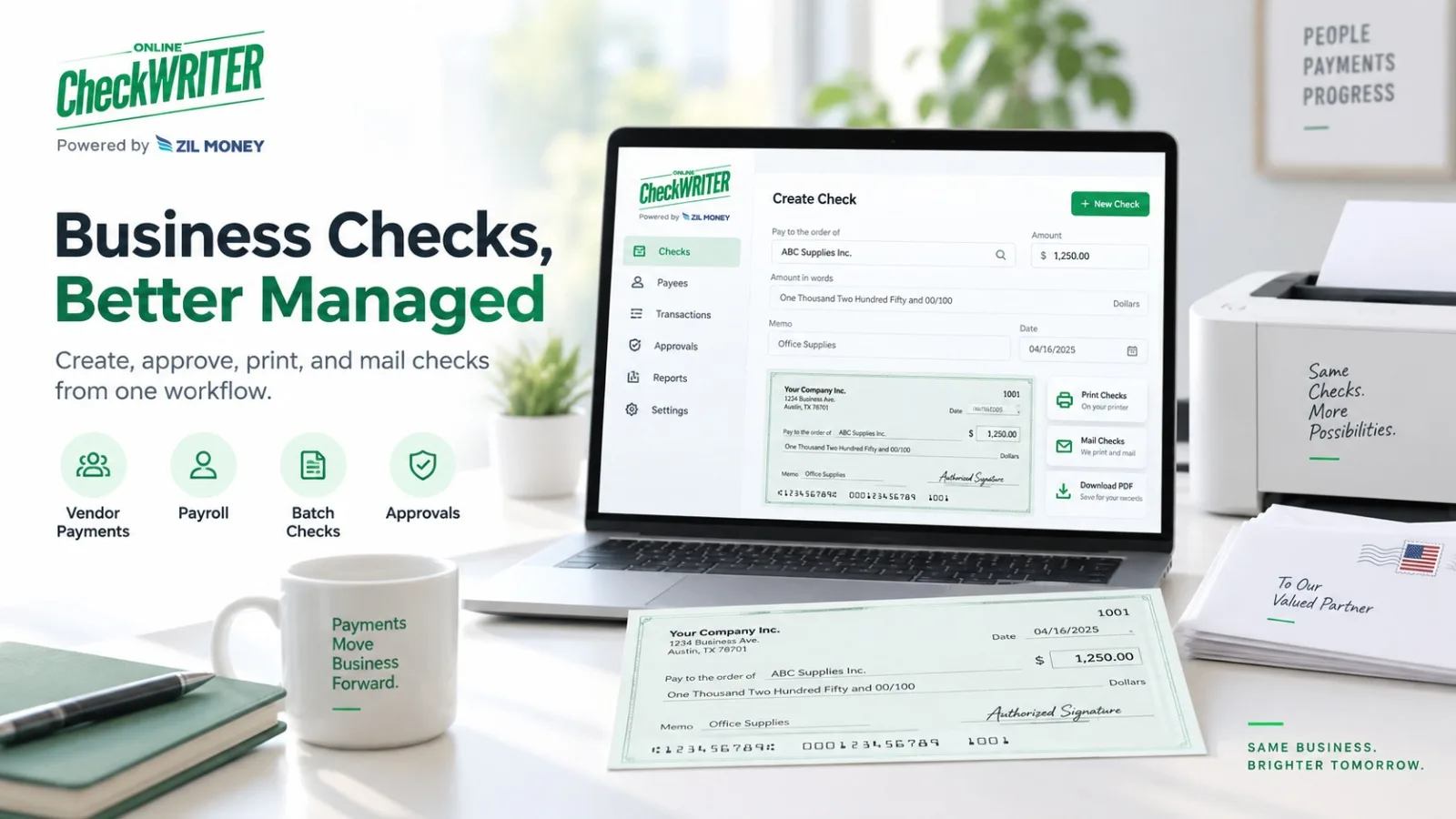
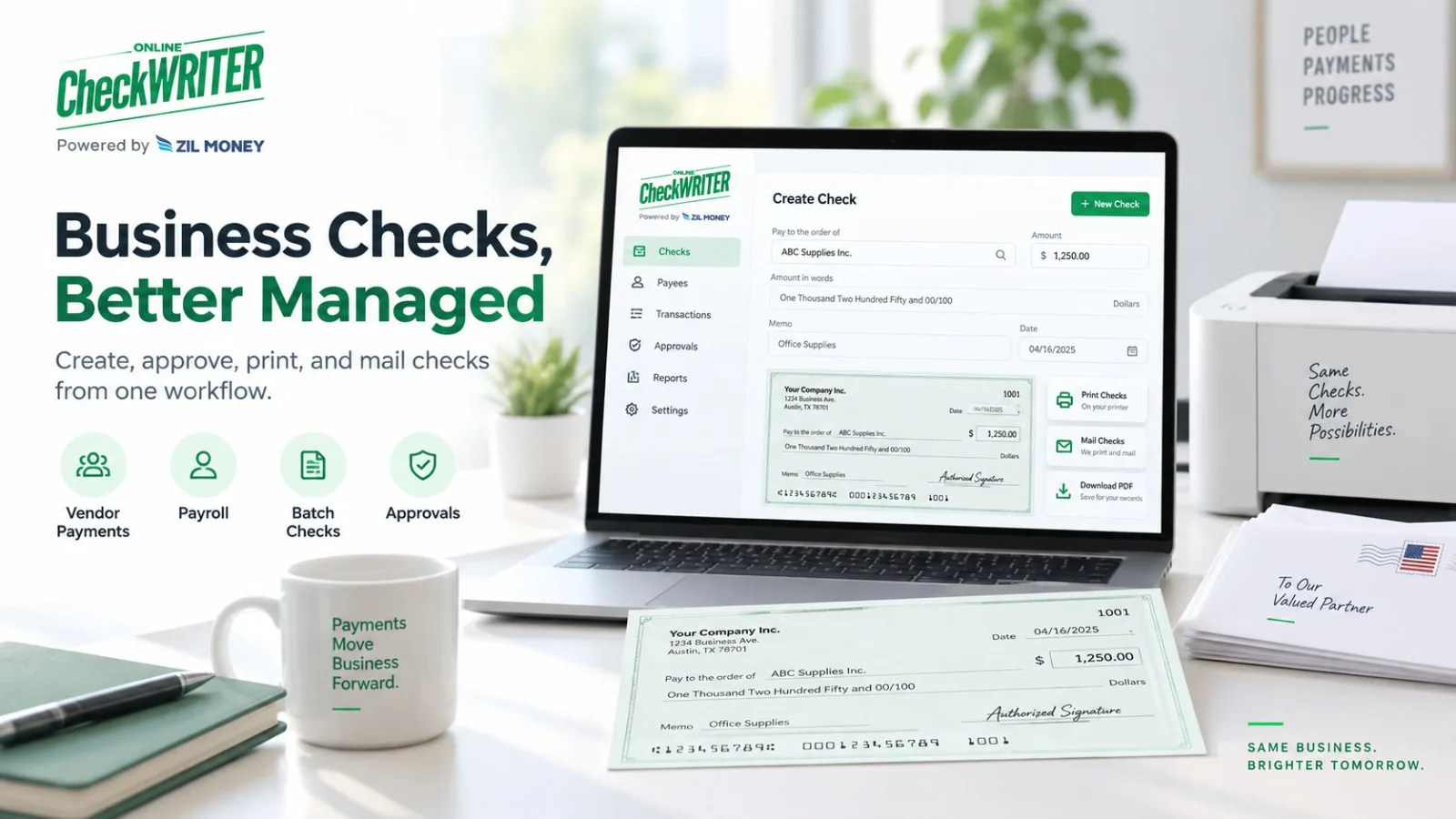
Posted on

Stop Letting Your LLM Do Calendar Math: A Field Test of OpenFate’s Open-Source Bazi MCP Server

Fifteen scenarios run through the official MCP TypeScript client, covering daylight saving, solar time, day boundaries, reverse lookup, bad input and a machine with no network. This is what an agent actually gets back, where it is slow, and the one parameter that decides whether the chart is right.

Independent review and field test by Akira, a Bazi enthusiast in Japan. Akira is unaffiliated with and unpaid by OpenFate, which maintains the MCP package. The client script is in the appendix so anyone can re-run the tests.

Test setup: @openfate/bazi-mcp v0.3.1 on Node 22.22 with MCP SDK 1.31.0, over stdio. Timings are from one machine and one session.

At a glance

  • Six tools over stdio; MIT licensed; calculation runs locally and continued with networking disabled.
  • Chart calls took 1–306 ms. Reverse lookup scaled with the year range at about 0.27 s per year; a 1900–2100 search took 54 seconds.
  • Pass timezoneId, not a bare numeric timezone. An IANA zone applies historical daylight saving automatically.
  • An unknown hour gives three pillars. Missing or nonexistent civil times mark the luck-cycle onset UNAVAILABLE with a reason code.
  • Every checked pillar, solar-time value and onset date matched the web calculator and separate calculations.

Why an MCP server for this at all

Ask a general-purpose model for someone’s Four Pillars and it will answer. It will name a day pillar, maybe a Day Master, and explain it with confidence. It is also doing sexagenary-cycle arithmetic, solar-term lookups and time-zone history in its head, which is exactly the work language models are worst at. The answer reads well and is frequently wrong in the one place that matters, the hour or day pillar.

The fix is the usual one for agents: hand the deterministic part to a tool. @openfate/bazi-mcp wraps the same packages that OpenFate’s website uses ( @openfate/bazi-engine and @openfate/true-solar-time ) and exposes them as MCP tools, so the model receives structured JSON and only has to explain it.

Setup

Claude Desktop, Cursor and Cline all take the same configuration block:

{

“mcpServers”: {

“openfate-bazi”: { “command”: “npx”, “args”: [“-y”, “@openfate/bazi-mcp”] }

}

}

Node 20 or later is required. Our client connected and completed the handshake in 244 ms. The package also ships a portable Agent Skill ( skills/openfate-bazi/SKILL.md ) that tells an agent which inputs to ask for, including whether the recorded birth time was on daylight saving, and not to recompute anything the tool returns.

Tool What it returns
calculate_bazi_chart Four pillars, Ten Gods, hidden stems, Na Yin, void branches, growth stages, true solar time, Da Yun timing receipt, normalized dates, applied policy.
calculate_true_solar_time Clock-to-solar correction by longitude, equation of time, and DST.
detect_bazi_interactions Earthly Branch clashes, combinations, trines, punishments, and harms by pillar.
reverse_bazi_to_solar_times Candidate dates and clock hours for a four-pillar string.
get_openfate_bazi_policy Defaults and guidance an agent should follow.
get_openfate_bazi_resources Canonical OpenFate links.

Times are wall-clock round trips through the SDK client, including JSON serialization. The first call in a session pays a warm-up cost.

Where the test cases come from. Scenarios 1 and 4 use the same births as two other reviews of OpenFate: David Hoo’s Taiwan daylight-saving test (Taipei 1979) and Chen Tian Ji’s five-system calculation audit (Chicago 1992), so the results can be compared across the three reviews. Scenarios 5 and 6 use the example OpenFate publishes on its Bazi calculator page and in its public validation file. The rest were chosen for this test.

The fifteen scenarios

# Scenario Result and time
1 Taipei 1979-07-15 11:20, Asia/Taipei Ji-Wei Xin-Wei Gui-Wei Ding-Si; true solar 10:20:21; DST inferred. 306 ms
2 Same, numeric timezone 8 and dstOffset 1 Identical to #1. 21 ms
3 Same, numeric timezone 8 without dstOffset Hour pillar Wu-Wu; standard time assumed. 22 ms
4 Chicago 1992-05-02 16:40, America/Chicago, female Ren-Shen Jia-Chen Wu-Yin Geng-Shen; true solar 15:52:35; Da Yun onset 2001-10-17. 184 ms
5 2024-06-15 23:45, 112°E, UTC+8, ZI_HOUR_23 True solar 23:12:20; day pillar Xin-Hai. 24 ms
6 Same, MIDNIGHT_00 Day pillar Geng-Xu. 3 ms
7 Reverse lookup Ji-Wei Xin-Wei Gui-Wei Ding-Si, 1900–2100 1919-07-30 and 1979-07-15, each at 09:00 and 10:00. 54.2 s
8 Same pillars, 1970–1990 and 1940–2020 1979-07-15 at 09:00 and 10:00. 5.7 s / 22.7 s
9 Impossible string Jia-Zi ×4 Zero matches after full scan. 54.5 s
10 Interactions for branches Shen-Chen-Yin-Shen Two Yin-Shen clashes; no Shen-Chen half-trine without Zi. 12 ms
11 February 30 Invalid date error. 4 ms
12 Chicago 2021-03-14 02:30, skipped DST hour Chart returned; onset UNAVAILABLE, NONEXISTENT_CIVIL_TIME. 193 ms
13 Chicago chart without timezone Clock-time pillars, no solar correction; onset UNAVAILABLE, MISSING_TIMEZONE. 4 ms
14 Chicago chart without hour Three pillars; onset UNAVAILABLE, UNKNOWN_BIRTH_TIME. 2 ms
15 Year 1700; then scenario 4 offline Year below minimum 1800; offline chart matched #4. 1 ms / —

Were the answers right?

We checked the core values three ways, avoiding the package’s own dependencies where we could.

Day pillars from a fixed anchor (1 January 2000 is a Wu-Wu day) with plain day counting: Gui-Wei for 1979-07-15, Wu Yin for 1992-05-02, Geng-Xu for 2024-06-15 and ⾟Hai for the next day. All four agree with the server. True solar time from longitude plus the NOAA equation-of-time approximation: about 10:20 for Taipei and 15:52.8 for Chicago, against the server’s 10:20:21 and 15:52:35. Luck-cycle onset. Swiss Ephemeris puts the 1992 Qingming solar term at 12:45 UT on 4 April. The server’s receipt says 1992-04-04T12:45:08Z , an interval of 2,451,292 seconds (28.37 days). At three days per year that is 9.46 years, which lands on 17 October 2001. That is the date the server returns. OpenFate’s website gave the same pillars and solar times for scenarios 1 and 4. Scenarios 5 and 6 reproduce the published example (23:12, ⾟Hai versus Geng-Xu).

The onset receipt deserves a closer look, because it is the part most Bazi tools hide:

The timing receipt includes status CALCULATED, policy THREE_DAYS_PER_YEAR, birth UTC 1992-05-02T21:40:00Z, Qingming at 1992-04-04T12:45:08Z, interval 2,451,292 seconds, timezone basis America/Chicago, and disambiguation REJECT. Every input to the onset is exposed for recomputation.

Every input to the onset is in the response, so an agent, or a skeptical user, can recompute it.

Gotchas

GOTCHA 1 · TIME ZONES

With timezoneId, the server looks up historical DST in the IANA database; metadata.dstOffset shows what it applied. With a numeric timezone, it doesn’t infer anything. Scenario 3 shows the cost: same birth, one missing parameter, different hour pillar. The policy tool’s guidance says to “pass dstOffset” when the birth time included DST, but it doesn’t mention that timezoneId handles this automatically. Prefer timezoneId.

GOTCHA 2 · REVERSE LOOKUP IS A LINEAR SCAN

Lookups scan every year in the range. At roughly 0.27 s per year, the default window (1900 to the current year) took 34 s in our run, and a 200-year window took 54 s, uncomfortably near the SDK’s 60,000 ms default. Some clients time out sooner. Narrow startYear and endYear, or raise the per-request timeout. An impossible pillar string also scans the full range before returning nothing (scenario 9); a quick consistency check could reject it instantly, and one hasn’t been added yet. Results are whole clock hours without solar correction, as documented, so treat them as candidates and recalculate.

GOTCHA 3 · NONEXISTENT TIMES STILL RETURN A CHART

For a clock time that never existed (scenario 12), you still get four pillars. The only signal is chart.daYun.timing.reason: “NONEXISTENT_CIVIL_TIME”; there is no top-level warning. Agents should check the timing receipt before presenting an exact onset, which is what the policy tool tells them to do.

GOTCHA 4 · SMALL THINGS

Keys are English but Ten God values come back in Simplified Chinese (e.g. Indirect Wealth), so a Traditional Chinese interface needs a conversion step. Supported years are 1800–2100. And the developer page on OpenFate still lists v0.2.6 and engine ^1.1.1, while npm has v0.3.1 on engine ^2.0.0. Trust the package README.

What it does well, what it isn’t

Does well Scope limit
No hour means no hour pillar; no timezone means no exact onset. It returns chart facts, not a reading.
Timing receipts record the solar term, interval, and conversion rule. It is not a geocoder; the caller supplies longitude and time zone.
Branch interactions retain every occurrence by pillar. Calculation does not prove Bazi predicts events.
Runs locally; worked without networking. This package does not implement Zi Wei, Western or Vedic charts.
Attribution arrives as data.  

Verdict

If you are building an agent that touches Chinese metaphysics, from a journaling app with a Bazi feature to a customer-service bot for an astrology product, this is a sensible default for the calculation layer. It is free, local, fast on the calls that matter, and unusually explicit about what it did and didn’t compute. Pass timezoneId and longitude , keep reverse-lookup windows narrow, and read the timing receipt before quoting an exact date. The model can then focus on the part it is actually good at, which is explaining the chart.

Before you build on it, run the appendix script against a few births you already trust.

Appendix: the client we used

// npm i @openfate/bazi-mcp @modelcontextprotocol/sdk (Node 20+)

import { Client } from “@modelcontextprotocol/sdk/client/index.js”;

import { StdioClientTransport } from “@modelcontextprotocol/sdk/client/stdio.js”;

const client = new Client({ name: “field-test”, version: “1.0.0” });

await client.connect(new StdioClientTransport({

command: “node”, args: [“node_modules/@openfate/bazi-mcp/dist/stdio.js”],

}));

const res = await client.callTool({

name: “calculate_bazi_chart”,

arguments: { year: 1992, month: 5, day: 2, hour: 16, minute: 40,

gender: “female”, longitude: -87.6298, timezoneId: “America/Chicago” },

});

const { chart } = JSON.parse(res.content[0].text).data;

console.log([“year”,”month”,”day”,”hour”].map(k => chart.pillars[k].ganZhi).join(” “));

console.log(chart.solarTimeInfo.trueSolarDateTime, chart.daYun.timing.status);

await client.callTool({ name: “reverse_bazi_to_solar_times”,

arguments: { bazi: “\u5df1\u672a \u8f9b\u672a \u7678\u672a \u4e01\u5df3”, startYear: 1970, endYear: 1990 } },

undefined, { timeout: 180000 });

Sources and further reading

References: npm package @openfate/bazi-mcp; Model Context Protocol TypeScript SDK; NOAA solar calculation notes; OpenFate developer documentation, free Bazi calculator and public validation cases. Official website: OpenFate.ai

Disclaimer: This article is for informational purposes only. Bazi calculations and interpretations may vary by methodology, software, and practitioner. Readers should independently verify results before relying on them for personal or important decisions.

Posted on

Connections Hints Forbes: A Guide to Daily NYT Connections

Word puzzles have become a popular way to take a short break while also testing vocabulary, logic, and pattern recognition. Among these games, NYT Connections has developed a strong daily following because every puzzle asks players to discover relationships between seemingly unrelated words. 

For many players, the challenge is enjoyable until a few difficult words prevent them from finding the final groups.

What Does Connections Hints Forbes Mean?

The phrase Connections Hints Forbes is generally used by people searching for help with the daily NYT Connections puzzle through Forbes-related coverage. It does not refer to a separate game. Instead, it combines the puzzle name, a publisher reference, and the need for daily hints or answers.

For players who want a little guidance without immediately seeing every solution, daily hint articles can be useful. You can also explore the Connections Hints Forbes guide on Weekly Magazine for an explanation of daily hints, categories, solving techniques, and the difference between clues and complete answers.

How Does NYT Connections Work?

NYT Connections: There are 16 words/entries displayed to players. The goal of the game is to sort the 16 words into four groups of four words each.

It can be simple as words of the same subject area, but it can also be based on phrases, names, word structures, sounds and puns.

The trouble is the misleading potential of the dozen or so words that make it seem as though they are firmly part of the category. Players therefore have to search out the closest fit rather than just any four words from the nomenclature with any similarities.

Why Do Players Search for Connections Hints?

Not every puzzle can be solved immediately. Sometimes a player can identify two or three groups but gets stuck on the remaining words. In other cases, one category may be deliberately difficult because the connection depends on an unusual meaning or word pattern.

This is where hints become helpful. A good hint can provide direction while allowing the player to continue solving independently.

Hints can also be useful for players who are trying to maintain a daily puzzle streak. Instead of immediately looking at every answer, they can use a small clue to move forward and preserve some of the challenge.

What Types of Hints Are Usually Available?

Daily Connections guides can provide different levels of assistance. Understanding these levels can help you decide how much information you actually need.

Group-Level Hints

A group-level hint explains the general idea behind a category without revealing all four words. For example, a clue might indicate that a group involves a type of object, phrase, profession, name, or word pattern.

This is usually the least revealing option and is a good starting point when you want to solve most of the puzzle yourself.

One Representative Answer

A stronger form of assistance is revealing one word from each group. Once one entry is known, you can examine the remaining words and search for other entries that share the same relationship.

This approach can be particularly useful when you understand the category but cannot identify all four words.

Complete Categories and Answers

The most direct form of help provides the official categories and the complete groups. At this stage, the puzzle is no longer a mystery, but the information can still help you understand why certain words were connected.

Reviewing the completed groups can also help you recognize similar patterns in future puzzles.

How to Solve Connections Before Checking Hints

Before searching for Connections Hints Forbes or another daily guide, give yourself a few minutes to study all 16 entries.

Start by looking for the strongest and most obvious relationships. Do not select a group simply because four words appear related. Ask whether there is a more specific connection that better explains all four entries.

It is also useful to search for phrases. Some words may become connected when placed before or after another word. Others may represent names, titles, places, brands, or references rather than their ordinary dictionary meanings.

Watch Out for Red Herrings

Red herrings are one of the main reasons Connections can become difficult. A red herring is an apparent relationship that looks correct but is not the intended category.

For example, several words may relate to sports, food, or technology. However, the actual category could depend on a much narrower relationship involving those words.

Before submitting a group, examine the remaining entries. If another word fits the same connection more precisely, reconsider your original choice.

Pay Attention to Wordplay

Not every Connections category depends on the basic meaning of a word. Some groups can be based on spelling, sounds, prefixes, suffixes, word endings, or phrases created by combining words.

When the remaining entries do not seem to share an obvious subject, step back and examine their structure. A difficult category may become easier once you stop looking only at definitions.

This is also why solving Connections can improve vocabulary awareness. Players gradually become more comfortable with alternate meanings, expressions, and unusual relationships between words.

How Can a Daily Guide Improve Your Solving Strategy?

A daily guide can be more useful when it is treated as a learning resource instead of simply an answer sheet.

If you regularly struggle with phrase-based groups, notice how those phrases are constructed after checking the solution. If wordplay is difficult, pay attention to prefixes, endings, sounds, or alternate meanings.

Over time, these observations can make unfamiliar categories easier to recognize. The goal is not only to complete one daily puzzle but also to understand the reasoning behind the solution.

Where Can You Find More Informational Content?

Daily puzzle searches are a snapshot of the many content pieces readers may be exposed to. For general interests like news, technology, sports, business, education, celebrity or food, you can take a look at Weekly Magazine and use the various sections to browse.

 When Should You Check the Full Answers?

The right moment to seek help will vary. If your primary goal is only to finish each daily puzzle, then consulting the puzzle solutions when you are having trouble might save you some valuable minutes. Start with the smallest clue, attempt the puzzle again, and only move toward stronger hints if necessary.

After seeing the final solution, think about why the four words belong together. Also consider why another tempting combination was incorrect. This short review can improve your approach to future puzzles.

Common Mistakes to Avoid

One common mistake is choosing groups based on broad associations. A relationship can seem reasonable without being the intended connection.

Another mistake is ignoring alternate meanings. A familiar word may have a completely different role within a particular category.

Players can also overlook word structure.If the remaining words seem disconnected, try seeing if they share any spelling pattern, word and sound, phrase or grammatical occurrence.

Lastly, to not keep changing one word over and over again without reviewing the rest of the group. Often the best works are the ones where you finally back away from the specific word and try to look at all the remaining words.

Final Thoughts

The search for Connections Hints Forbes usually reflects a simple need: getting useful assistance with the daily NYT Connections puzzle without necessarily revealing everything immediately.

The most effective strategy is to begin with strong relationships, remain cautious about red herrings, consider multiple meanings, and examine word patterns when ordinary associations do not work. When I get stuck a partial hint can give me enough of a lead that I can proceed without losing the gift of the puzzle.

Whether you‘re using hints on and off or reviewing full solutions every day, knowing what‘s happening in each group can bring some extra spice to the daily puzzle.

FAQs

What is Connections Hints Forbes?

It is a search phrase commonly used for finding Forbes-related coverage, hints, and answers for the daily NYT Connections puzzle.

How many words are in NYT Connections?

The standard puzzle contains 16 entries that must be divided into four groups of four.

How many categories are in Connections?

Each daily puzzle has four hidden categories, with four entries belonging to each category.

Should I use hints before answers?

If you want to preserve the solving challenge, start with hints and move toward complete answers only when necessary.

Why are connections sometimes difficult?

The puzzle can include misleading relationships, alternate meanings, wordplay, and categories that are less obvious than they initially appear.

Disclaimer: This article is for informational and entertainment purposes only. Puzzle hints and answers may change daily, and readers should use their own judgment when solving or interpreting puzzle content.

Posted on

Why the first-car advice we grew up with needs an update in 2026

In many families, first-car advice arrives long before the keys do. The rules are familiar: buy from someone we know, avoid auctions, choose the cleanest-looking car, and keep the monthly payment manageable. I don’t think our parents or older relatives were wrong; they were protecting us with the information and options they had.

The market has changed. Cox Automotive reported that the average used-car listing price reached $27,027 in June 2026, up 6% year over year, while vehicles under $15,000 had 33 days of supply compared with 47 across the market. Affordable cars are still out there, but buyers have fewer options in the lowest price tier and less room for a costly mistake. The instinct behind the old advice still holds; the shortcuts no longer do.

Where a car comes from is not a condition report

Buying from someone the family knows can feel safer because the deal is less anonymous. You can ask how the car was used, why it is being sold, and whether it was serviced. A familiar seller puts their reputation behind the sale. Still, an honest seller can have an incomplete picture of the car’s history, especially when damage or repairs happened before they owned it.

That same caution should follow the car, regardless of where it is sold. A dealer lot does not erase past problems, while a private listing is not automatically risky. An auction listing is not automatically a bad car, either. A vehicle can be repossessed after a borrower defaults under a loan agreement, often after missed payments, although the rules depend on the contract and state law. For buyers who verify the paperwork, a car for sale repossessed by a lender can expand the field beyond the conventional dealer lot. Repossession explains how a lender recovered a vehicle; it does not determine the vehicle’s mechanical condition.

The advice we inherited Why it felt protective What it cannot prove
Buy from someone we know Personal accountability A complete vehicle history
Avoid every auction Fewer unfamiliar rules That another channel is safer
Choose the cleanest-looking car Visible care Mechanical condition
Focus on the monthly payment A familiar number The full ownership cost

Where a car comes from gives context, but the decision must rest on evidence tied to that vehicle. So what should buyers actually verify before money changes hands?

What trust looks like in 2026

No single report—or a seller’s confidence—should be enough to earn a buyer’s trust. A vehicle’s history becomes credible when the VIN, title record, seller disclosures, and physical condition all tell the same story.

  1. Match the VIN across every record
    Check the VIN in the listing, on the vehicle, and in the paperwork. Any mismatch needs an explanation before payment.
  2. Read the title history, not just the current label
    Review the issuing state and date, title brands, the latest reported odometer reading, and any total-loss or salvage history. An NMVTIS report may contain these records, but it is not a complete account of every crash, repair, or service visit.
  3. Separate disclosed facts from assumptions
    Photos may reveal visible damage, but they cannot confirm the condition of the engine, transmission, electrical system, or suspension.
  4. Check for unrepaired safety recalls
    Run the VIN through NHTSA’s recall lookup. The search can identify unrepaired safety recalls linked to that VIN, but it does not provide the vehicle’s complete recall history.
  5. Inspect the car—or account for the lack of an inspection
    Arrange an independent inspection when possible. If one is unavailable, treat that gap as added uncertainty rather than ignoring it.

A report cannot replace an inspection, and an inspection cannot replace the paperwork. Those sources become useful when they support one another. Even a transparent history does not show whether the car makes financial sense for the buyer.

The new family rule: count the full cost, not just the payment

The monthly payment is easy to focus on because it turns a major purchase into one familiar number. A longer loan term can lower the payment while increasing total interest, and a larger down payment simply moves more of the cost upfront. Taxes, registration, insurance, transport, and immediate service may sit outside the advertised payment, leaving expenses that arrive soon after the keys do.

A better comparison starts with two figures. The driveaway cost covers the purchase, transportation, paperwork, and everything required to put the car on the road legally. A first-year ownership estimate adds the costs likely to follow during the next 12 months.

The calculation should include:

  • the purchase price;
  • buyer, auction, or transaction fees when applicable;
  • sales tax, title, and registration;
  • transport or towing;
  • inspection and diagnostic costs;
  • insurance;
  • financing interest;
  • immediate work on tires, the battery, brakes, or fluids;
  • a repair reserve based on age, mileage, records, and known condition.

No single repair-reserve percentage fits every car. A newer vehicle with service records and an independent inspection carries less uncertainty than an older one with missing paperwork or no opportunity for inspection.

The order of decisions matters. Set the highest total amount the household can comfortably cover, then rule out cars with unclear documents or risks that push the cost beyond that limit. Compare condition, near-term work, and first-year expenses before letting the badge, color, or options shape the choice.

The affordable first car is not the one with the lowest listing price. It is the one whose verified total cost the household can absorb.

Family advice still matters when it teaches us to slow down and look past the first impression. In 2026, the best way to honor it is to replace old shortcuts with records, an inspection, and a decision based on the full cost.

https://text.ru/antiplagiat/6a67212243b52

Disclaimer: This article is for informational purposes only. Car prices, safety features, ownership costs, and recommendations may vary by vehicle, market, and individual circumstances. Readers should conduct their own research before purchasing a vehicle.