Five Billion Passkeys Are Now in Use as More Apps Drop the Password
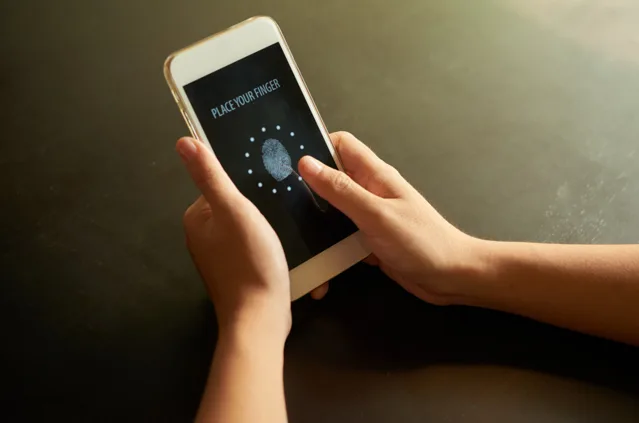
The FIDO Alliance, the industry group behind passkey standards, now estimates that 5 billion passkeys are in use worldwide. The figure comes from its State of Passkeys 2026 report, and it says something simple: signing in without a typed password is no longer a niche feature.
A passkey replaces the password with a pair of cryptographic keys. One stays on your phone or computer. The other sits with the service. You unlock yours with a fingerprint, a face scan or your device PIN, and no secret travels over the network. Switching one on takes a few minutes. If you sign in to Legend88 from your phone, open the account security settings and see whether a passkey option is listed. Not every service offers one yet, so check before you go hunting.
Why a passkey is harder to steal
A typed password can be guessed, reused, leaked or handed to a fake login page. A passkey can’t be handed over that way. It is tied to the real site or app that created it, so a lookalike page gets nothing. The service stores only the public half, which is useless to a thief. Apple, Google and Microsoft all sync passkeys between a person’s own devices, and several third-party password managers store them too. A new phone doesn’t mean starting from zero.
What the 2026 numbers show
FIDO’s report rests on two surveys run by Sapio Research in April 2026. They covered 11,000 consumers and 1,400 enterprise decision-makers in ten countries.
Awareness is the headline. Roughly nine in ten consumers now know what a passkey is, up from about three in four a year earlier. Only 7% say they have never heard of them. Actual use sits lower, as you’d expect. About half of consumers say they turn passkeys on whenever they can, or at least most of the time.
The Passkey Index, published in October, makes a similar point from the company side. Its authors say passkeys have moved from being offered to being used day to day. That is a different thing from a login option nobody touches.
Passwords are not gone yet
Here is the catch. The same report separates two ideas that often get mixed up: rolling out passkeys and getting rid of passwords. Most services add passkeys next to the old password, not instead of it. That keeps a fallback. It also keeps the weak spot. Someone who can still reset your password doesn’t care that you own a passkey. The report also notes that passwords keep causing real, measurable losses, which is why security teams keep pushing the switch.
Setting one up
- Look under Security or Sign-in in the account settings. The wording changes from service to service: “passkey”, “sign in with device”, “passwordless”.
- Pick where the passkey is stored. The phone’s own keychain works, and so does a password manager that supports passkeys.
- Test it from a second device. Cross-device sign-in usually works by scanning a QR code with your phone.
- Keep the recovery email and phone number current. They are your way back in if a device goes missing.
- Leave the old password in place until you have signed in with the passkey at least once. Then swap it for a long random one.
If you lose the phone
A passkey synced through your phone maker’s or browser’s account comes back when you sign in to that account on a new device. So protect that account first, with a strong unlock and two-step verification. A passkey kept on one device only does not come back, so add a second place for it. And skip saving passkeys on shared or work computers that aren’t yours.
Five billion is a big number, but your own accounts are what count. Start with the ones that hold your email, your money and anything you’d hate to lose, and add a passkey there first.
Disclaimer: This article is intended for informational purposes only. It discusses the growing adoption of passkey technology and the shift away from traditional password-based authentication. The information provided should not be considered cybersecurity or technical advice. Readers are encouraged to review the security features and privacy policies of individual apps and platforms before adopting new authentication methods.