How Backup and Disaster Recovery Keeps Your Business Safe
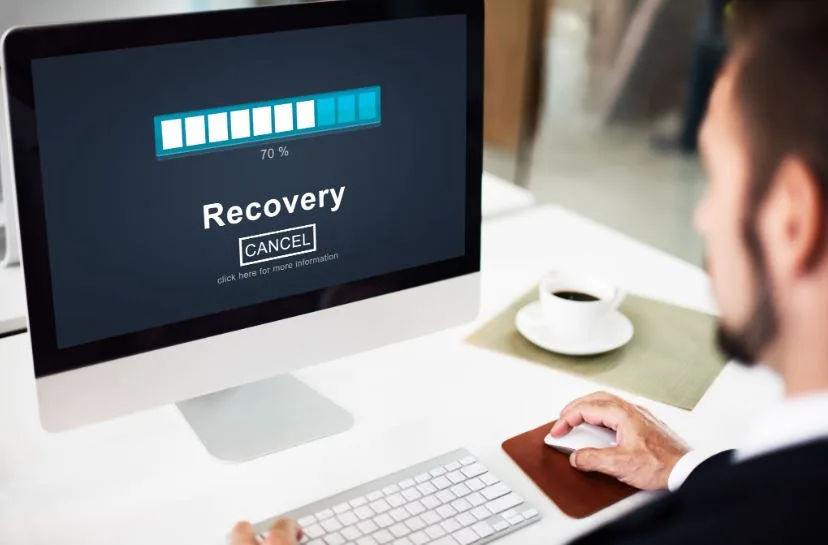
Bad things happen. A cyberattack hits your network. A server crashes. Someone deletes the wrong file. These things can stop your business in its tracks.
That is why having a proper Backup and Disaster Recovery plan is so important. It gives you a way to get back up and running fast — even when everything seems to be going wrong.
In this post, we will explain what backup and disaster recovery means, why it matters, and how you can put a solid plan in place. We will also cover how Managed IT Services can take this work off your plate entirely.
What Is Cyber Resilience?
Cyber resilience simply means your business can keep going even when something bad happens. It is not just about blocking attacks. It is also about what you do after an attack or failure occurs.
Think of it like this. A fire alarm protects your building. But you also need fire exits and a fire drill. Cyber resilience is the full package — protection and recovery combined.
So, cybersecurity keeps the bad stuff out. Cyber resilience gets you back on your feet when something gets through. And at the heart of recovery is a strong backup and disaster recovery plan.
Why Businesses Lose Data — and It Happens More Than You Think
You do not have to be a big company to be at risk. Small businesses face the same threats every day. Here are some of the most common ways data gets lost:
- Ransomware attacks that lock you out of your systems
- Phishing emails that trick your staff into sharing passwords
- Hardware failures with no warning at all
- Floods, fires, or power outages that damage your equipment
- Simple human error — someone deletes the wrong folder
Any of these can cause serious damage. But here is the good news: most of this damage is avoidable. With the right setup, you can lose very little — even if something does go wrong.
Backup vs. Disaster Recovery — What Is the Difference?
These two things work together, but they are not the same. Here is a simple way to think about it.
Backup
A backup is a copy of your data saved somewhere safe. If your main system breaks, you restore from the backup. Simple as that.
Backups can live on an external drive, a second server, or in the cloud. The key thing is that they are stored away from your main data. That way, one event cannot wipe out both at the same time.
Disaster Recovery
Disaster recovery is a bigger picture plan. It covers what your whole team does when something major goes wrong. Which systems come back online first? Who is in charge? How long can you be offline?
Together, backup and disaster recovery cover both saving your data and getting your business running again. One is not useful without the other.
Why Cloud Backup Makes So Much Sense
Not long ago, most backups were saved on tapes or hard drives kept in the office. The problem? If the office flooded or burned, you lost the backup too.
Cloud backup fixes that. Your data is stored off-site in a secure data center. Even if your whole office is gone, your data is still safe. Here is why more businesses are switching to cloud backup:
- You can access your data from anywhere
- Backups run automatically — no one has to remember to do it
- Storage grows with your business, no new hardware needed
- Data is encrypted and kept secure
Cloud backup is also more affordable than it used to be. For small and medium businesses, it offers strong protection without a big price tag.
How to Build a Disaster Recovery Plan
A backup alone is not enough. You also need a plan for what happens when things go wrong. Here is how to build one that actually works.
Know Your Most Important Systems
Start by listing the systems your business cannot live without. Your customer database. Your billing software. Your email. These go to the top of the recovery list. Everything else comes after.
Decide How Long You Can Be Offline
This is called your Recovery Time Objective, or RTO. For some businesses, an hour of downtime is fine. For others, even fifteen minutes is too long. Knowing your limit helps you pick the right tools and set the right expectations.
Decide How Much Data You Can Afford to Lose
This is called your Recovery Point Objective, or RPO. If you back up every 24 hours, you could lose up to a full day of data in a worst case. If that is too much, you need more frequent backups. It is a simple trade-off — more frequent backups cost a bit more but protect more.
Test Your Plan Before You Need It
This step gets skipped more than any other. A plan that has never been tested is just a guess. Run regular drills. Restore data from your backups. Make sure everything works. Fix any gaps you find. When a real problem hits, your team will be ready instead of panicking.
How Managed IT Services Help with Disaster Recovery
Most business owners do not have the time or staff to manage all of this on their own. That is completely normal. Running a business is already a full-time job.
That is where Managed IT Services come in. A good managed IT provider handles your backups, monitors your systems, and keeps your recovery plan up to date. They stay on top of new threats so you do not have to.
You get all the benefits of a dedicated IT team without the cost of hiring one in-house. And if something goes wrong, they are already on it — often before you even notice a problem.
What to Look for in IT Support
Not every IT provider is the same. When you are looking for help with backup and disaster recovery, good IT Support should include:
- Round the clock monitoring so issues get caught early
- A team that takes time to understand your business
- Clear reports so you always know what is going on
- Fast response when something does go wrong
The right IT partner does not just fix problems. They help you avoid them. And when something does happen, they move fast so you can get back to work.
Mistakes That Leave Businesses Exposed
Even businesses with backups in place often make mistakes that leave them more exposed than they think.
Backing Up Only Some of Your Data
Many businesses back up their main files but forget about email history, cloud apps, or shared drives. Then when something goes wrong, they realize they lost important stuff they never thought to protect. Make sure your backup plan covers everything that matters.
Never Testing the Backup
This is a really common one. Businesses assume their backup is working — until they actually need it and find out it is not. Regular tests fix this problem before it becomes a disaster.
Storing Backups in the Same Place as Your Main Data
If your backup lives on the same server as your main data, one failure takes out both. Always store backups separately. A good rule is the 3-2-1 method — three copies of your data, on two types of storage, with one copy stored off-site.
Getting Started Is Easier Than You Think
If you do not have a backup and disaster recovery plan yet, starting today is the right move. Here is a simple way to begin.
First, write down every system and piece of data your business relies on. Then decide how much downtime and data loss you can handle. Pick a backup solution that fits your budget. Write down your recovery steps and share them with your team.
If that still feels like a lot, that is okay. Reach out to a Managed IT Services provider. They do this every day and can have you set up faster than you expect.
Final Thoughts
You do not have to be a tech expert to protect your business. You just need the right plan and the right people.
Strong Backup and Disaster Recovery is the difference between bouncing back quickly and losing everything. It is one of the smartest investments you can make — and it does not have to be complicated.
Talk to a trusted IT Support team today. Ask them about your current backup situation. A short conversation now could save you from a very bad day down the road.