How to Deposit an eCheck: What the Recipient Should Know First
Disclosure: This article was published as part of a paid partnership with OnlineCheckWriter.com, a Zil Money platform. The author is an independent contributor.
The answer to how to deposit an eCheck depends on what the sender and payment provider mean by “eCheck.”
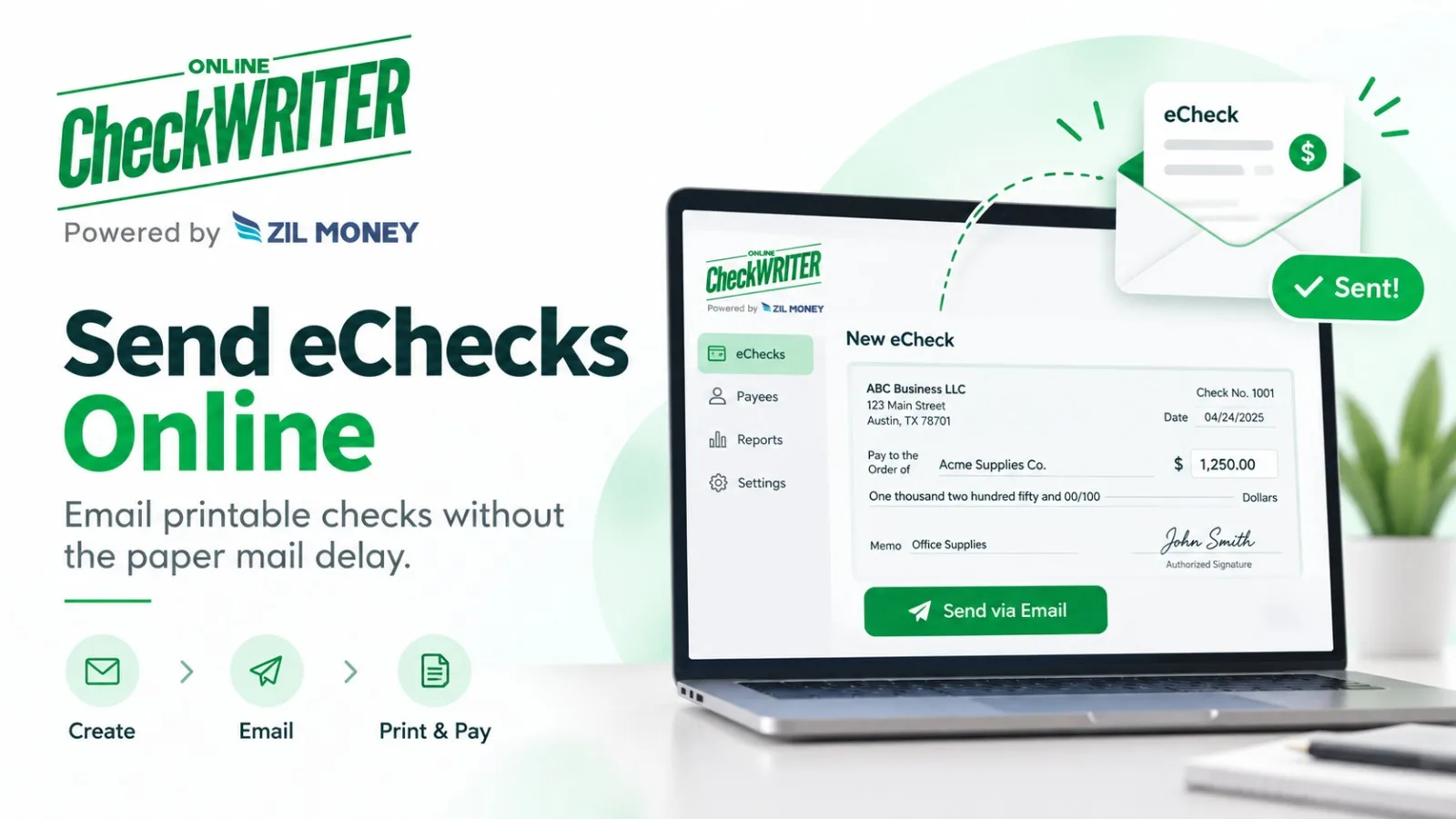
For an OnlineCheckWriter.com eCheck, the recipient receives a printable check electronically. The payee can print the check and then deposit it using a check-deposit method accepted by the receiving financial institution.
That is different from an ACH-based eCheck, where funds move electronically through the ACH Network and the recipient does not print a check for deposit.
Understanding that difference comes first.
Open the Payment Carefully
If a business receives a check document by email, confirm that the message is expected.
Look at the sender, amount, payee name, invoice reference, and other available payment information.
If the message is unexpected or payment instructions do not match a known business relationship, verify the payment with the sender using trusted contact information.
Do not rely only on the contact details inside an unexpected email.
Print the Check Clearly
OnlineCheckWriter.com’s eCheck workflow is designed around a printable PDF check.
The recipient should print the document clearly and make sure important payment information is readable.
Do not alter the payee, amount, routing information, account information, or other check details.
If anything appears incorrect, contact the payer before attempting the deposit.
Use a Deposit Method Your Bank Accepts
The receiving financial institution controls its deposit rules.
Depending on the bank or credit union and the type of account, a printed check may be deposited through a branch, ATM, mobile deposit, or another supported method.
Do not assume every method will be available for every printed eCheck.
Mobile-deposit policies in particular can vary.
The safest instruction is to use the method that the recipient’s own financial institution says it accepts.
Electronic Delivery Does Not Mean the Funds Have Cleared
Receiving the PDF is only the delivery of the check document.
It does not mean the money is immediately available.
After deposit, the financial institution may apply its normal check-processing, review, funds-availability, or return procedures.
For that reason, an external article should not promise that an eCheck sent by email is “instant money.”
A business waiting for an important customer payment should follow the bank’s actual account status rather than relying only on the email delivery time.
Do Not Deposit the Same Check Twice
Once the check has been deposited, maintain an accurate record.
A printable payment document can create confusion if several staff members have access to the same email or PDF.
The accounts receivable team should mark the payment according to its normal accounting process once the deposit has been submitted.
This reduces the risk of someone trying to process the same payment document again.
What If the Bank Does Not Accept the Deposit Method?
Do not assume the payment is invalid simply because one deposit channel rejects it.
For example, a mobile app can have its own image or deposit restrictions.
The recipient may need to contact the financial institution or use another supported check-deposit method.
The financial institution, not OnlineCheckWriter.com, ultimately determines its own deposit policies.
Why the Terminology Matters
Nacha uses “electronic check” or eCheck terminology for ACH payments.
OnlineCheckWriter.com uses eCheck for its printable email-delivered check product.
This is why generic instructions saying “an eCheck is deposited automatically into your bank” can be wrong for an OnlineCheckWriter.com recipient.
For this product, the practical answer to how to deposit an eCheck is:
verify the payment, print the check, follow your bank’s accepted check-deposit process, and wait for the financial institution to complete its normal handling before treating the funds as fully available.
OnlineCheckWriter.com – powered by Zil Money, is a financial technology company, not a bank. Banking and money movement services are provided through partner financial institutions and licensed service providers. FDIC insurance coverage applies only to eligible deposit products and accounts, and is subject to applicable terms, conditions, limitations, and requirements. Additional information regarding partner institutions, products, and services is available in the applicable terms and agreements.