
Implementing Zero-Trust for Multi-Cloud and Hybrid Environments
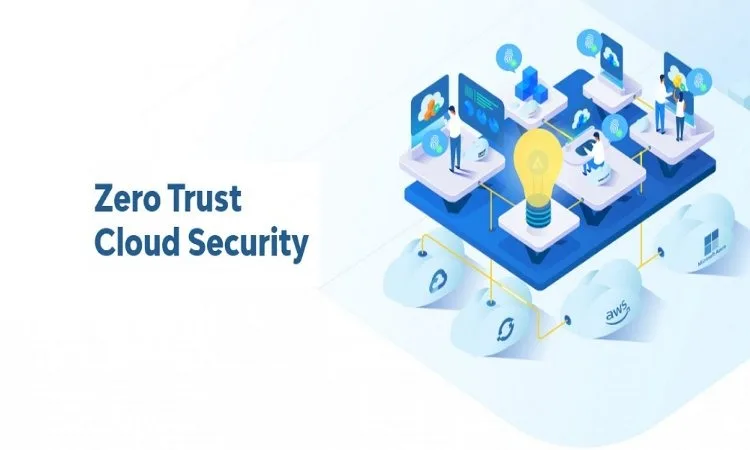
As more and more organizations are moving to multi-cloud and hybrid environments, keeping everything secure becomes much more challenging. You may have workloads across various clouds, users connecting from anywhere and data movement between on-premises and cloud systems. This is where zero-trust network access would help. It offers a security approach that authenticates every request, every time, rather than trusting anything by default. Let’s understand how you can implement zero trust for multi-cloud and hybrid environments:
Start with Strong Identity and Access Controls
Zero-trust begins with identity. You want clear rules and policies that can confirm who is trying to get your applications or data. Multi-factor authentication, single sign-on and strict identity verification enable you to avoid unsafe access paths. With zero-trust network access, every request will be verified for identity, device condition and context. This avoids granting wide access and only grants permission to what the user truly needs. This also helps you know when your users work from different locations or devices.
Secure Connections Across Clouds and On-Premises Systems
In multi-cloud and hybrid configurations, your users often jump from one platform to another. Thus, you need secure connections that can protect data in transit. Zero-trust tools create encrypted tunnels that allow safe access without exposing your entire network. This makes it easier to keep sensitive data safe, no matter where it moves. Additionally, it becomes easier for your teams to work across environments because they connect directly to the app they need, rather than the entire network. This reduces the attack surface and gives you tighter control.
Implement Least-Privilege Access for All Users and Devices
The principle of least-privilege access ensures that every user and device is given access to only the information they need to do their job. This is especially important in hybrid environments where workloads are on-premises and in the cloud. If you set up policies in your zero-trust network, you can set a bunch of clear rules that can automatically adapt as per the changing devices or roles. This way, your environment will be flexible as well as safe.
Always Monitor, Inspect and Validate
Zero-trust is not a one-time setup. A zero-trust architecture requires constant monitoring. So, you need to monitor device health, network activity and user actions. If anything is deemed suspicious, the system can limit access or seek re-validation. This helps you catch threats early, even if attackers try to move laterally between clouds or across on-premises systems. Real-time inspection also improves visibility so your security team can respond quickly.
What’s important when implementing zero-trust in complex environments is a strong architecture that scales easily. Organisations like TATA Communications provide zero-trust solutions that are designed for multi-cloud and hybrid ecosystems. Their platform gives you the control, visibility and protection you need, while keeping user access smooth and secure.
Zero-trust works best when applied in a step-by-step manner. Start with robust identity controls, secure connections and enforce least-privilege access. Then, monitor everything. With proper setup and solutions from zero-trust network access, you can easily protect multi-cloud and hybrid environments while assisting your teams to work with confidence.