
PhotoGPT for Photoreal Menu and Product Visuals in a Small Food Brand
I manage content and packaging visuals for a small beverage brand. We do not have the budget for constant photo shoots, yet we still need images that look real enough for menus, posters, delivery platforms, and social posts. PhotoGPT works for this because it focuses on photoreal results and keeps the workflow online, covering generation, editing, and enhancement in one place. PhotoGPT helps me build a consistent “camera real” look for product shots and promo visuals without heavy design software.
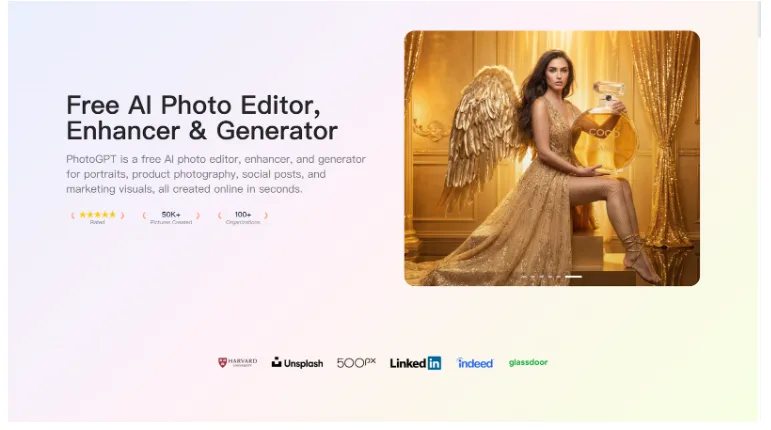
What I need from visuals in food and beverage marketing
Food visuals are sensitive. If lighting looks wrong, the product looks unappealing. If the texture looks fake, the audience notices immediately. I need clean, bright product shots that highlight color, condensation, and material details while keeping the label readable.
The standard for a usable product image
A publishable image should have:
- Realistic lighting that makes the product look fresh
- Clean separation from the background
- True looking texture such as glass reflections or can condensation
- Enough clarity for labels and small packaging details
PhotoGPT is useful because it aims for a studio style realism that fits these needs.
PhotoGPT generation for studio style product scenes
Generation helps when I need new promo images fast. PhotoGPT works best when I describe the product composition clearly, including how the item is placed, what surface it sits on, and what lighting the scene uses.
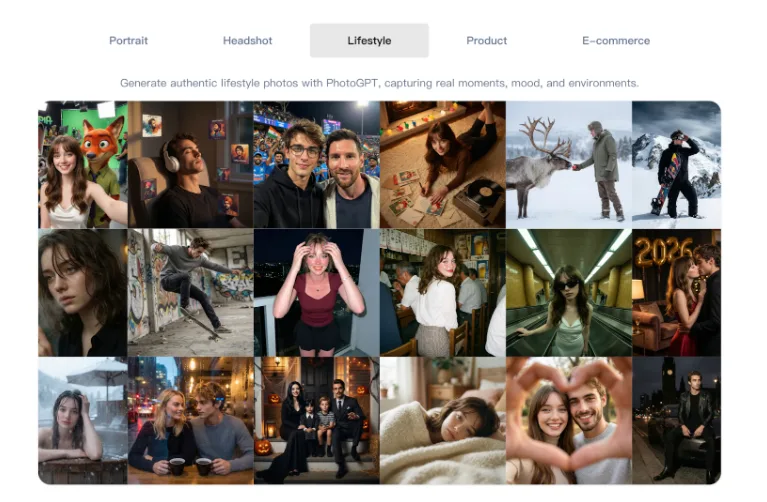
How I prompt for believable product shots
I use prompts that include:
- A single hero product centered, clear angle
- Soft studio lighting with gentle highlights
- Clean background color direction to match branding
- Photoreal texture cues like condensation or reflections
This produces images that look like they came from a product shoot, which is what menus and posters need.
Where generation saves my team
I use generation for:
- Seasonal promo posters with new backgrounds
- Menu visuals that stay consistent across items
- Delivery platform hero images for new SKUs
- Social posts that need a fresh look without reshooting
It keeps marketing moving even when we cannot schedule photography.
PhotoGPT editing for label focus and clean composition
Editing helps me correct small issues quickly. For product marketing, the label must stay readable and the image must feel clean. I use editing to simplify scenes and improve focus.
Edits that matter for my use cases
- Removing clutter so the product becomes the hero
- Adjusting background tone to match brand palettes
- Cleaning edges and highlights so the image looks polished
- Creating consistent framing across a menu set
These are practical improvements that help images look professional.
PhotoGPT enhancement for print and large format clarity
When visuals go to posters or packaging mockups, clarity becomes critical. Enhancement helps make images sharper and more suitable for larger placements.
When enhancement is essential
I use enhancement to:
- Improve sharpness for print and large banners
- Keep label and texture details clear after resizing
- Standardize quality across images from different sources
This reduces extra retouching work and helps assets stay consistent.
RoomDesign for brand scenes tied to spaces
When we shoot promo content, we often want a setting: a café corner, a kitchen counter, a cozy living space. When the environment is part of the story, RoomDesign is useful. RoomDesign focuses on room visuals and interior concepts, which helps create believable spaces for lifestyle marketing.
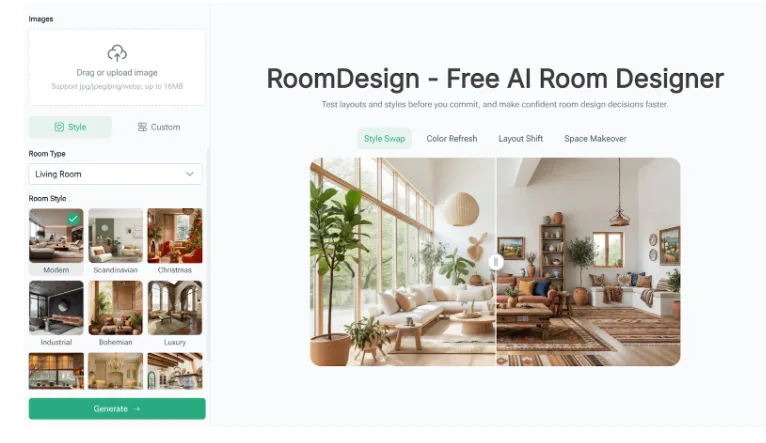
Where RoomDesign supports food and beverage content
RoomDesign is useful for:
- Café style interior scenes for brand storytelling
- Cozy home environments for lifestyle posts
- Seasonal room vibes that match limited editions
- Background concepts that keep focus on the product
It helps create a room mood that supports the product instead of distracting from it.
Conclusion
PhotoGPT (https://photogpt.io/) delivers a realistic photo centered workflow for generating, editing, and enhancing images online, making it easier to produce studio style product visuals for menus, posters, and social content. RoomDesign (https://roomdesign.io/) supports fast interior concept exploration and room focused visuals, helping brands place products into clear, shareable lifestyle spaces that feel consistent and real.
Try PhotoGPT: https://photogpt.io/