Send a Check From Your Phone: What Businesses Can Actually Do
Disclosure: This article was published as part of a paid partnership with Zil Money. The author is an independent contributor.
Businesses searching for how to send a check from your phone usually are not looking for a digital replacement for every type of check. They need to make a payment while away from the office, without waiting to return to a desktop computer or traditional checkbook.
A mobile business-payment app can help with that workflow.
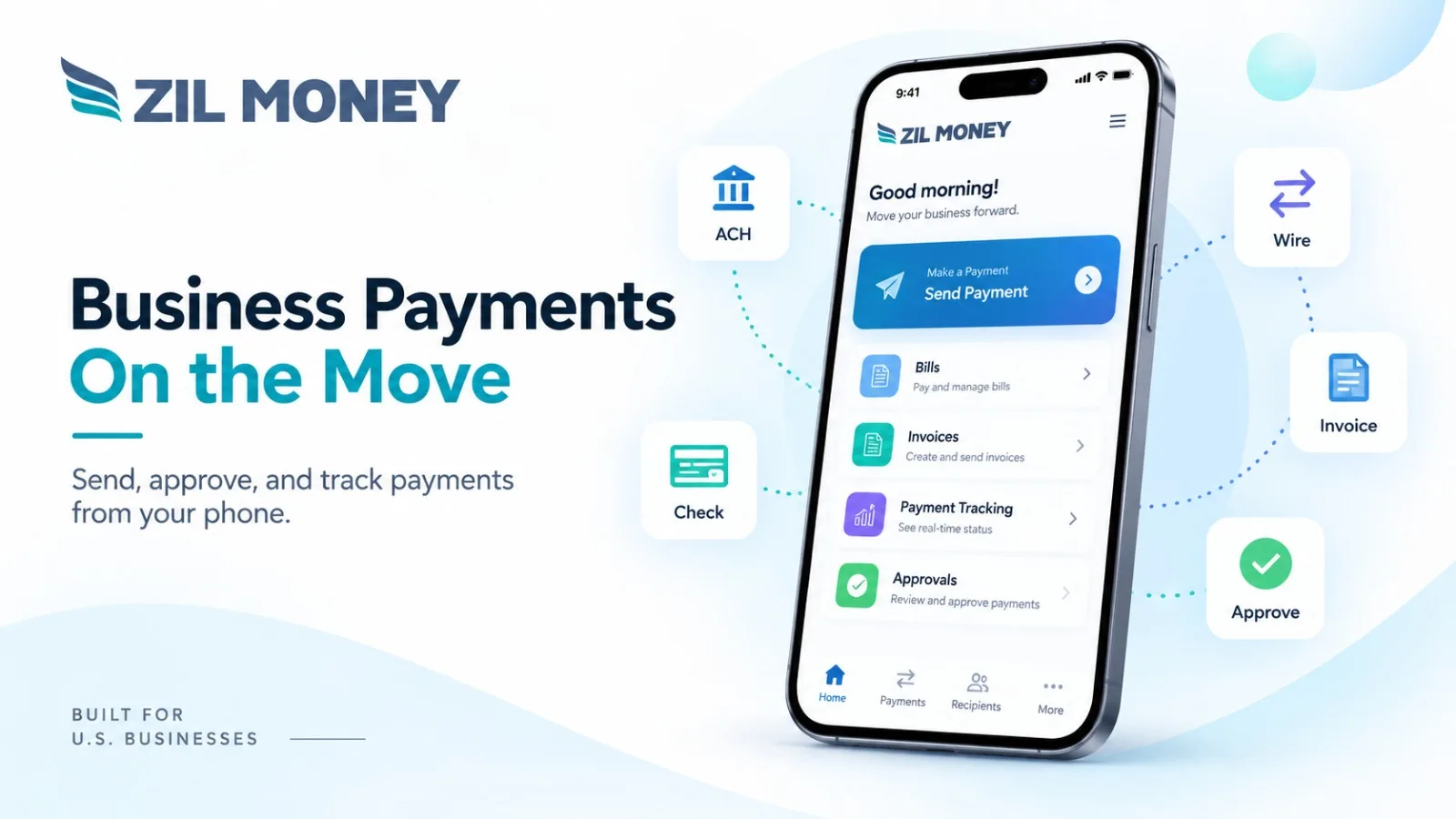
Zil Money’s current Mobile Payments page says businesses can create and manage check payments from its mobile app, including printed checks, mailed checks, and eChecks. The app is available for supported iOS and Android devices.
The important question is what “send a check from your phone” actually means.
A Phone Can Start the Check Workflow
Traditionally, issuing a business check may involve opening accounting software, preparing the payment, printing it at the office, placing it in an envelope, and mailing it.
A mobile workflow can move several of those steps into an app.
With Zil Money, a user can access existing payees and payment information, enter the payment details, select an available check option, and initiate the transaction from a mobile device.
That can be useful for a business owner approving payments while traveling, an office manager working away from the main office, or a finance manager who needs to release a payment before returning to a desk
A Mailed Check Is Still a Physical Check
Mobile access does not make postal delivery instant.
If the payer selects a mailed-check workflow, the check still needs to be prepared and sent through the applicable mailing service. Carrier schedules, addresses, weekends, holidays, selected shipping services, and other coditions can affect when the recipient receives it.
Businesses should therefore separate two questions:
When can I submit the check?
When does the recipient need to receive it?
A mobile app can make submission more convenient, but it does not remove carrier delivery time.
An eCheck Is Different From ACH
This distinction is especially important for Zil Money content.
Zil Money’s mobile page includes both ACH and eCheck as available payment options. They should not be described as the same payment method.
Zil Money’s eCheck workflow is a digital check workflow. ACH is a bank-to-bank electronic payment through the Automated Clearing House Network.
Keeping those terms separate helps users understand what the recipient will actually receive.
Check the Payment Details Before Sending
Mobile access should not mean skipping payment controls.
Before releasing a check, confirm the correct payee, amount, funding source, mailing address when applicable, and payment purpose.
If several employees can make payments, the business should also keep its approval process in place.
The convenience of paying from a phone is most useful when the same controls used at a desk still apply.
Keep the Payment Record
One advantage of using a business-payment platform rather than manually writing a check is that the transaction can remain connected with the payer’s payment history.
Zil Money’s current mobile documentation says users can view transaction history and payment status from the app.
That can help when a vendor asks whether a payment was submitted or when accounting staff need to review the transaction later.
It should not, however, be described as a guarantee that every payment stage updates instantly.
When Does Mobile Check Payment Make Sense?
A mobile check workflow can be useful when a recipient still wants a check but the payer is not sitting beside a printer or checkbook.
It can also help when an owner or manager needs to review and initiate a business payment while traveling or working from another location.
Zil Money brings check, ACH, wire, and other supported payment workflows into its mobile application, but each payment still has its own fees, eligibility conditions, timing, and recipient requirements.
The value of sending a check from your phone is therefore not that the check becomes “instant.”
It is that an authorized business user can start and manage the payment without being tied to the office computer.
Zil Money, is a financial technology company, not a bank. Banking and money movement services are provided through partner financial institutions and licensed service providers. FDIC insurance coverage applies only to eligible deposit products and accounts, and is subject to applicable terms, conditions, limitations, and requirements. Additional information regarding partner institutions, products, and services is available in the applicable terms and agreements.