How to Print Checks on Blank Check Stock Without Skipping the Important Controls
Disclosure: This article was published as part of a paid partnership with OnlineCheckWriter.com, a Zil Money platform. The author is an independent contributor.
Learning how to print checks on blank check stock involves more than entering a payee and pressing Print.
The payer needs the correct bank account information, appropriate check stock, the right MICR setup, accurate check numbering, and a way to review the payment before it is released.
A controlled process matters more than printing quickly.
Start With the Correct Bank Account
Before creating the check, confirm which authorized checking account will fund the payment.
Businesses managing several accounts should pay particular attention to this step.
The check needs the correct routing number, account number, and check-number sequence for that account.
Selecting the wrong account can create rejected payments, reconciliation problems, or duplicate-number issues.
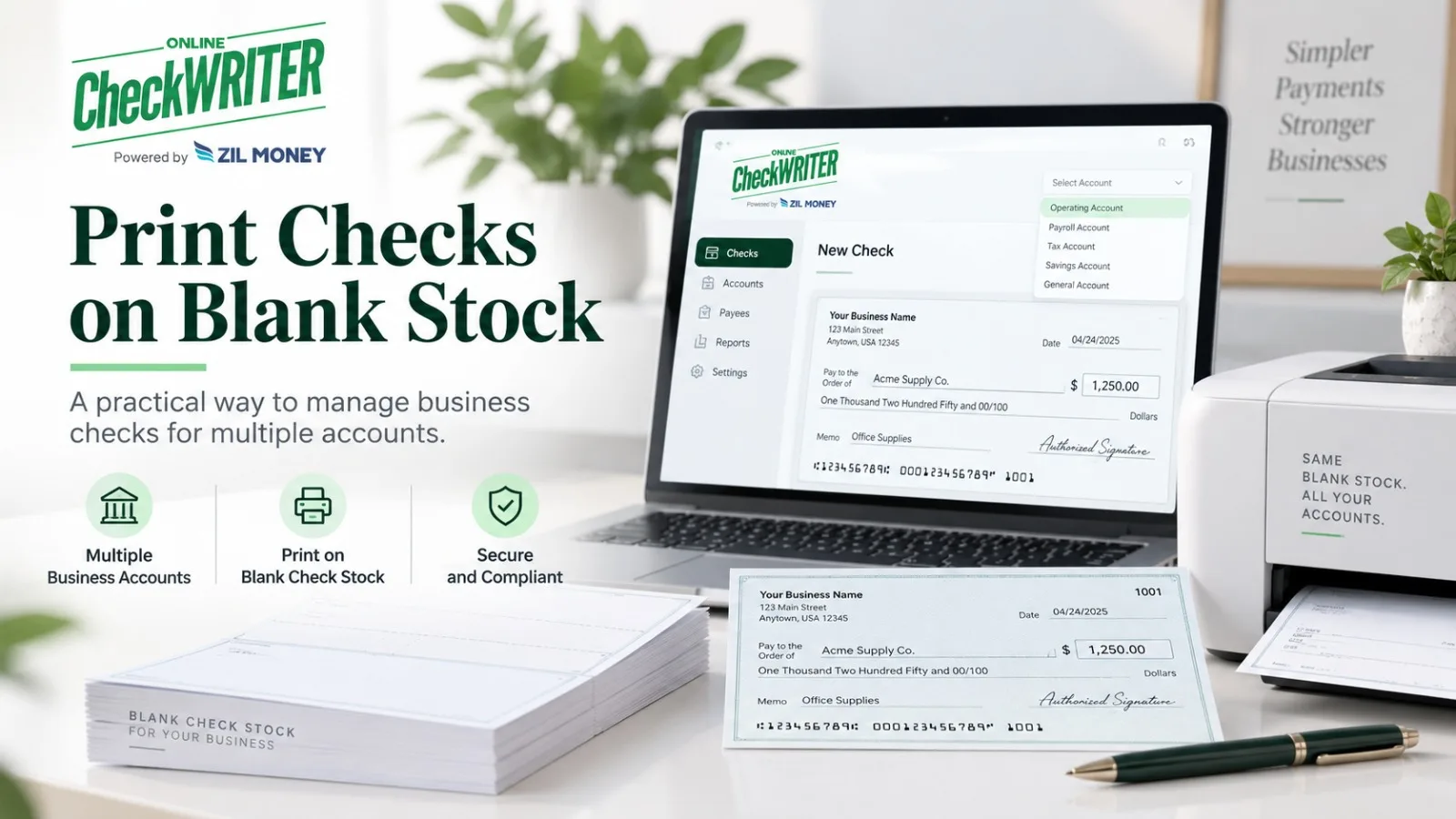
OnlineCheckWriter.com’s current on-demand check workflow allows users to select a bank account, enter the payee and amount, customize the check, review it, and then print or choose a mailing option.
Know What Kind of Blank Stock You Have
“Blank check stock” can describe different products.
Some stock may already contain certain check features or a MICR line. Other stock may require the user to print the full MICR line.
This distinction affects the printing setup.
Read the stock specifications before assuming which information has to be generated.
Print the MICR Line Correctly
The MICR line is the numeric line near the bottom of the check.
According to the Federal Reserve, it includes information such as the bank routing number, account number, and check serial number.
Generally applicable industry standards for original checks have long required this line to be printed in magnetic ink.
If the MICR line is already pre-printed on the stock, the remaining information does not need magnetic ink.
If you print the MICR line yourself, the Federal Reserve says it should be printed using magnetic ink.
This is one of the most important compliance points in blank-check content.
Enter and Review the Payment Information
Add the payee, amount, date, memo if needed, and the appropriate check number.
Then review the check before printing.
Verify the numerical amount and written amount if both appear.
Confirm the payee spelling.
Check the funding account again.
If the company requires approval, the payment should be approved before the check is issued.
Software can make printing easier, but it does not replace internal payment controls.
Print a Test Before a Large Batch
If the printer, stock, or template is new, test the alignment before printing a large payment run.
Make sure the information appears where expected and that nothing important is cut off or shifted.
A small alignment issue repeated across 100 checks becomes a much bigger problem than correcting one test page.
For businesses processing batches, document which printer settings work with the selected stock.
Check Financial-Institution Requirements
The Federal Reserve provides general guidance about MICR, but the receiving and paying financial institutions still operate their own processing systems.
OnlineCheckWriter.com’s current Blank Checks page advises using a printer that meets the bank’s check-printing requirements and checking with the bank when uncertain.
That is safer than saying every home or office printer configuration is universally accepted.
Protect Blank Stock and Check Numbers
Blank stock does not contain a completed payment, but it should still be controlled.
Limit access to employees who need it.
Keep the printing process tied to authorized users.
Maintain check-number sequences and mark voided checks correctly in the records.
These steps make reconciliation easier and reduce confusion when several people handle payments.
Where OnlineCheckWriter.com Fits
OnlineCheckWriter.com provides cloud-based check creation, customization, printing, and mailing workflows for authorized accounts.
The software can organize the check information and printing process, but the business remains responsible for choosing the correct account and meeting its bank’s requirements.
The practical answer to how to print checks on blank check stock is therefore:
prepare the correct stock and MICR setup, select the right account, enter and verify the payment, test the layout, print the check, and maintain the payment record.
That process is more useful than a generic promise that check printing takes only a few clicks.
OnlineCheckWriter.com – powered by Zil Money, is a financial technology company, not a bank. Banking and money movement services are provided through partner financial institutions and licensed service providers. FDIC insurance coverage applies only to eligible deposit products and accounts, and is subject to applicable terms, conditions, limitations, and requirements. Additional information regarding partner institutions, products, and services is available in the applicable terms and agreements.