Free Check Printing Software: What Small Businesses Should Check Before Choosing a Tool
Published for OnlineCheckWriter.com
Disclosure: This article was published as part of a paid partnership with OnlineCheckWriter.com, a Zil Money platform. The author is an independent contributor.
Small businesses searching for free check printing software are usually trying to solve a practical problem. They want to create checks when they are needed without maintaining large supplies of pre-printed checks for every bank account.
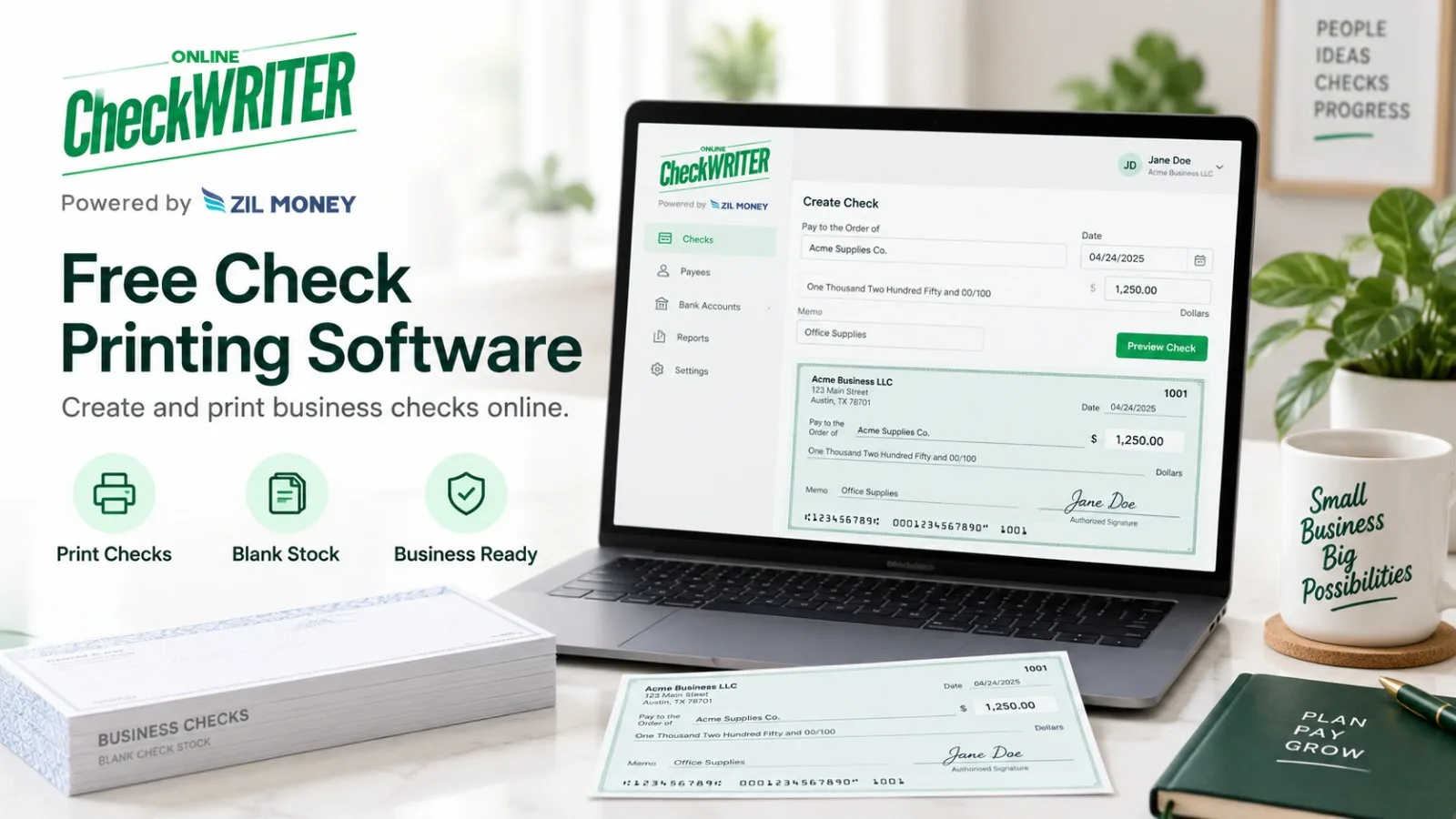
OnlineCheckWriter.com focuses on on-demand check creation and printing. Its current check-printing tools support creating checks on blank check stock, using editable templates, customizing check layouts, and using supported check-mailing services. Plan conditions, eligibility, transaction charges, and other service fees can apply, so “free” should not be interpreted as unlimited no-cost use for every transaction.
Start With the Check Printing Problem
Before choosing software, identify what the business actually needs.
A company may need to print occasional vendor checks, manage checks from several bank accounts, create payments without waiting for a new checkbook, or prepare checks for mailing.
OnlineCheckWriter.com allows businesses to create and print checks on demand using blank stock rather than relying only on pre-printed checks. The platform also provides check templates and customization tools for supported workflows.
That can be useful when a business wants more control over when a check is created and which account is used.
Understand What “Free” Means
The phrase free check printing software needs context.
OnlineCheckWriter.com promotes check-printing functionality and check templates, but its current pricing resources also show that plan, transaction, printing, mailing, and other charges may apply depending on how the service is used.
Before issuing live payments, businesses should check the current plan and transaction terms.
Ask what functionality is included, whether any credits or eligibility conditions apply, and what charges may apply to printing, emailing, mailing, or other services.
This provides a more accurate comparison than choosing software based only on the word “free.”
Understand the MICR Requirement
Businesses printing checks should also understand the MICR line.
The Federal Reserve’s Check 21 FAQ explains that the MICR line is the numeric information at the bottom of an original check containing details such as the routing number, account number, and check serial number.
The same Federal Reserve guidance states that generally applicable industry standards for original checks require the MICR line to be printed in magnetic ink. If the MICR line is already pre-printed on the check stock, the remaining information can be printed with regular non-magnetic ink. If the payer is printing the MICR line, the Federal Reserve says the MICR line should be printed in magnetic ink.
The Federal Reserve also makes clear that this magnetic-ink requirement predates the Check 21 Act.
Businesses should therefore understand their check stock and printing setup before relying on an on-demand printing workflow.
Check the Templates and Payment Information
Templates can make check preparation easier, but they do not remove the need to verify the payment.
OnlineCheckWriter.com provides editable check templates and customization options for supported check-printing workflows.
Before printing, confirm the routing number, account number, check number, payee, date, and amount.
For businesses managing several bank accounts, selecting the correct account before printing is especially important.
Keep eChecks Separate From ACH
OnlineCheckWriter.com also supports eChecks, but the terminology should be clear.
An OnlineCheckWriter.com eCheck is a digital check document delivered electronically to the payee as a PDF. It should not be described as an ACH transfer.
That means a business may be dealing with three different check workflows: printing a physical check itself, using a supported check-mailing service, or delivering a digital check document electronically.
Keeping those processes separate makes it easier for both the payer and recipient to understand what will happen next.
Compare the Complete Workflow
Check-printing software should be evaluated on more than whether it can produce a check.
Consider who creates payments, who approves them, which bank accounts are used, whether checks need to be mailed, how transaction records are maintained, and what current plan or transaction charges apply.
A business printing a few checks each month may have different requirements from a company managing larger payment runs.
OnlineCheckWriter.com can be evaluated by businesses that want on-demand check creation, blank-stock printing, customizable templates, supported mailing options, and digital check delivery within one broader check-management platform.
Before selecting a plan or submitting live payments, businesses should review the current product, eligibility, and pricing terms.
OnlineCheckWriter.com – powered by Zil Money, is a financial technology company, not a bank. Banking and money movement services are provided through partner financial institutions and licensed service providers. FDIC insurance coverage applies only to eligible deposit products and accounts, and is subject to applicable terms, conditions, limitations, and requirements. Additional information regarding partner institutions, products, and services is available in the applicable terms and agreements.
[1]: https://onlinecheckwriter.com/check-printing-software-free/ “Check Printing Software Free Print Yourself On Any Printer”
[2]: https://support.onlinecheckwriter.com/portal/en/kb/articles/how-does-the-pricing-work-21-4-2025-1 “How does the pricing work?”
[3]: https://www.federalreserve.gov/paymentsystems/regcc-faq-check21.htm “Federal Reserve Board – Frequently Asked Questions about Check 21”
[4]: https://onlinecheckwriter.com/check-print-software-free/ “Check Print Software Free | Print Checks from Any Printer”