BILL vs QuickBooks Bill Pay: Which Workflow Fits Your Business?
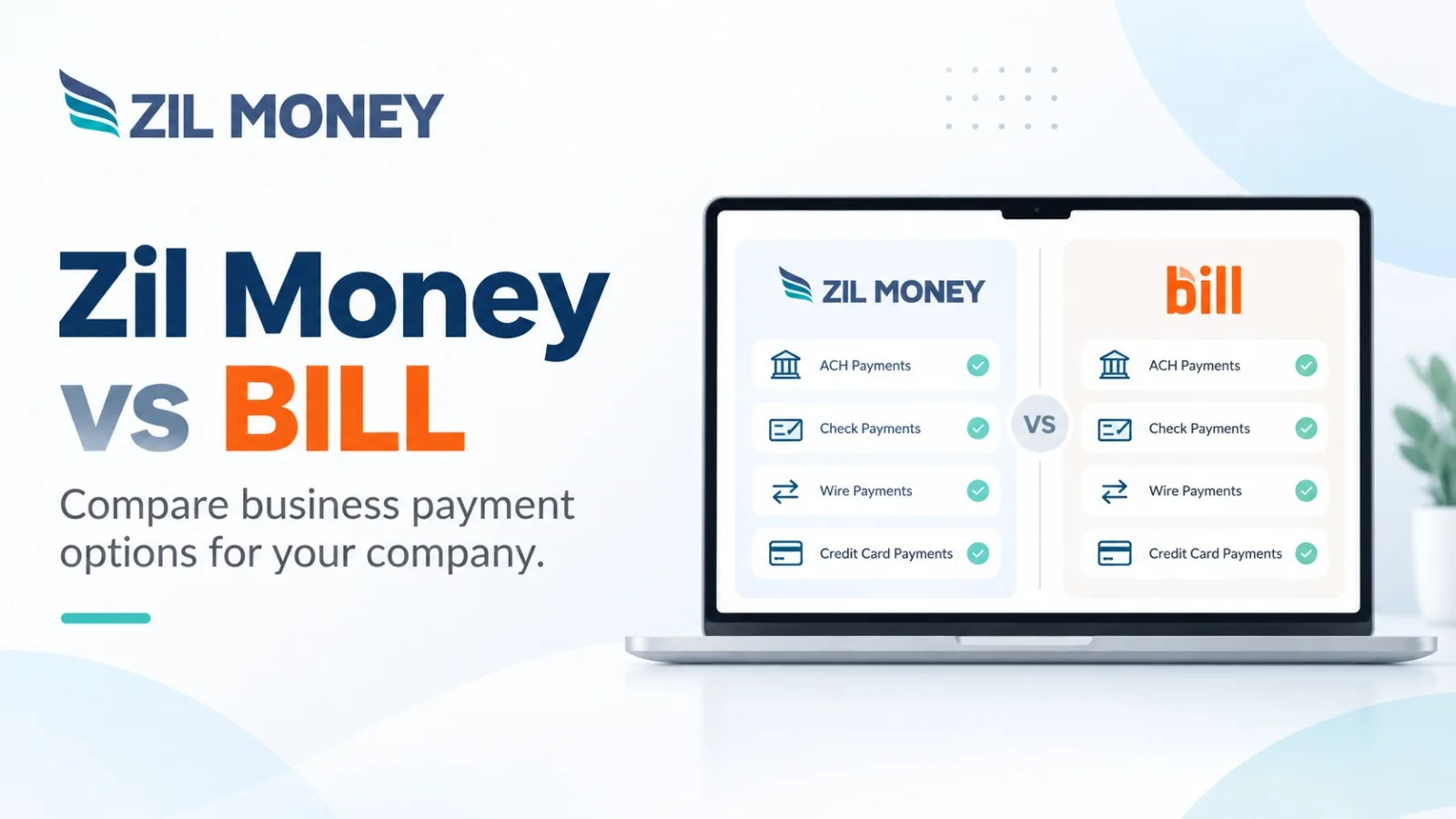
Published for Zil Money
Disclosure: This article was published as part of a paid partnership with Zil Money. The author is an independent contributor.
Comparison note: BILL and QuickBooks Bill Pay product information referenced in this article was checked on September 15, 2026. Competitor features, plans, and terms can change, so businesses should verify current information directly before making a purchasing decision.
The BILL vs QuickBooks Bill Pay decision depends largely on where a business wants to manage accounts payable and how much AP functionality the finance team actually needs.
QuickBooks Bill Pay operates inside the QuickBooks environment. BILL provides a separate accounts payable and accounts receivable platform that connects with accounting systems.
Zil Money takes a different approach, focusing more directly on payment execution and giving businesses multiple ways to pay vendors.
How QuickBooks Bill Pay Works
According to Intuit’s current QuickBooks Bill Pay documentation, checked September 15, 2026, QuickBooks Bill Pay allows businesses to manage bills within QuickBooks and pay vendors through ACH bank transfers or mailed physical checks. Review the current QuickBooks Bill Pay documentation.
For businesses already using QuickBooks Online for accounting, this can keep bill entry and payment activity within the same accounting environment.
Intuit also documents additional approval capabilities for applicable QuickBooks Bill Pay plans. QuickBooks Bill Pay Elite and QuickBooks Online Advanced customers can use roles, permissions, and bill-payment approval workflows. See Intuit’s current approval workflow documentation.
These details were verified September 15, 2026 and should be checked again if the article is updated later.
How BILL Approaches Accounts Payable
BILL operates as a separate AP and AR platform rather than as a feature inside QuickBooks.
According to BILL’s current public product and pricing information, checked September 15, 2026, applicable BILL plans include bill entry, approval workflows, centralized bill management, payment options, and accounting connections. BILL also currently lists automatic two-way synchronization with QuickBooks Online, QuickBooks Pro, QuickBooks Premier, and Xero on applicable plans. Review BILL’s current product information.
BILL also lists ACH, virtual card, credit card, and other payment options in its current AP product information. Because these are competitor features and can change, businesses should rely on BILL’s current documentation rather than older comparison articles.
The important point is not that BILL has more or fewer features than QuickBooks Bill Pay.
The products organize AP differently.
Where Does the Accounting Work Happen?
This may be the clearest difference for a QuickBooks user.
QuickBooks Bill Pay is built into the QuickBooks workflow. Bills, accounting records, and payment activity can remain within that environment.
BILL operates as a separate AP platform and connects back to supported accounting systems.
A business should therefore ask:
Where do we want staff to manage bills every day?
If the accounting team wants bill payment to remain closely tied to QuickBooks, QuickBooks Bill Pay may fit naturally.
If the company wants a separate AP environment with its own workflow and controls, BILL may deserve consideration.
Where Zil Money Fits
This article is published for Zil Money, and Zil Money serves a different primary use case.
According to Zil Money’s current product information, the platform supports business payment workflows including ACH, wire transfers, checks, virtual cards, digital checks, and eligible credit-card-funded payments.
That can be relevant when a business already manages bills or approvals through accounting software but wants more flexibility in how the resulting payment is sent.
For example, one vendor may accept ACH, another may require a wire, and another may still prefer a check.
Zil Money also supports digital checks. A Zil Money digital check, sometimes called an eCheck, is a PDF check delivered electronically to the payee. It is separate from an ACH transfer.
This makes Zil Money a payment-focused option rather than an identical replacement for every BILL or QuickBooks accounting and AP function.
Compare the Actual Workflow
The strongest BILL vs QuickBooks Bill Pay comparison should use a real vendor bill.
Record the bill. Review who needs to approve it. Choose the payment method. Send the payment. Then check what appears in the accounting record.
Repeat the same process for each platform being considered.
A business should also compare user access, approval needs, accounting connectivity, available payment methods, current pricing, and the amount of manual work that remains.
QuickBooks Bill Pay may fit businesses that want bill payment closely connected with QuickBooks.
BILL may fit teams that want a separate AP and AR platform with broader workflow capabilities.
Zil Money may be worth evaluating when the main requirement is flexible payment execution around an accounting process the business already uses.
There is no universal winner. The better choice is the workflow that matches how the finance team actually manages bills and pays vendors.
Zil Money, is a financial technology company, not a bank. Banking and money movement services are provided through partner financial institutions and licensed service providers. FDIC insurance coverage applies only to eligible deposit products and accounts, and is subject to applicable terms, conditions, limitations, and requirements. Additional information regarding partner institutions, products, and services is available in the applicable terms and agreements.