Business Check Printing for QuickBooks Users: Keep the Check and Accounting Record Aligned
Disclosure: This article was published as part of a paid partnership with OnlineCheckWriter.com, a Zil Money platform. The author is an independent contributor.
Business check printing for QuickBooks users works best when the printed payment and the accounting record stay connected.
QuickBooks can record and print checks directly. Intuit’s current QuickBooks Online documentation says users first record a check, place it in the print queue, select the check type, and then print one or more checks.
Some businesses, however, want additional printing, blank-stock, mailing, or multi-account options.
That is where an external check-printing platform may fit.
Start With the Accounting Record
Before printing anything, make sure the check represents a valid transaction in the accounting process.
The payee, amount, bank account, expense or bill, and check number should match the business’s records.
Intuit says printing a check through QuickBooks can update the accounting record as part of the same workflow.
If another platform is used for printing, the business should make sure that connection is preserved.
OnlineCheckWriter.com Supports QuickBooks Imports
OnlineCheckWriter.com’s current support documentation says QuickBooks Online users can connect their company and import checks into OnlineCheckWriter.com.
Its support documentation also describes importing checks or bills and, for applicable QuickBooks workflows, sending check information back to QuickBooks.
QuickBooks Desktop uses a separate software connector workflow.
The exact fields and synchronization behavior should still be tested before a business relies on the integration for a large check run.
Why Use Another Printing Workflow?
QuickBooks itself can print checks.
Therefore, an external platform should solve a specific problem rather than duplicate the same step for no reason.
A business might want:
blank-stock printing, multiple layouts, batch check handling, mailing services, additional user approval workflows, or access to several payment methods from the same platform.
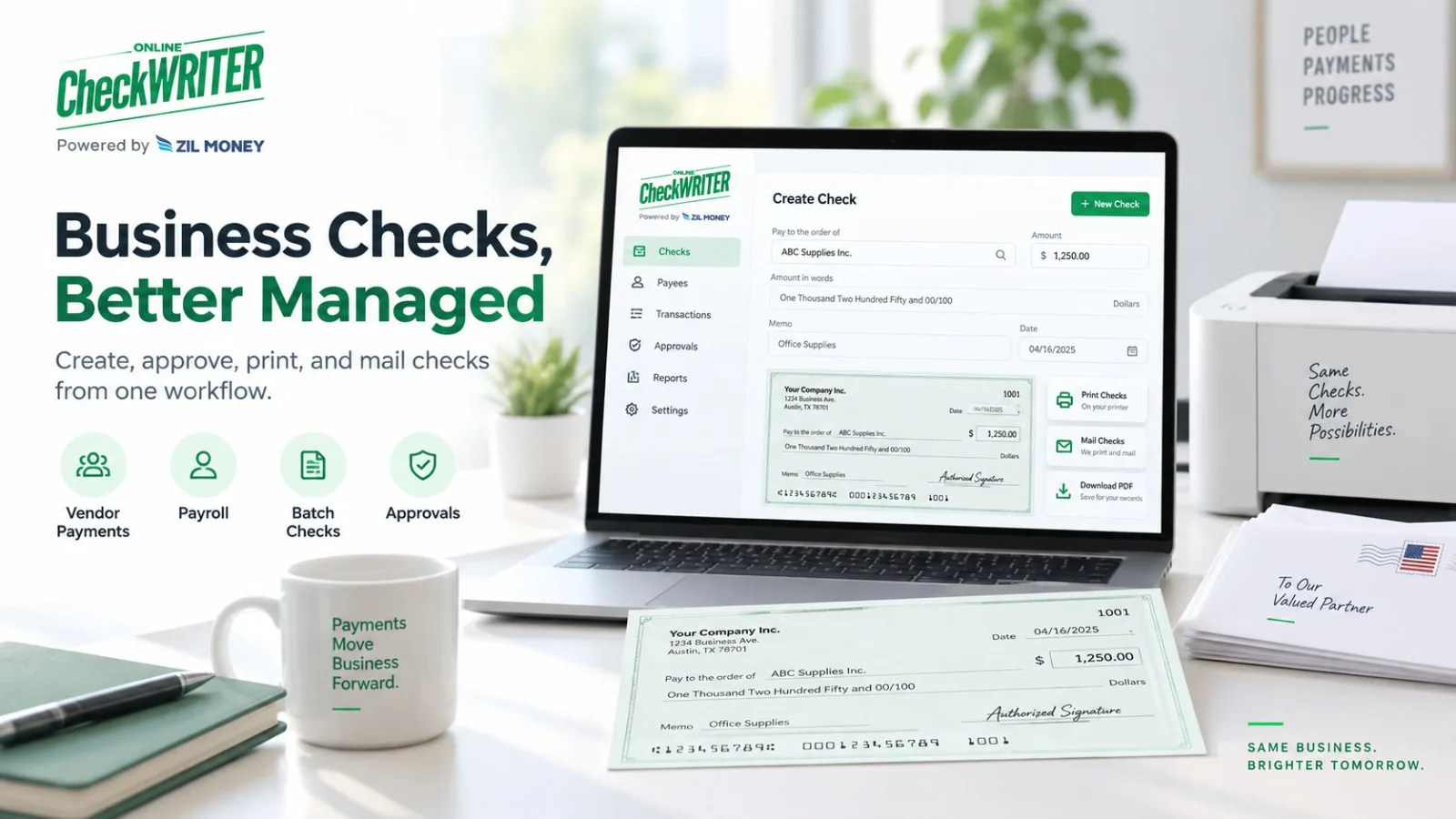
OnlineCheckWriter.com’s Business Checks page supports individual and batch checks, accounting imports, approval settings, and check mailing.
If the company does not need those functions, the built-in QuickBooks printing workflow may already be sufficient.
Keep Check Numbers Synchronized
The check number is important for reconciliation.
If a check is recorded in QuickBooks with one number and printed through another system with another number, the finance team can create unnecessary confusion.
Before printing, confirm the number shown in both systems.
If the check is voided, deleted, or reissued, update the records appropriately.
Do not let two systems tell different stories about the same payment.
Review the Bank Account
Businesses using multiple checking accounts should confirm that the account selected in QuickBooks matches the account selected in the printing platform.
This matters for routing information, check numbering, and reconciliation.
A check that looks correct but draws on the wrong account is not a minor formatting error.
Test Before a Large Batch
Before importing hundreds of payments, test a few representative checks.
Confirm:
payee, amount, account, check number, memo, accounting categorization, print layout, and the behavior of any synchronization back to QuickBooks.
This makes it easier to identify a mapping or workflow problem before it affects an entire check run.
Printing Is Only One Part of Reconciliation
After the check is issued, the business still needs to match cleared transactions to the accounting record.
If a check never arrives, is voided, or is replaced, both systems should reflect the correct outcome.
The goal of business check printing for QuickBooks users is therefore not just to make a check look professional.
It is to preserve accurate accounting while giving the business the printing and delivery options it actually needs.
QuickBooks remains the accounting system. OnlineCheckWriter.com can be evaluated as an additional printing and payment workflow where its current integration and check-management features solve a specific operational requirement.
OnlineCheckWriter.com – powered by Zil Money, is a financial technology company, not a bank. Banking and money movement services are provided through partner financial institutions and licensed service providers. FDIC insurance coverage applies only to eligible deposit products and accounts, and is subject to applicable terms, conditions, limitations, and requirements. Additional information regarding partner institutions, products, and services is available in the applicable terms and agreements.