Check Approval Workflow for Issuing Business Checks: Separate the Critical Steps
Disclosure: This article was published as part of a paid partnership with OnlineCheckWriter.com, a Zil Money platform. The author is an independent contributor.
A check approval workflow for issuing business checks should answer a basic question:
Who is allowed to prepare, approve, print, and reconcile the payment?
In a very small business, one owner may perform several of those tasks.
As the organization grows, separating some responsibilities can create clearer controls around company funds.
The goal is not to make check payments complicated.
It is to make authority visible.
Step 1: Payment Preparation
The first step is creating the payment.
An employee may enter the vendor, amount, invoice reference, funding account, check date, and other necessary information.
Preparing the check should not automatically mean that the employee has final authority to release the money.
That distinction becomes more important as payment amounts or staff numbers increase.
Step 2: Review the Supporting Information
The approver should understand what is being paid.
Before approval, review the vendor, amount, invoice or expense, bank account, due date, check number, and any unusual changes.
A payment requested by a familiar vendor can still require extra review if the mailing address or other payment information suddenly changes.
The purpose of approval is not simply clicking an “Approve” button.
It is confirming that the payment makes sense
Step 3: Apply Approval Rules
Different businesses need different approval policies.
A small company might require owner approval for every check.
Another business may allow routine payments below an internal amount while requiring management review for larger checks.
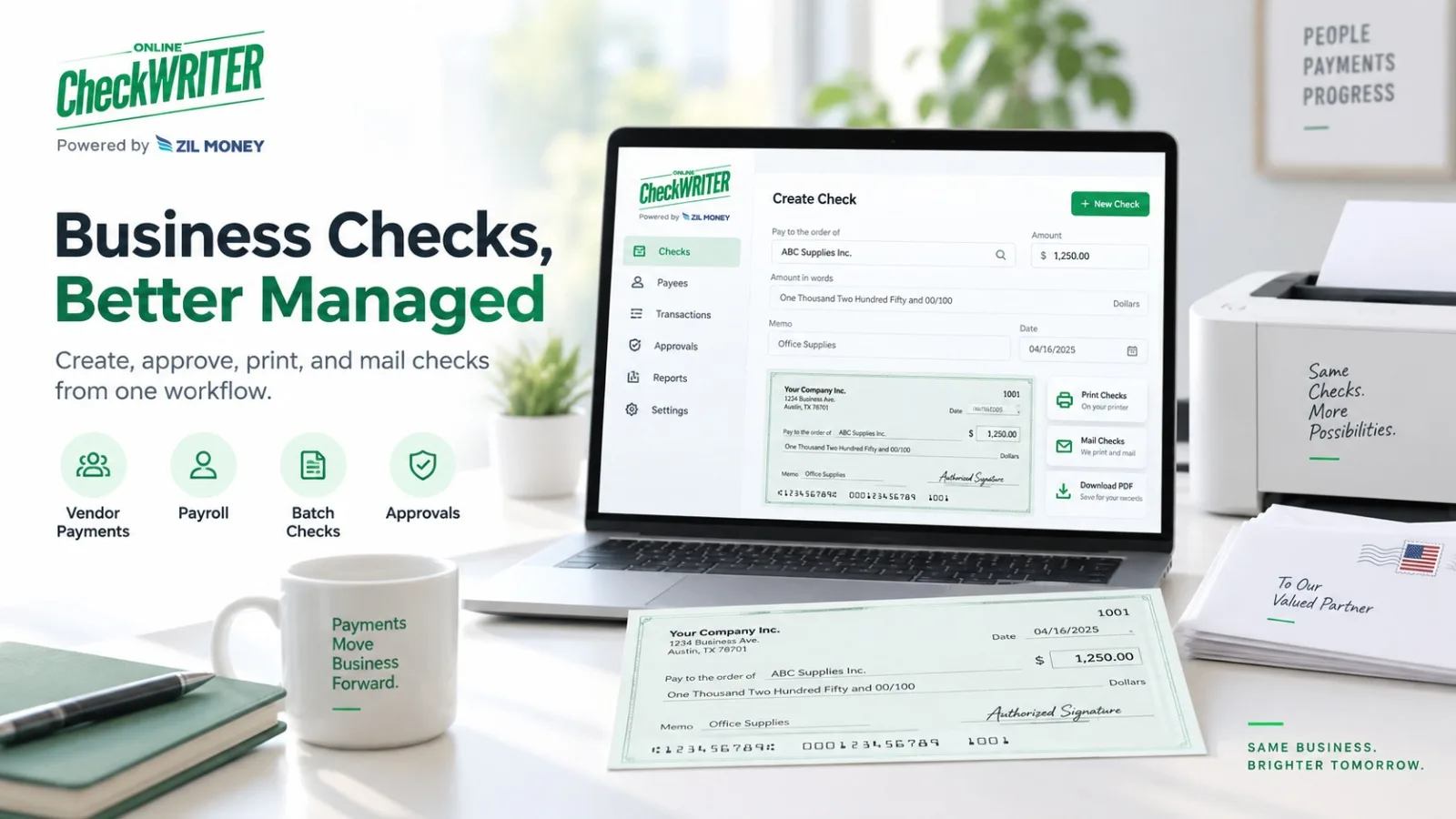
OnlineCheckWriter.com’s current Business Checks page supports user roles and approval settings that can require selected checks to be reviewed before they are printed or mailed.
Its support documentation also describes customizable user permissions, including approval thresholds and restrictions to specific bank accounts.
The business should configure those controls to match its internal policy.
Step 4: Control Signatures and Bank Accounts
Not every user needs access to every checking account or authorized signature.
Limit access according to job responsibility.
For example, a staff member responsible for one business entity may not need access to accounts belonging to another entity.
The same principle applies to stored signatures.
A signature feature is useful only when access to it reflects actual authority.
Step 5: Print or Mail Only After Approval
Once the payment is approved, it can move to issuance.
OnlineCheckWriter.com supports local printing or available check-mailing workflows.
At this point, confirm that the final printed check still matches the approved payment.
A change made after approval should normally trigger whatever additional review the business policy requires.
Step 6: Reconcile Independently When Practical
Approval does not end when the check leaves the office.
Later, someone should confirm that the bank transaction matches the authorized check.
Review the cleared check number, amount, and payee.
If a check is outstanding for an unusual period, voided, replaced, or disputed, investigate and update the accounting records.
For larger organizations, having a person other than the check preparer perform reconciliation can create an additional control.
Keep an Audit Trail
The business should be able to determine:
who created the check, who approved it, when it was issued, which account funded it, and what happened afterward.
OnlineCheckWriter.com’s support resources describe activity-history and permission features that can support this type of recordkeeping.
This does not guarantee that fraud or errors can never occur.
It gives the business clearer information when reviewing a transaction.
Build the Workflow Around the Business
A 10-person company and a 500-person organization do not need identical approval structures.
The important questions remain the same:
Who prepares the check? Who verifies it? Who approves it? Who can use the signature? Who releases it? Who reconciles it later?
A check approval workflow for issuing business checks should answer those questions before the payment is created.
Software such as OnlineCheckWriter.com can support the process through roles and approval controls, but the company itself still decides who has authority to spend its money.
OnlineCheckWriter.com – powered by Zil Money, is a financial technology company, not a bank. Banking and money movement services are provided through partner financial institutions and licensed service providers. FDIC insurance coverage applies only to eligible deposit products and accounts, and is subject to applicable terms, conditions, limitations, and requirements. Additional information regarding partner institutions, products, and services is available in the applicable terms and agreements.