How to Check a Solana Wallet for Reclaimable SOL Without Taking Unnecessary Risks
Using Solana feels simple when you only look at the main wallet balance. You open your wallet, see how much SOL you have, check your tokens, and move on. But once you spend more time trading, staking, testing apps, or receiving tokens, your wallet starts collecting more behind-the-scenes account activity than most beginners realize.
Some of those accounts may still hold small amounts of SOL. That does not mean the wallet found a bonus or a reward. In many cases, the SOL is connected to account rent, which is part of how Solana keeps on-chain accounts active. If an account is no longer needed and can be closed safely, the remaining SOL may be returned to the wallet owner.
This sounds useful, but it is also an area where beginners need to slow down. Wallet cleanup is still a blockchain action. You are not just clicking a normal settings button. You are signing transactions that can close accounts, move SOL, or remove unwanted assets. That makes it worth understanding what is happening before you approve anything.
Start With What Solana Accounts Actually Do
A Solana wallet is not just one simple container. Your main wallet address can control many different accounts, and each account can serve a different purpose. One account may hold a token balance. Another may relate to staking. Another may come from a DeFi protocol, a token extension, a reward flow, or a program interaction.
This is why a wallet can look clean on the surface while still having extra account state underneath. If you bought a token months ago and later sold the full balance, the token account connected to that asset may still exist. If you used a DeFi app and exited the position, some account records may remain. If you received unwanted tokens or spam assets, they can also create clutter.
For a beginner, the important point is that the wallet interface does not always show every account-level detail in a way that is easy to understand. The main SOL balance tells you one thing. The full list of accounts controlled by the wallet can tell you something else.
Why SOL Can Sit Inside Unused Accounts
Solana accounts normally need enough SOL to remain rent-exempt. This rent-exempt balance is not a trading profit or a promotional payout. It is more like a reserve attached to the account while that account exists on-chain.
When the account is active, that reserve has a job. It helps keep the account alive and available. But if the account is no longer needed, and if it is eligible to close, the remaining SOL can often be sent back to the wallet owner through a closing transaction.
Empty token accounts are the easiest example to understand. A user buys a token, the wallet creates or uses a token account, and the token account holds the asset. Later, the user sells or transfers the whole balance. The token may be gone, but the account itself can remain. If that account is safe to close, its rent reserve may become reclaimable.
This can add up for wallets with a lot of history. A trader who has tested many tokens, participated in launches, used several DeFi apps, or interacted with NFTs may have many small accounts left behind. Each one may only hold a small amount, but together they can make wallet cleanup worth checking.
Look at the Source of Each Account
Not every unused-looking account should be treated the same way. This is where beginners often get into trouble. An account with a zero token balance may be simple, but other account types can be more complicated.
Token accounts are usually the first category people check. If the balance is zero and the account authority is correct, it may be a candidate for closure. But even here, it is better to review what the transaction is doing before signing.
Stake accounts need separate attention. A stake account may be active, deactivating, deactivated, or subject to other conditions. If it is still involved in staking, closing or withdrawing from it at the wrong time may not be possible or may not match what the user expects.
DeFi-related accounts can be even more sensitive. Some may be tied to open positions, claims, rewards, liquidity, or protocol-specific logic. If you do not understand why the account exists, you should not rush to close it just because a page suggests there is SOL available.
Token-2022 accounts also deserve care because they can use extensions that change how tokens behave. A basic wallet view may not explain those details clearly. Beginners should assume that account cleanup requires more than checking whether a token balance looks empty.
Use Normal Wallet Signing, Not Seed Phrase Access
The strongest safety rule is simple: never enter a seed phrase or private key into a cleanup or claim website. A legitimate flow should not need it. You should be connecting through a normal wallet such as Phantom, Solflare, Backpack, or another standard Solana wallet, then reviewing transaction prompts inside that wallet.
If a site asks for a recovery phrase, close it. If it asks you to download an unknown wallet extension, be careful. If it shows a large claim number but gives no clear account list, fee explanation, or transaction details, treat that as a warning sign.
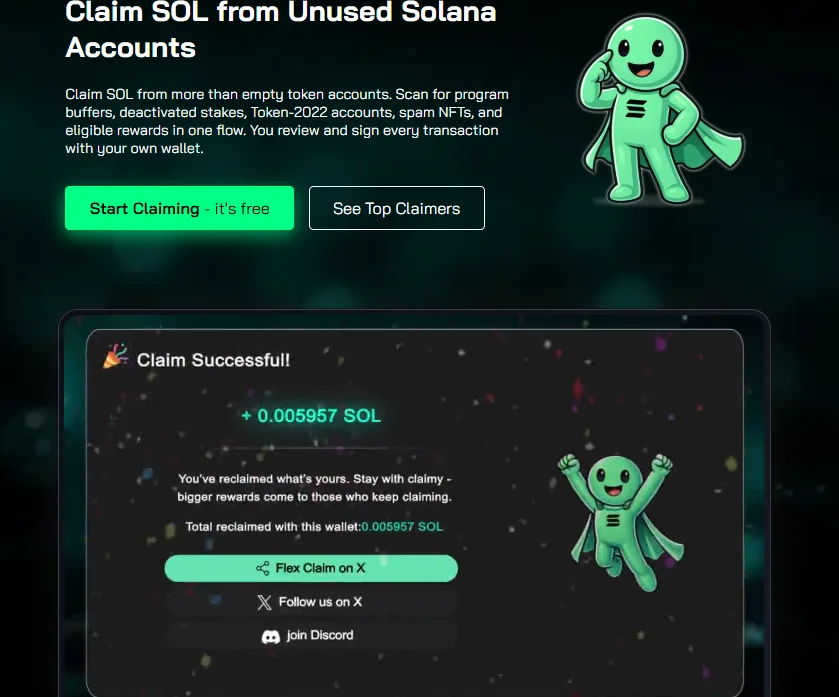
A safer process should show you what accounts are being checked, what may be reclaimed, what fees apply, and what you are about to sign. For example, wallet owners can use tools such as Unclaimed SOl to scan for eligible accounts while keeping control of approval through their own wallet.
The key is control. A scanner can help you find account-level opportunities, but you still need to understand the action before signing. If the wallet prompt does not match what the page said, do not approve it.
Check the Net Amount, Not Just the Headline Number
A cleanup tool may show an estimated reclaimable amount, but the number that matters is the net amount you expect to receive after fees and transaction costs. Some services charge a percentage. Some account types may involve different fees. Network fees may also apply.
This does not automatically make a service bad. It just means the fee should be visible before you sign. If you are reclaiming a very small amount, the convenience may or may not be worth it. If you are reclaiming from many accounts, the net result may be more meaningful.
Beginners should avoid being pulled in by large headline numbers without understanding the breakdown. A clear tool should explain what is being returned, what is being deducted, and which accounts are part of the transaction.
Know When to Leave an Account Alone
Wallet cleanup is useful when accounts are genuinely inactive, but it is not something to force. If an account may still be connected to an active app, open order, position, staking setup, or reward flow, it is better to leave it alone until you understand it.
There is also no need to constantly clean a wallet after every small action. For many users, periodic checks make more sense. You might review your wallet after selling old tokens, exiting DeFi positions, moving assets to a new wallet, or finishing a period of active trading.
The goal is not to chase every tiny account immediately. The goal is to keep your wallet understandable and recover SOL that is already tied to accounts you no longer need.
Build a Safer Habit Before Signing
The safest habit is to treat every wallet cleanup action like a real financial transaction. Check the site, check the account list, check the fee, check the wallet prompt, and slow down if anything feels unclear.
Beginners often think the risky part of crypto is only trading. In reality, routine wallet actions can also create risk if you sign too quickly. Phishing pages, fake claim links, and confusing wallet prompts all rely on users moving faster than they can verify.
Reclaimable SOL is a normal result of how Solana accounts work. It can be useful, especially for active wallets with a long history. But it should be handled as wallet maintenance, not as a shortcut. When you understand the account, use standard wallet signing, and review the net result before approval, checking for reclaimable SOL becomes a practical way to keep a Solana wallet cleaner and easier to manage.