How to Print Business Checks: A Control-Focused Five-Step Process
Disclosure: This article was published as part of a paid partnership with OnlineCheckWriter.com, a Zil Money platform. The author is an independent contributor.
Knowing how to print business checks involves more than selecting a template and pressing Print.
Business checks can pay vendors, employees, contractors, refunds, rent, or other company expenses. That means account selection, approvals, check numbering, records, and printing requirements all matter.
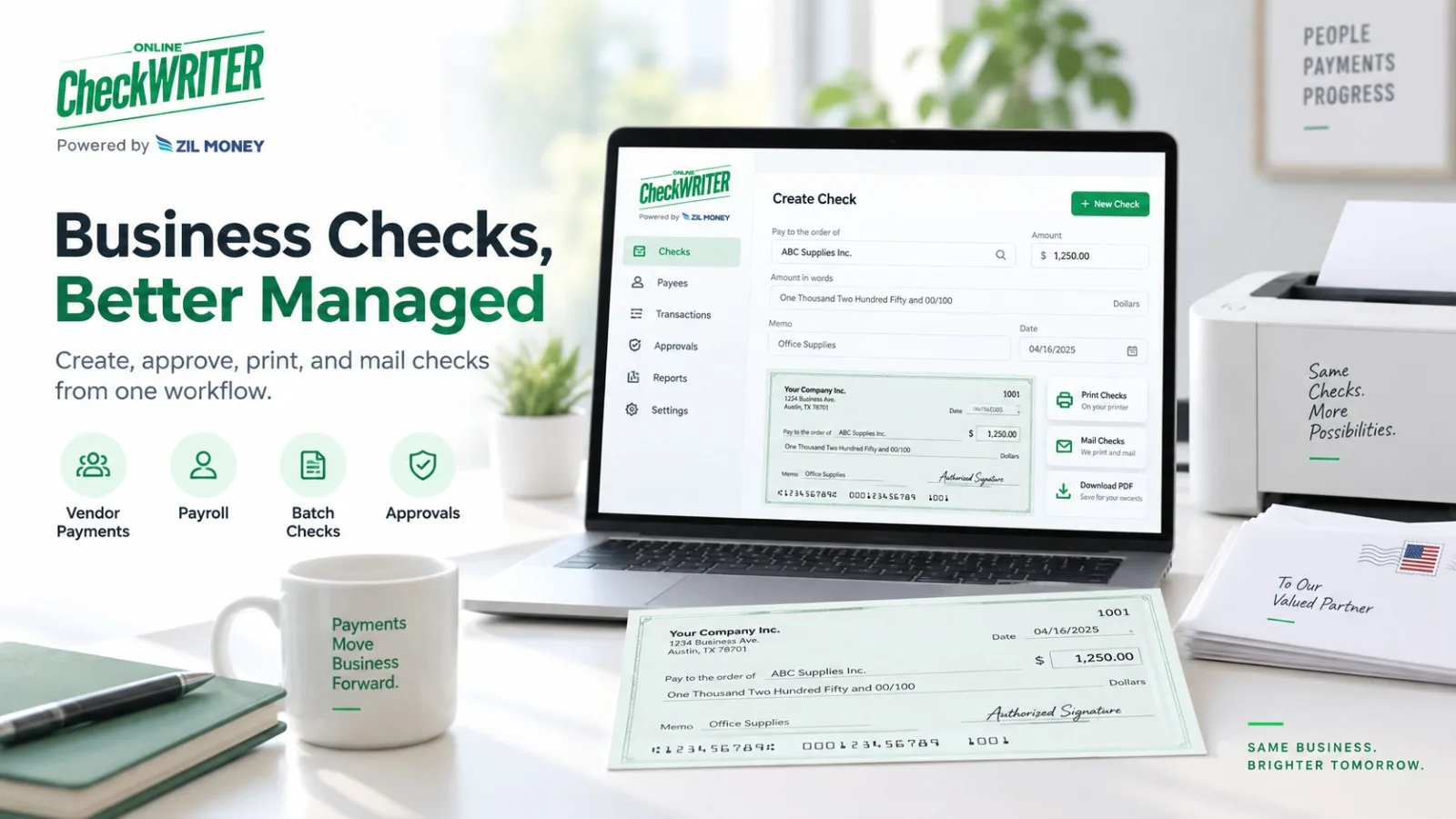
OnlineCheckWriter.com’s current Business Checks page supports individual checks, batch payments, accounting imports, user roles, approvals, local printing, and check mailing.
A good business process should use those tools without removing internal controls.
Step 1: Select the Correct Business Account
Start with the account the payment will draw from.
Review the company name, routing number, account number, and check-number sequence.
A business with several checking accounts should make account selection obvious to the person preparing the check.
Do not assume a saved template automatically means the correct funding account has been selected.
Step 2: Enter or Import the Payment
For one check, enter the payee, amount, issue date, memo, and other necessary information.
For a larger payment run, OnlineCheckWriter.com supports importing multiple payments through supported CSV and accounting-integration workflows.
Imported data still needs review.
Automation can reduce repeated entry, but it can also repeat a bad address or incorrect amount across many payments if the source file is wrong.
Step 3: Review and Approve
Before printing, confirm:
the payee, amount, bank account, check number, issue date, signature status, and mailing address where applicable.
OnlineCheckWriter.com’s current Business Checks page supports approval settings that can require a selected check to be reviewed before it is printed or mailed.
This allows a business to separate payment preparation from final authorization when its internal process requires it.
Step 4: Confirm the Print Setup
Business checks can use blank check stock or another supported format.
The MICR line requires particular attention.
The Federal Reserve says that when a payer prints the MICR line on an original check, that line should be printed using magnetic ink.
If the MICR line is already pre-printed, the remaining check information can use normal ink.
The financial institution may also have its own requirements.
Test a new printer, template, or stock before using it for a major payment batch.
Step 5: Print or Mail the Check
Once approved, the business can print locally or choose an available mailing workflow.
OnlineCheckWriter.com currently supports USPS and FedEx mailing options in addition to local printing. Charges, submission times, carrier fees, tracking availability, and delivery estimates depend on the selected service.
Do not describe a mailed check as delivered simply because it has been printed or submitted to the carrier.
Keep the Check Record
After issuance, retain the check number, payee, amount, bank account, issue date, and payment status.
If the check is voided, stopped, or replaced, make sure the records reflect that change.
This becomes especially important during reconciliation.
The check that clears the bank should match the payment the business actually approved.
Business Check Printing Should Support the Policy
Software should not decide who is authorized to spend company funds.
That is a management decision.
A smaller business may have one owner preparing and approving checks.
A larger company may require separate preparers, approvers, and accounting reviewers.
The value of a business check platform is that it can support the chosen process.
The practical answer to how to print business checks is therefore:
select the right account, enter or import the payment, review and approve it, confirm the printing setup, issue the check, and keep the record.
That creates a stronger workflow than treating business check printing as only a document-generation task.
OnlineCheckWriter.com – powered by Zil Money, is a financial technology company, not a bank. Banking and money movement services are provided through partner financial institutions and licensed service providers. FDIC insurance coverage applies only to eligible deposit products and accounts, and is subject to applicable terms, conditions, limitations, and requirements. Additional information regarding partner institutions, products, and services is available in the applicable terms and agreements.