How to Send an eCheck With OnlineCheckWriter.com
Disclosure: This article was published as part of a paid partnership with OnlineCheckWriter.com, a Zil Money platform. The author is an independent contributor.
Businesses searching how to send an eCheck first need to know what kind of eCheck the provider offers.
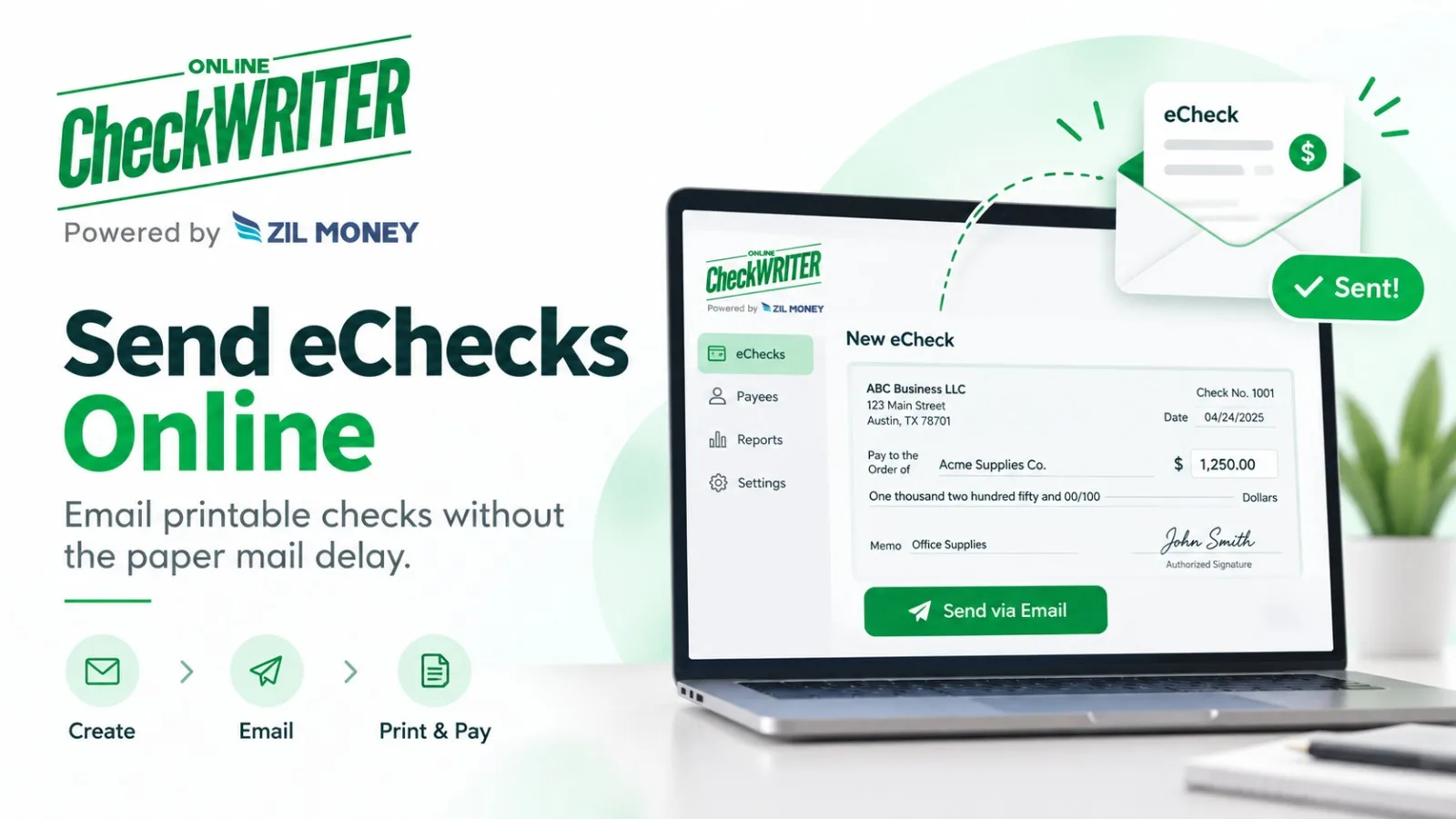
OnlineCheckWriter.com’s eCheck is a printable check sent electronically to the payee, rather than the payer printing the check and mailing it. The recipient receives the check document and can print it for deposit using a method accepted by the recipient’s financial institution.
This is different from an ACH transfer.
Here is what the workflow means in practical terms.
Step 1: Use the Correct Bank Account
The payer first needs the bank account that will be used for the check.
Businesses often manage more than one account, so this selection matters.
Before sending the payment, confirm that the correct account is connected or selected and that the payment is authorized according to the company’s internal process.
A digital workflow does not remove the need to verify the funding account.
Step 2: Create the Check
The payer enters the payment details.
These normally include the payee, amount, date, and other information needed to create the check.
Review the information before sending it.
An incorrect recipient name or amount is still an incorrect payment even when the document is being delivered electronically instead of through the mail.
If the business uses approvals, complete the required review before releasing the check.
Step 3: Send the eCheck Electronically
OnlineCheckWriter.com describes its eCheck product as allowing the check to be sent electronically to the payee as a printable PDF, with email delivery and available SMS notification.
This changes the delivery step.
The payer does not have to print the check, put it into an envelope, apply postage, and wait for postal delivery before the recipient sees the payment document.
However, electronic delivery should not be described as “instant payment.”
The recipient has received the check document. That does not mean funds have already been deposited or made available by the receiving financial institution.
Step 4: The Payee Prints and Deposits It
The recipient follows the deposit process accepted by the recipient’s bank or credit union.
OnlineCheckWriter.com’s product positioning is based on the payee printing the check and depositing it like another check.
Deposit options can vary between financial institutions.
A recipient should not assume that every mobile banking application will accept every printed check image. For an important payment, the payee should follow the bank’s own deposit rules.
Keep eCheck and ACH Separate
This is important for both compliance and search clarity.
Nacha commonly uses “eCheck” as a term for ACH-based electronic payments.
OnlineCheckWriter.com’s printable eCheck product is a different workflow.
External articles should therefore say “OnlineCheckWriter.com eCheck” when explaining the printable PDF product rather than suggesting that all eChecks everywhere work the same way.
Review the Cost Before Sending
OnlineCheckWriter.com currently publishes check and email-check pricing in its support documentation, but pricing can change by plan and over time.
Businesses should review current pricing before calculating the cost of an eCheck payment.
Avoid hard-coding an old fee into long-lived external content unless the price is timestamped and regularly maintained.
When Is This Workflow Useful?
An OnlineCheckWriter.com eCheck may be useful when the payee wants a check and the payer wants to avoid the postal-delivery step.
It can also help when the business is away from its printer or needs to send the check document to a remote recipient.
The basic answer to how to send an eCheck with OnlineCheckWriter.com is therefore straightforward:
select the correct account, create and review the check, send the printable document electronically, and let the payee deposit it according to the receiving institution’s rules.
OnlineCheckWriter.com – powered by Zil Money, is a financial technology company, not a bank. Banking and money movement services are provided through partner financial institutions and licensed service providers. FDIC insurance coverage applies only to eligible deposit products and accounts, and is subject to applicable terms, conditions, limitations, and requirements. Additional information regarding partner institutions, products, and services is available in the applicable terms and agreements.